
Send the job notes, get the write-up
At the end of the job, text CrewBuddy what you did and a few photos. It writes a short summary for the customer and a private record for you.
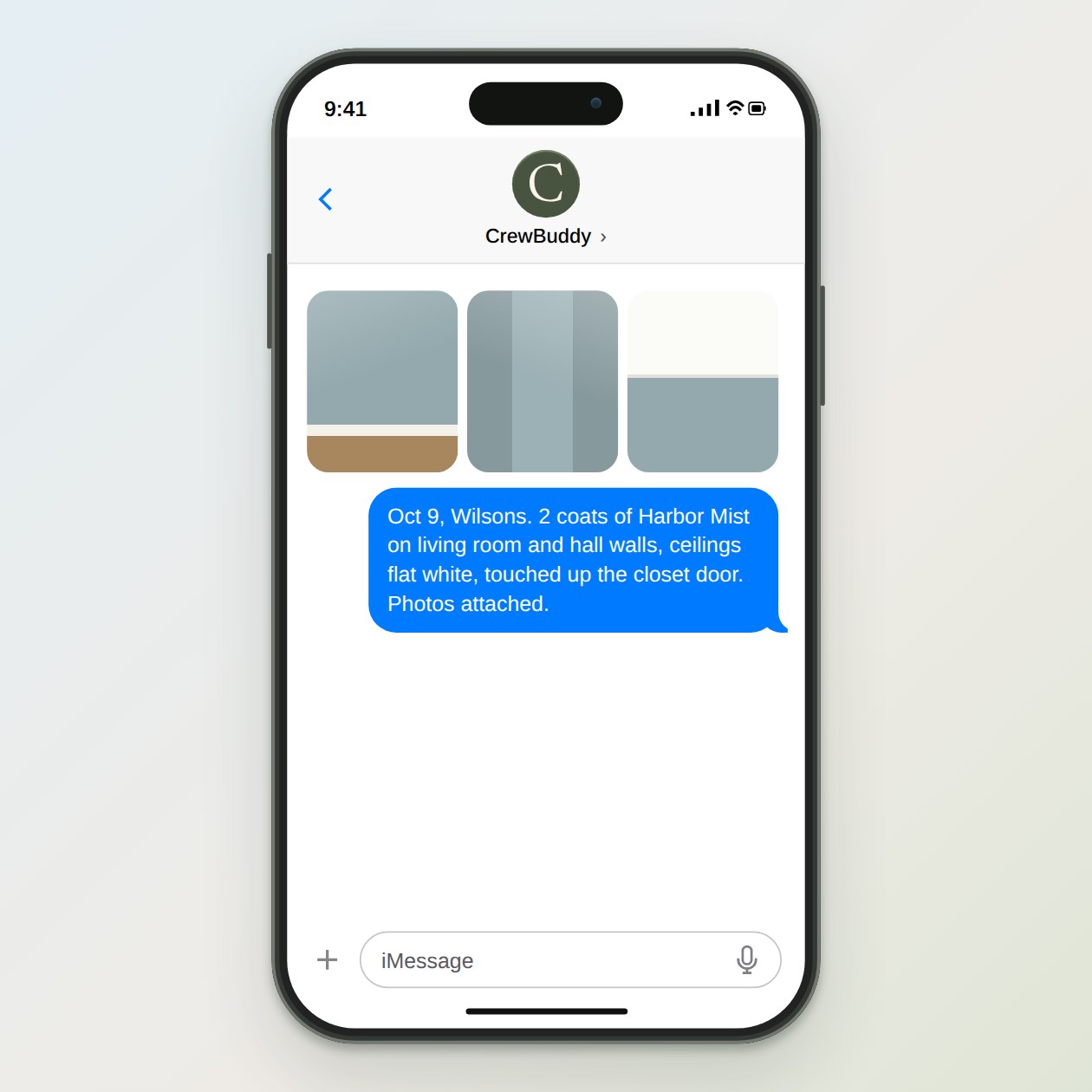
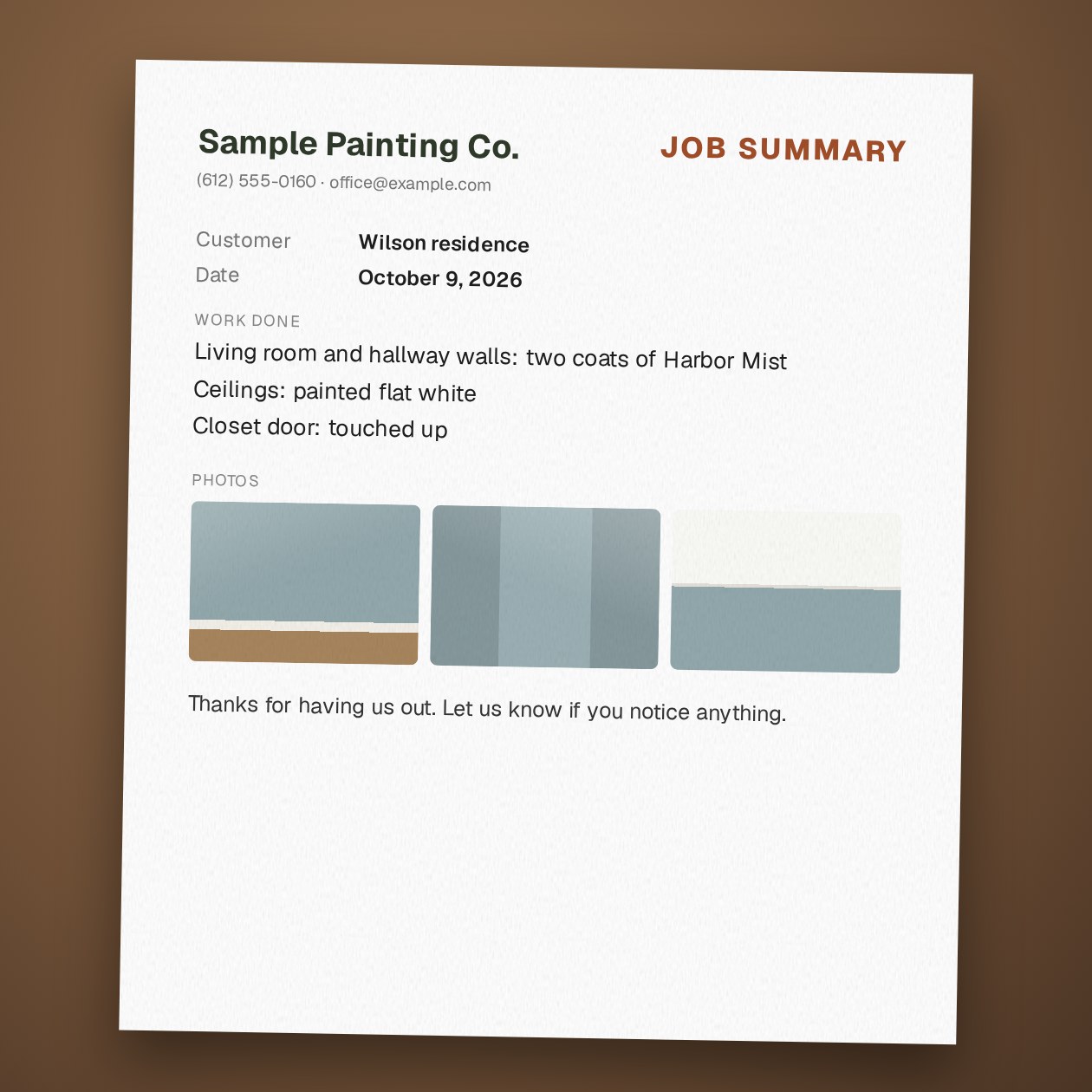
Fictional example.
Two outputs from one text
The customer summary says what was done, any care instructions you gave, and how to reach you. It uses only what your notes and photos support. If a detail is unclear, like which rooms got the second coat, CrewBuddy marks it for you instead of guessing.
The private record keeps the date, work, materials, color names, anything you found on the job and which photos go with it. CrewBuddy saves it in your assistant’s private files after you say so. If you keep job files in Jobber or Housecall Pro, paste the summary into the job or attach the PDF. With Logins, CrewBuddy can also work inside the sites you authorize during setup.
Send it the same day while the details are fresh. A summary that arrives with the final invoice answers the “what exactly did we pay for?” question before anyone asks it. If the customer prefers Spanish, ask for both versions. They carry the same facts.
Why it is worth the minute
Months later, someone calls about a touch-up and asks what color you used. Ask CrewBuddy “what color did we use at the Wilsons?” and it looks through your records. The same records help when a customer remembers the scope differently than you do.
Keep photos about the work. Leave family pictures, mail and personal items out of frame, and do not send CrewBuddy card numbers. Door, gate and alarm codes stay in your own job app. Ask the customer before you post photos of their home anywhere public.
The job notes guide covers what to put in the notes. Once the summary is sent, it is a natural moment for the review request.
Sources: FTC: Protecting Personal Information, a guide for business
What you send
The date, the customer, the work done, materials and colors, care instructions you gave, and two or three photos.
What CrewBuddy prepares
A customer summary, a separate private record, a PDF if you want one, and a list of details to check.
What to keep in mind
The customer copy includes only what your notes and photos show. Private notes stay in the private record.