Buyers and showings
Protect the time between buyer-tour appointments
Send confirmed showing windows, fixed calls, and your travel buffers. Queva returns the gaps you can actually use before, between, and after each stop.
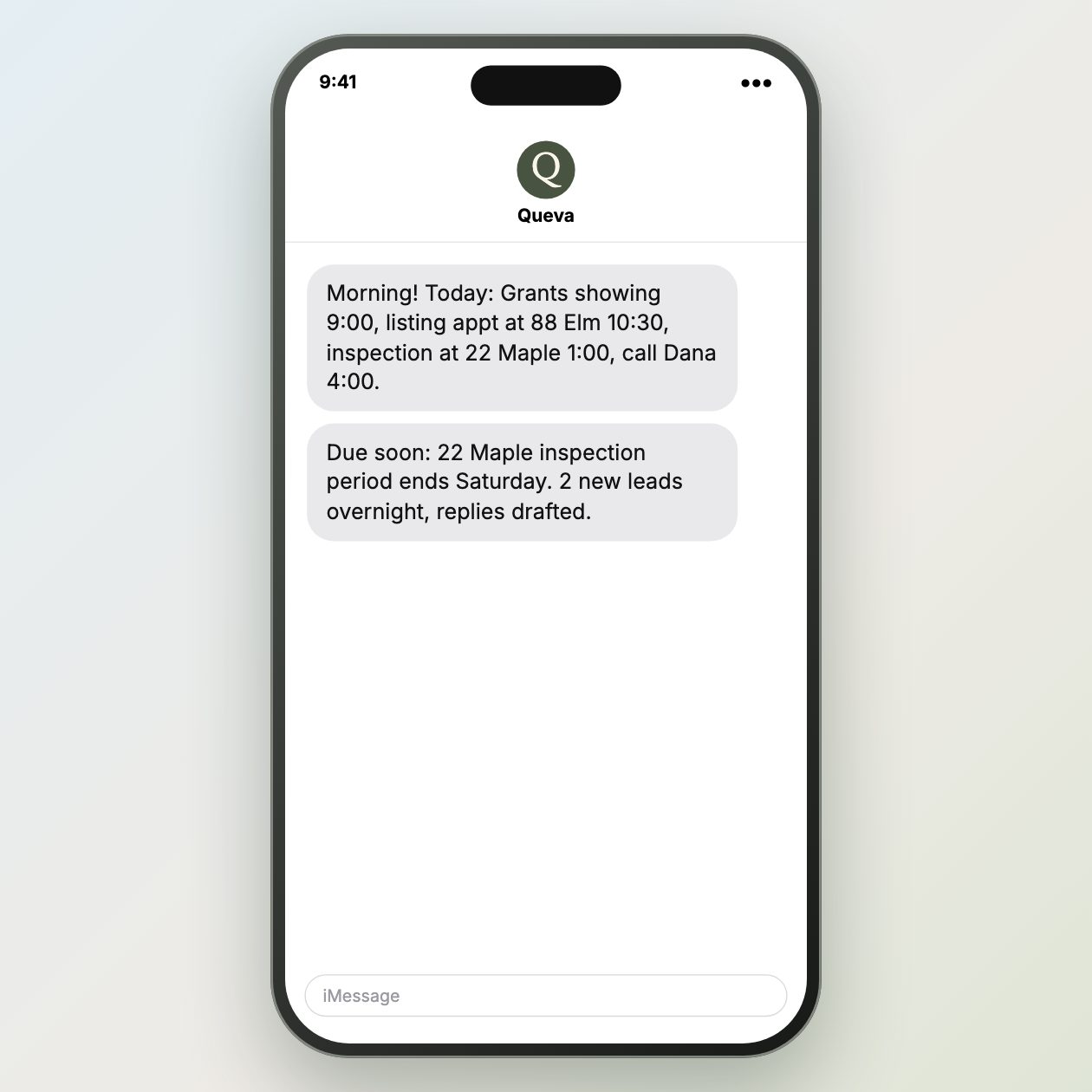
Fictional example.
Text it like this
Fictional example.
Build the day from showing windows
Start with the confirmed start and end time for every showing, not just an address and an hour. Add fixed calls, a required arrival time, and a realistic drive, parking, and access buffer between stops. Put those buffers on the calendar when they are non-negotiable. A visible opening is not free time until the travel needed to reach the next door has been removed.
Work backward from the showing that cannot move. For a 2:15 appointment, decide when you must leave the prior stop, then see what remains before that departure. A 45-minute gap can become 20 useful minutes after a 20-minute drive and five minutes to park. Use that smaller window for a short return call or notes, not a task that will make you late.
Ask for a usable gap list
Ask Queva for the gap before the first stop, the time between each pair of showings, and the time after the last stop. Give it your own travel estimates and any fixed event that cannot move. The result should show the start and end of each gap, the buffer you supplied, and whether a call or prep task fits without pressing against a showing window.
Use the brief to choose what happens in each gap. Protect longer breaks for driving, access, buyer questions, or a tour debrief. Put only short, interruptible work in a narrow gap, such as returning one call or confirming the next appointment. Confirm access instructions, appointment changes, and route conditions before you rely on the schedule.
Treat the timing brief as a current planning view, not a promise that the day will stay open. When a showing moves, a call runs long, or traffic changes the travel estimate, update the affected block and rerun the request. The Google Calendar API source below documents calendar event access for connected calendars; the agent still confirms the final showing times and sends any appointment changes.
Sources: Google Calendar API overview
What you send
Give each showing its confirmed window and travel buffer.
What Queva prepares
Get the usable gaps and any timing conflict.
What to keep in mind
Rerun the brief when an appointment moves.