Buyers and showings
Put the tour stops in one clear order
Send Queva the addresses and times. It lays out the day and the questions to bring.
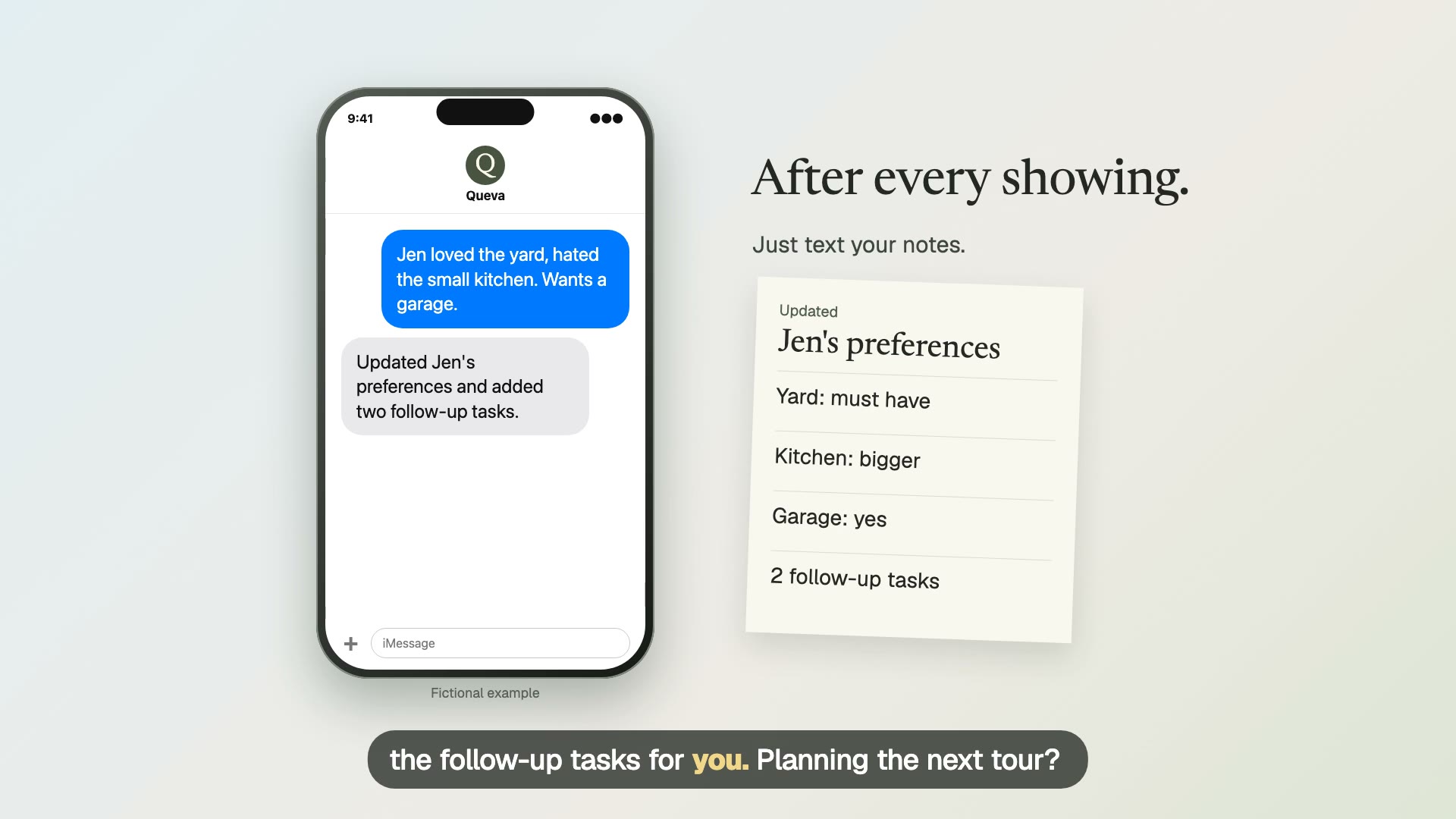
Fictional example.
Text it like this
Fictional example.
Build the route from confirmed appointments
Send the address, appointment time, and any access note for each confirmed stop. Queva can place them in a readable order and leave room for the buyer’s questions at each home. Keep the itinerary tied to actual appointments, not a speculative list of places to visit.
Before you send it to the buyer, check the listing status, showing instructions, and travel time. A tidy plan is only useful if the times are current. If one property falls through, update the list and have Queva make a new version rather than editing a stale itinerary in a hurry.
Keep the tour focused on the homes
Use the buyer’s stated needs about the homes, such as a home office or yard, to prepare questions. Do not use neighborhood demographics or protected-class information to shape the route or recommendations. The itinerary should help compare properties, not steer where a person should live.
Queva can organize the stops and the questions you send. You handle access, property discussion, and any advice the buyer needs during the tour. Afterward, add the buyer’s reactions to the lead history while the details are still specific.
The route is a logistics tool, not a recommendation engine. Build it from confirmed appointments and the buyer’s stated property needs, then check access instructions and timing before sharing it. Keep any comparison notes tied to features of the homes. That keeps the tour useful without using personal characteristics or neighborhood demographics to steer the buyer. After the last stop, add reactions to the record while the buyer’s comparisons are still specific.
Sources: HUD Fair Housing Act overview
What you send
Send addresses and appointment times.
What Queva prepares
Get an itinerary and checklist.
What to keep in mind
Do not use neighborhood or protected-class information.