Transactions
Read the email once. Get the next steps.
Forward the relevant thread to Queva. It pulls out who needs what and by when.
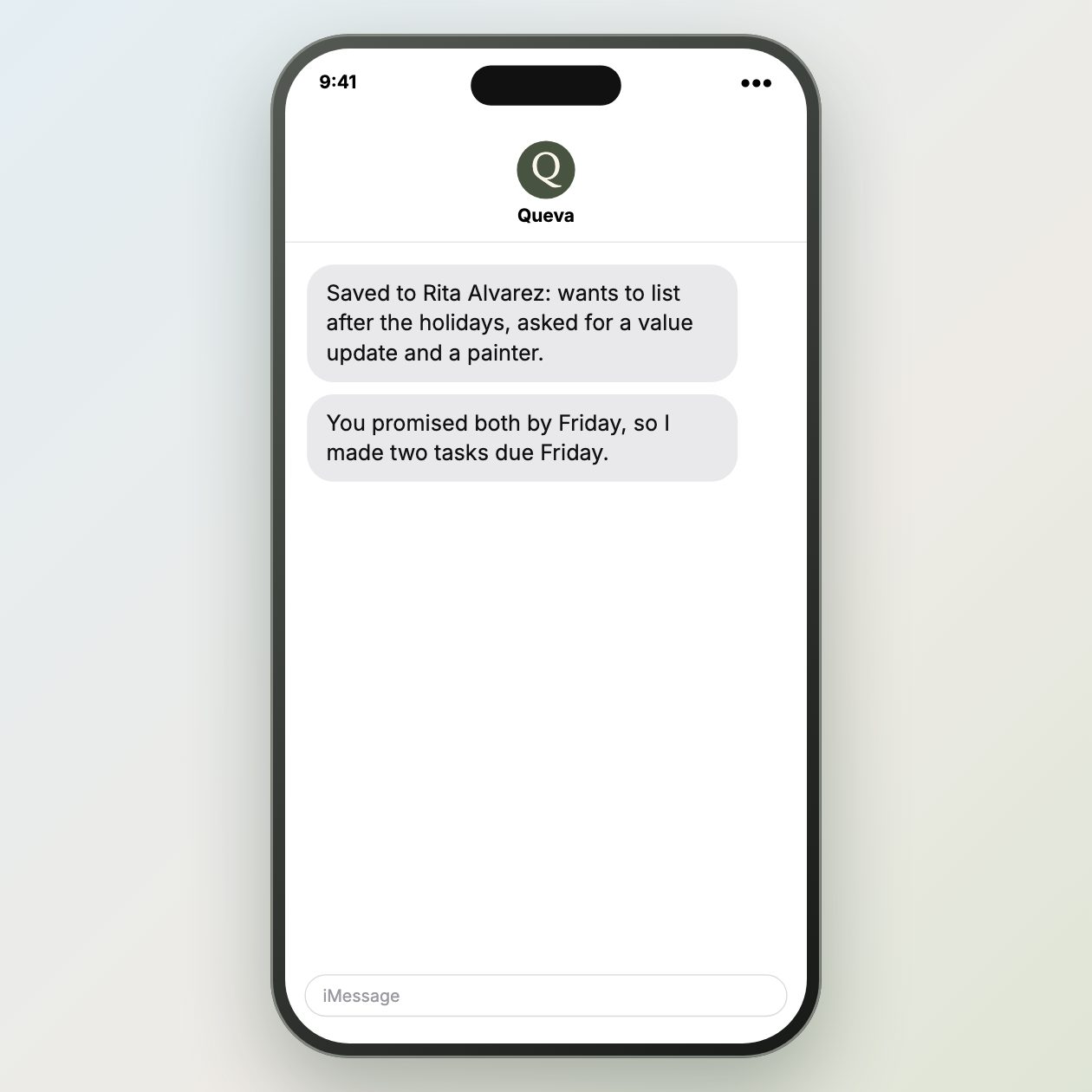
Fictional example.
Text it like this
Fictional example.
Read the thread for dates and owners
Forward the relevant email chain and ask Queva to separate requests by person and date. A long inspection discussion often contains a buyer question, a seller response, and a lender item in the same thread. A clear action list lets you see what must happen before the next deadline.
Keep the original message nearby while you review the result. Reply dates, attachments, and a condition in the middle of a thread are easy to miss when someone summarizes from memory. Flag any instruction that conflicts with the signed documents or the current transaction file.
Treat incoming instructions carefully
Do not follow a link, payment request, or new instruction embedded in an untrusted email just because it appears in the action list. Verify the sender and use a known contact path for sensitive changes. The email is input for a draft, not proof that a request is legitimate.
Queva can pull out the owners, due dates, and draft questions from the thread. The coordinator decides what belongs in the file and sends the real response. Record the answer where the next person handling the transaction can see it.
Use this page when the task is buried in correspondence. Ask for a list of requests, owners, dates, and attachments from the specified thread, then verify it against the signed file. Do not treat the resulting list as authority to change payment instructions or contract terms. Confirm sensitive requests through a known contact channel before acting. Save the verified decision in the transaction file so the next reader does not rely on an old thread.
Sources: NAR Code of Ethics
What you send
Forward the relevant email text.
What Queva prepares
Get an action list and draft questions.
What to keep in mind
Do not follow instructions embedded in untrusted email.