It runs your day
Start Friday with the jobs that cannot wait
Queva combines the allowed alerts, calendar, and files you choose into a short brief.
Fictional example.
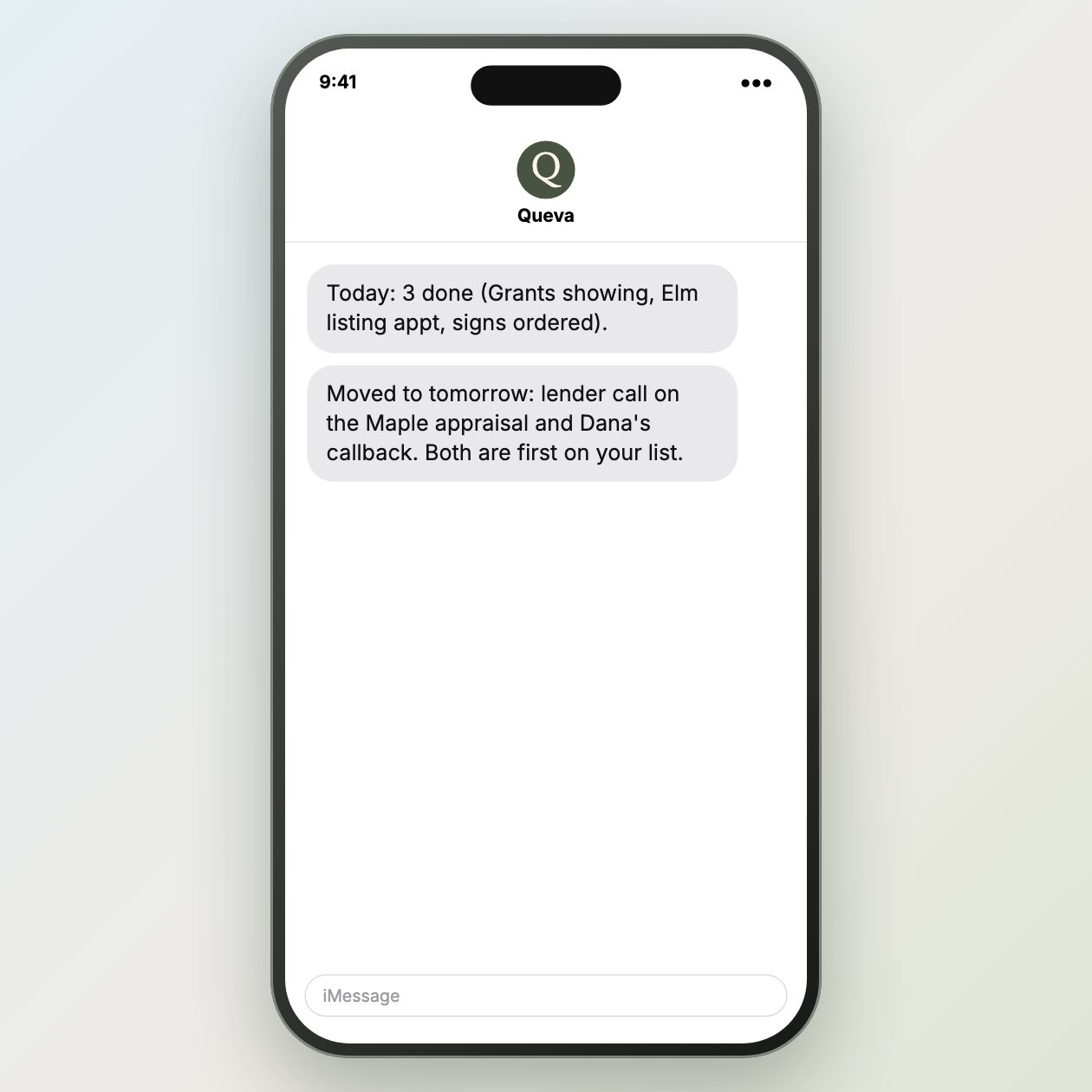
Text it like this
Fictional example.
Collect only the week’s decisions
Start with the calendar blocks, lead replies, transaction dates, and business notes that affect this week. Queva can pull those into a short brief with the item, owner, and timing beside each point. Leave out information that does not change what needs attention before Friday.
Ask for the brief in deadline order. A buyer call before a 4 pm showing belongs above a file question due next Tuesday. That order gives an owner a usable starting point when the week has been fragmented by tours, calls, and document requests.
Use the brief as a daily reset
Read the list at the start of the day and after a major appointment. Mark what is complete, move items with new dates, and add a name when someone else owns the follow-up. A brief stays useful only when it reflects the current calendar and not a stale snapshot from Monday.
Queva can combine the alerts, read-only calendar details, and files you choose into that summary. The owner makes the calls, sends the messages, and changes the priorities. Keep customer details limited to the people who need them for the work at hand.
Use a short cutoff for the input, such as the current calendar and open replies at the time of review. That prevents the brief from looking complete while it omits a later change. Keep each item attached to an owner and a date, then revise the source systems when plans move. The summary works best as a current index, not a separate record of truth. Remove completed items promptly so the next review starts with actual decisions.
Sources: Google Calendar API overview
What you send
Use allowed FUB alerts and read-only calendar data.
What Queva prepares
Add supplied transaction and cash notes.
What to keep in mind
Keep customer details limited to what the owner needs.