Recipes for nonprofits and churches
Each recipe is one job: what to send, what Grantkeeper prepares and what to check before anything goes out.
Keep your Ad Grants account healthy
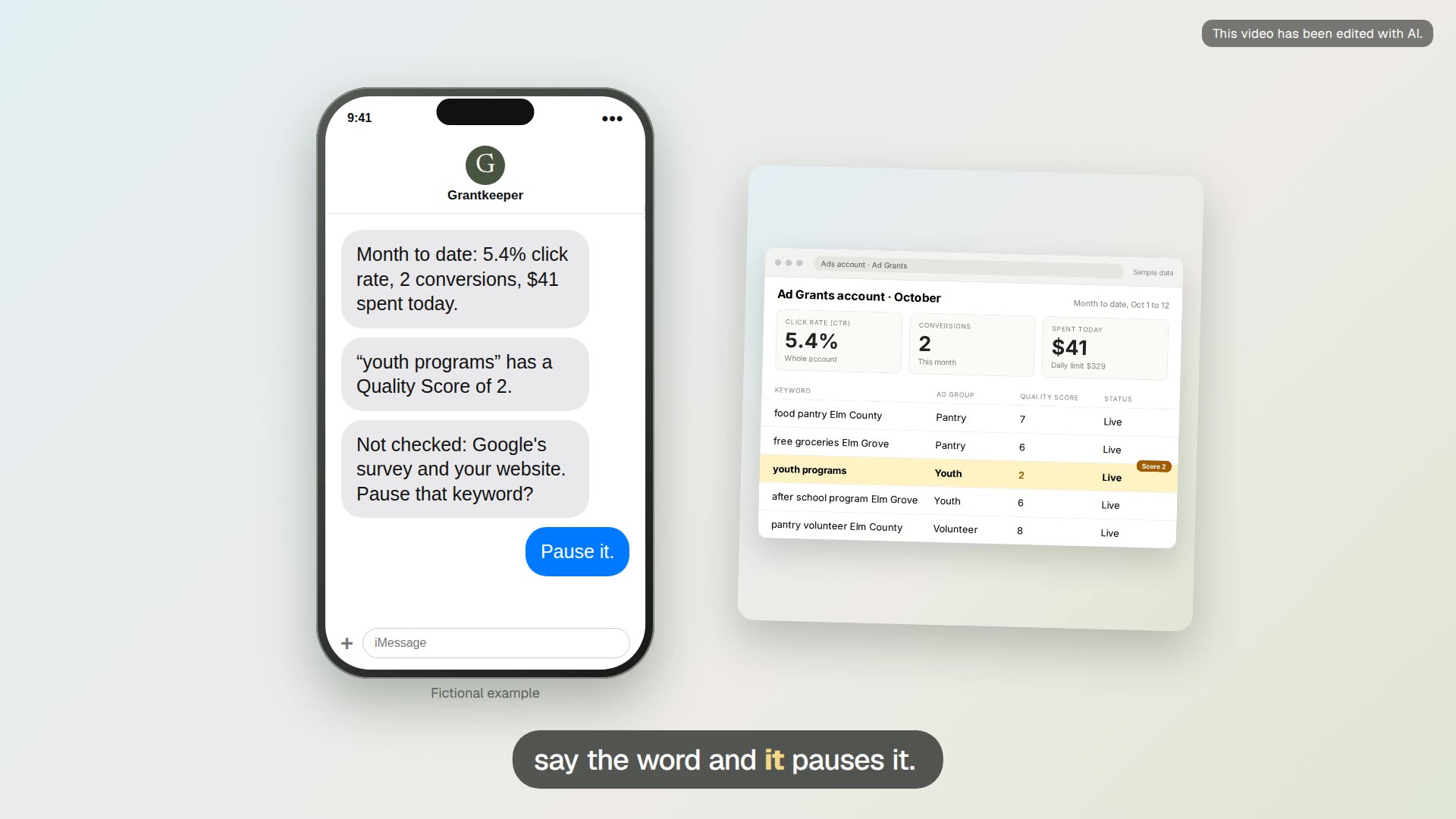
Weekly grant check
A read-only Monday check of your Ad Grants account, sent as a short text when something needs attention.
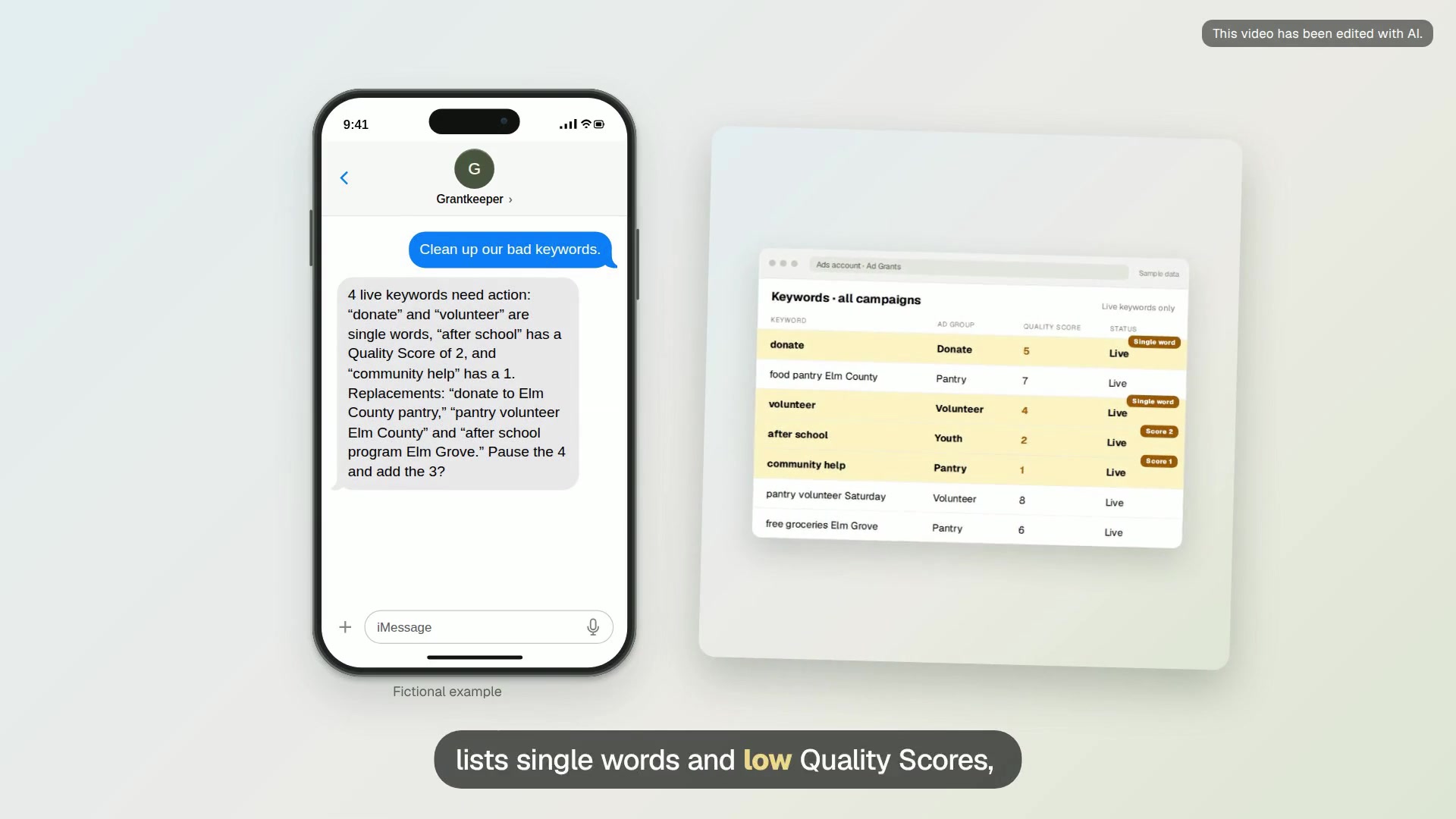
Low Quality Score keyword cleanup
Find live keywords with a Quality Score of 1 or 2 or a single word, pause them, and add specific replacements.
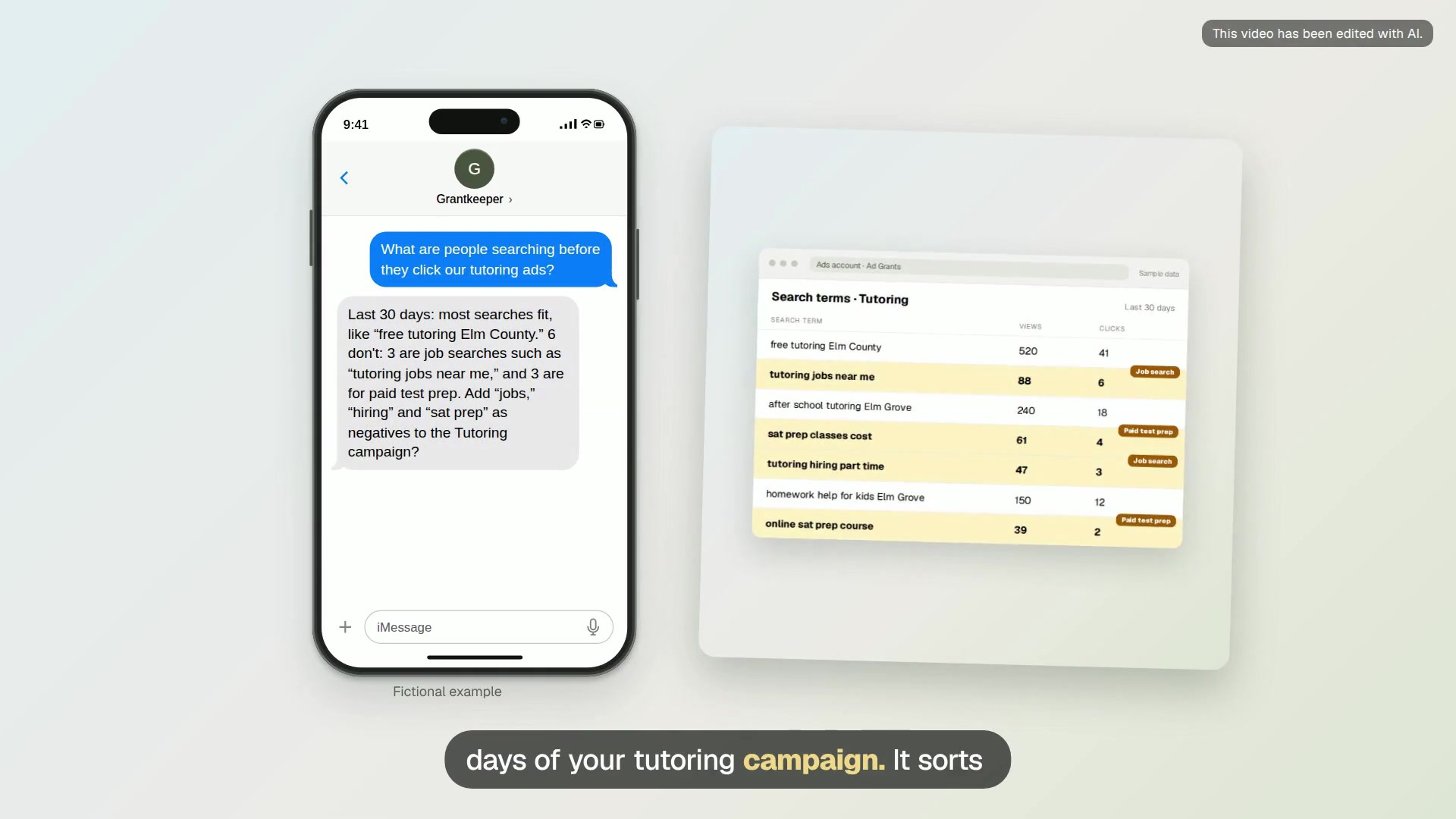
Search terms to negative keywords
Read what people actually typed before clicking your ads, and block the searches that don’t fit your mission.
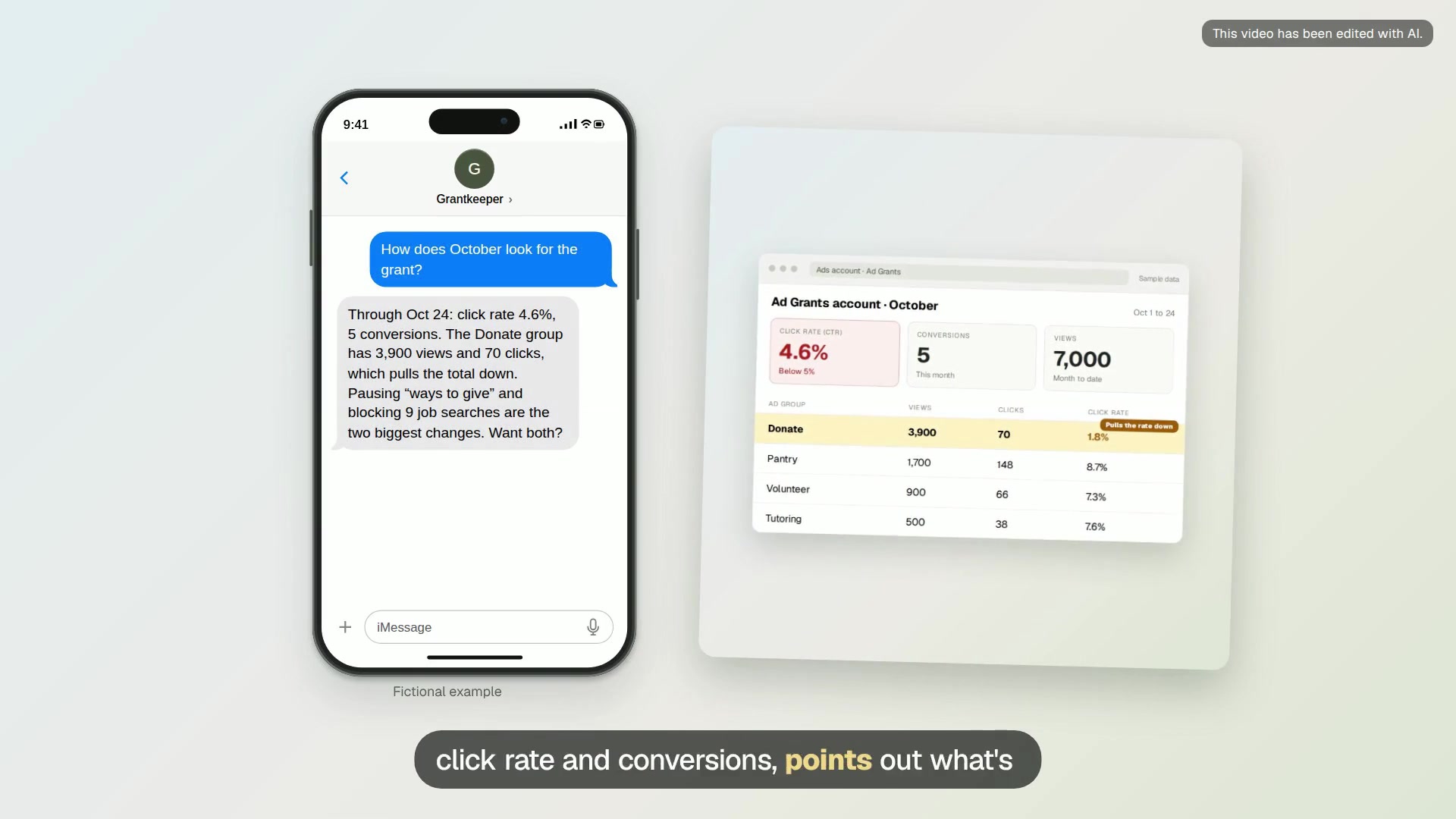
Month-end CTR review
Before the month closes, check the account’s click rate and conversions while there is still time to act.
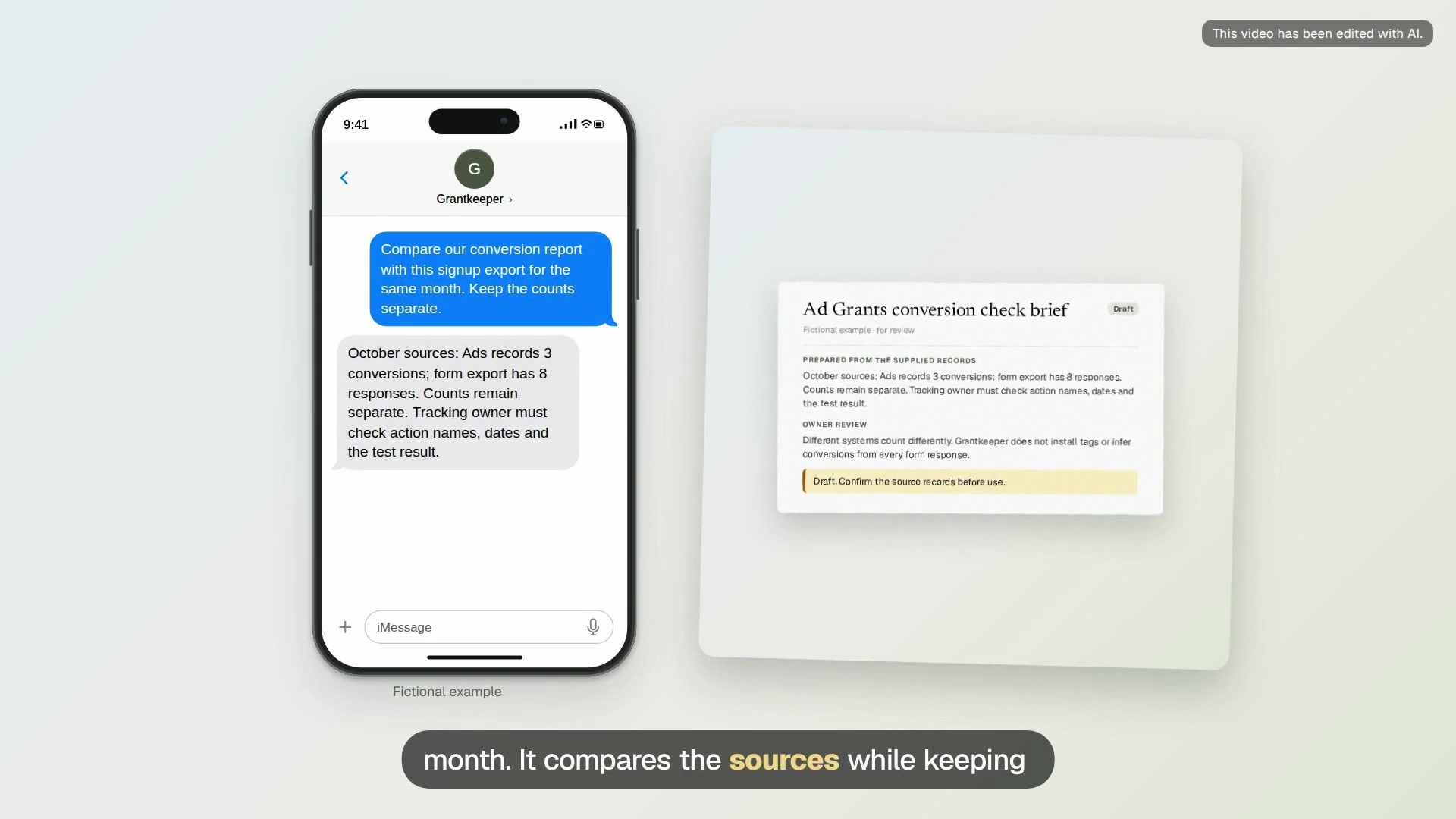
Ad Grants conversion check brief
A comparison of recorded Google Ads conversions and form responses, with date ranges and questions for the tracking owner.
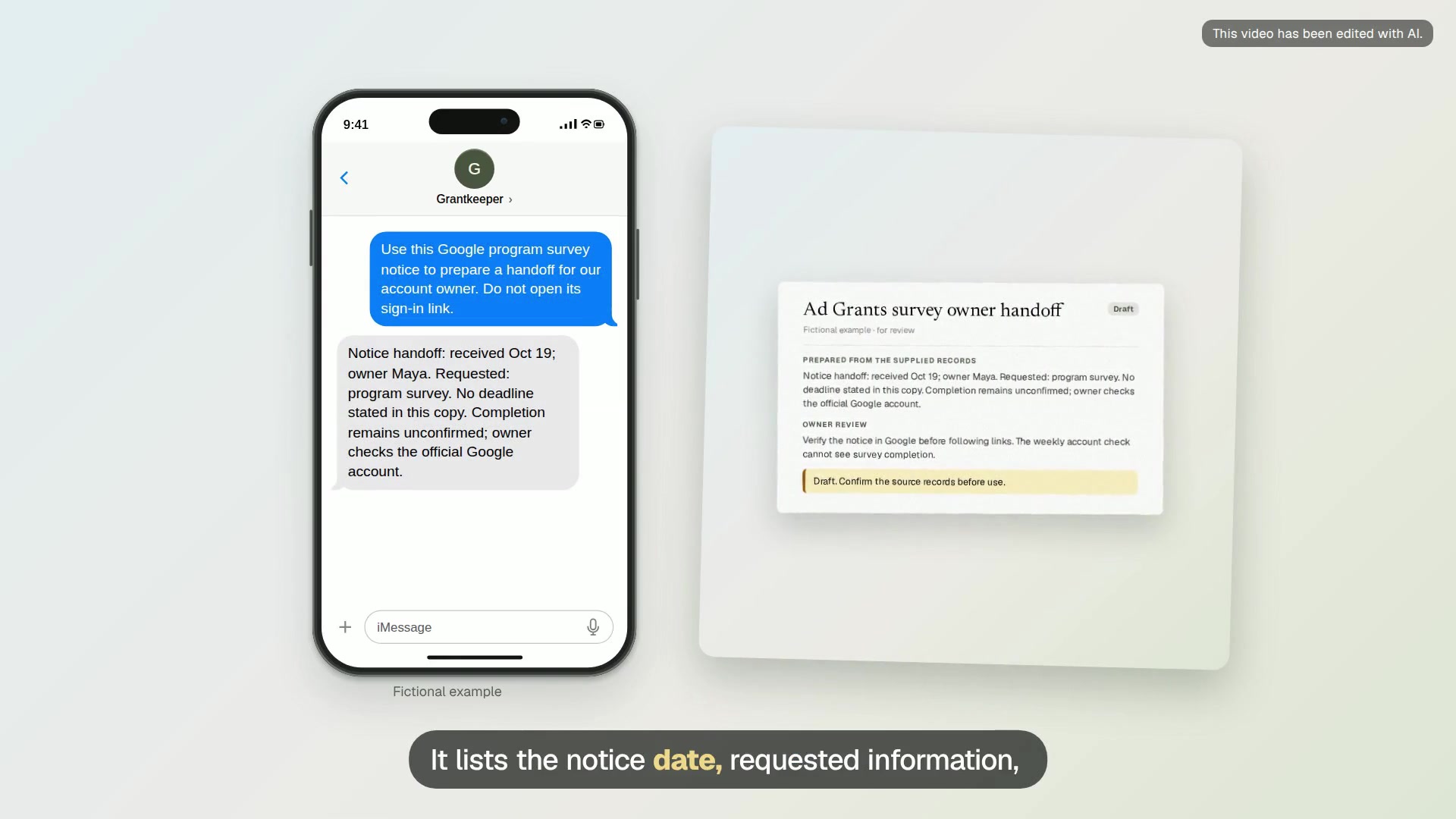
Ad Grants survey owner handoff
A short handoff with the notice date, named owner, requested information and a completion check to confirm in Google.
Campaigns and pages
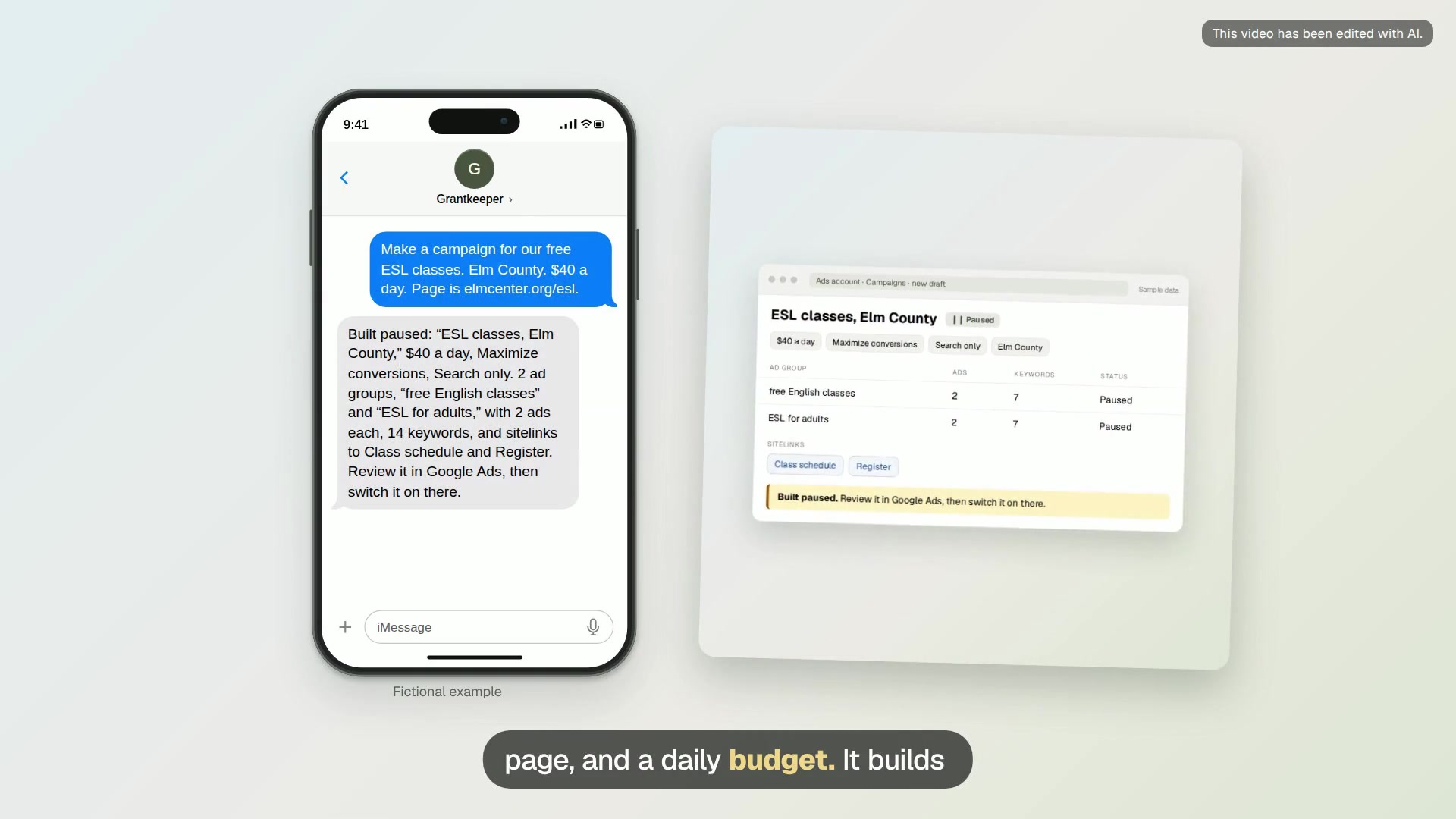
Paused campaign for a program
Turn a text about one program into a paused Search campaign with ad groups, ads, keywords and sitelinks.
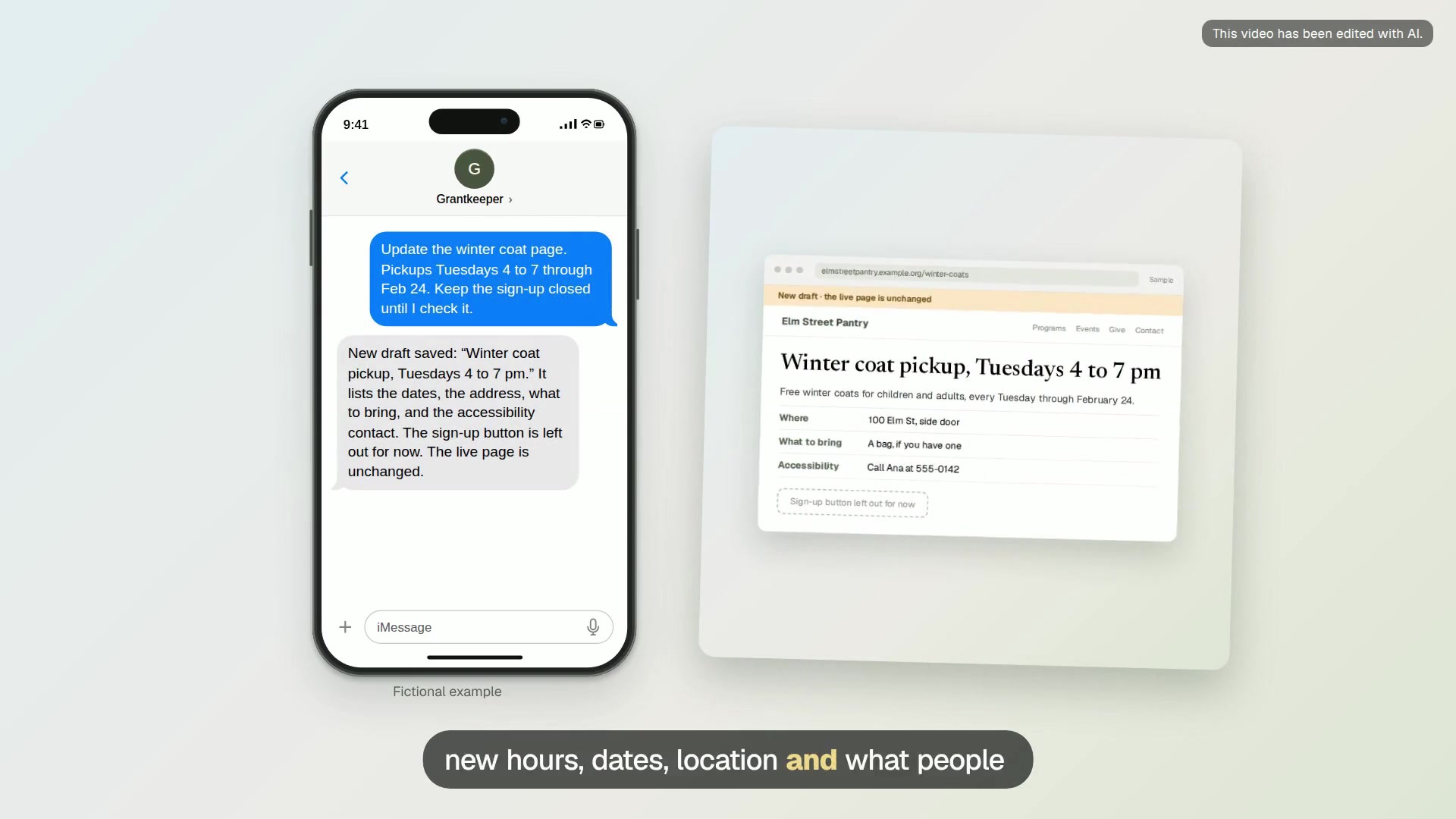
Program page draft
A clear page for one program: who it’s for, when, where, what it costs and how to join, saved as a draft.
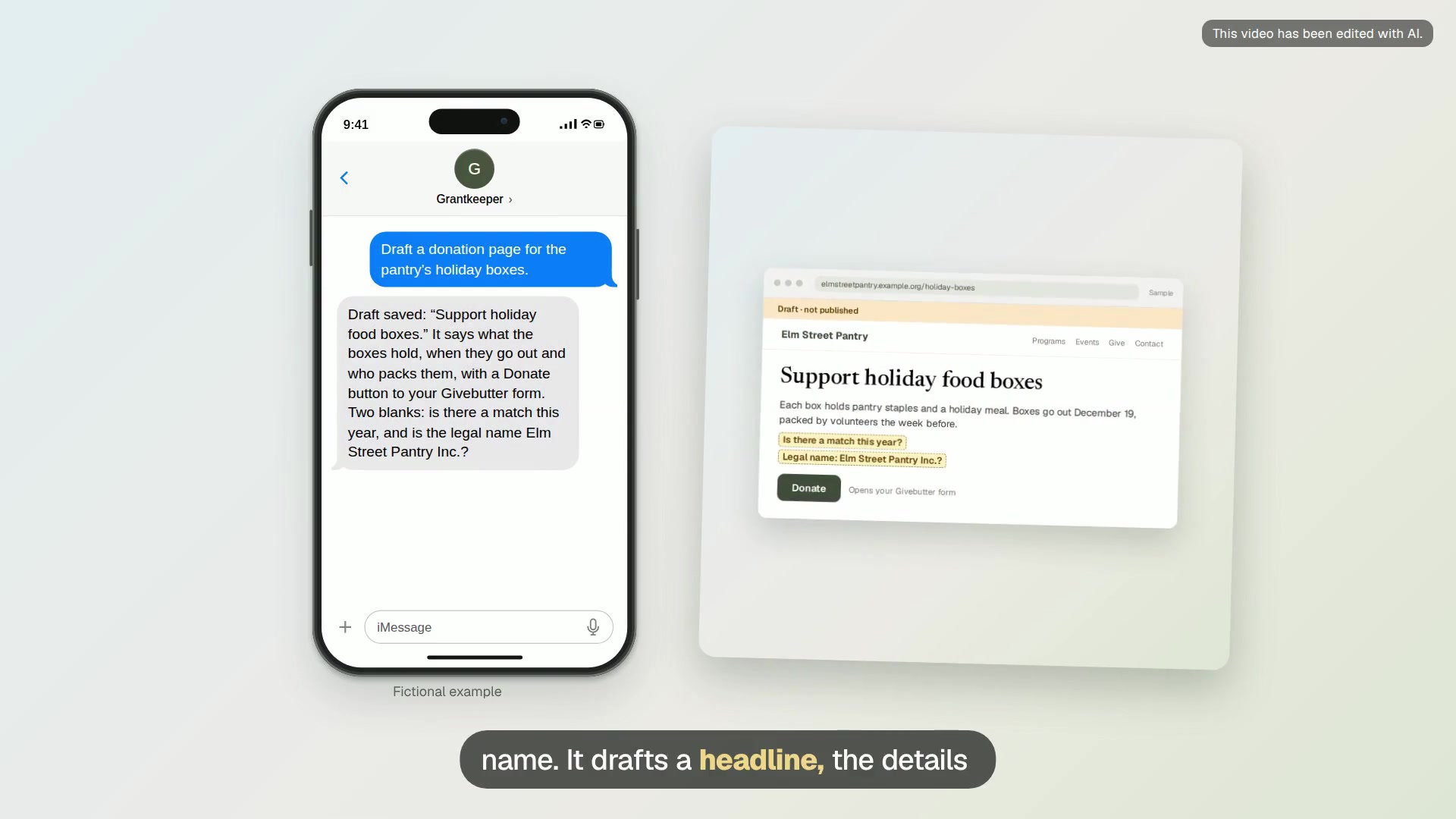
Donation page draft
A donation page that says what gifts support and links to your secure giving form.
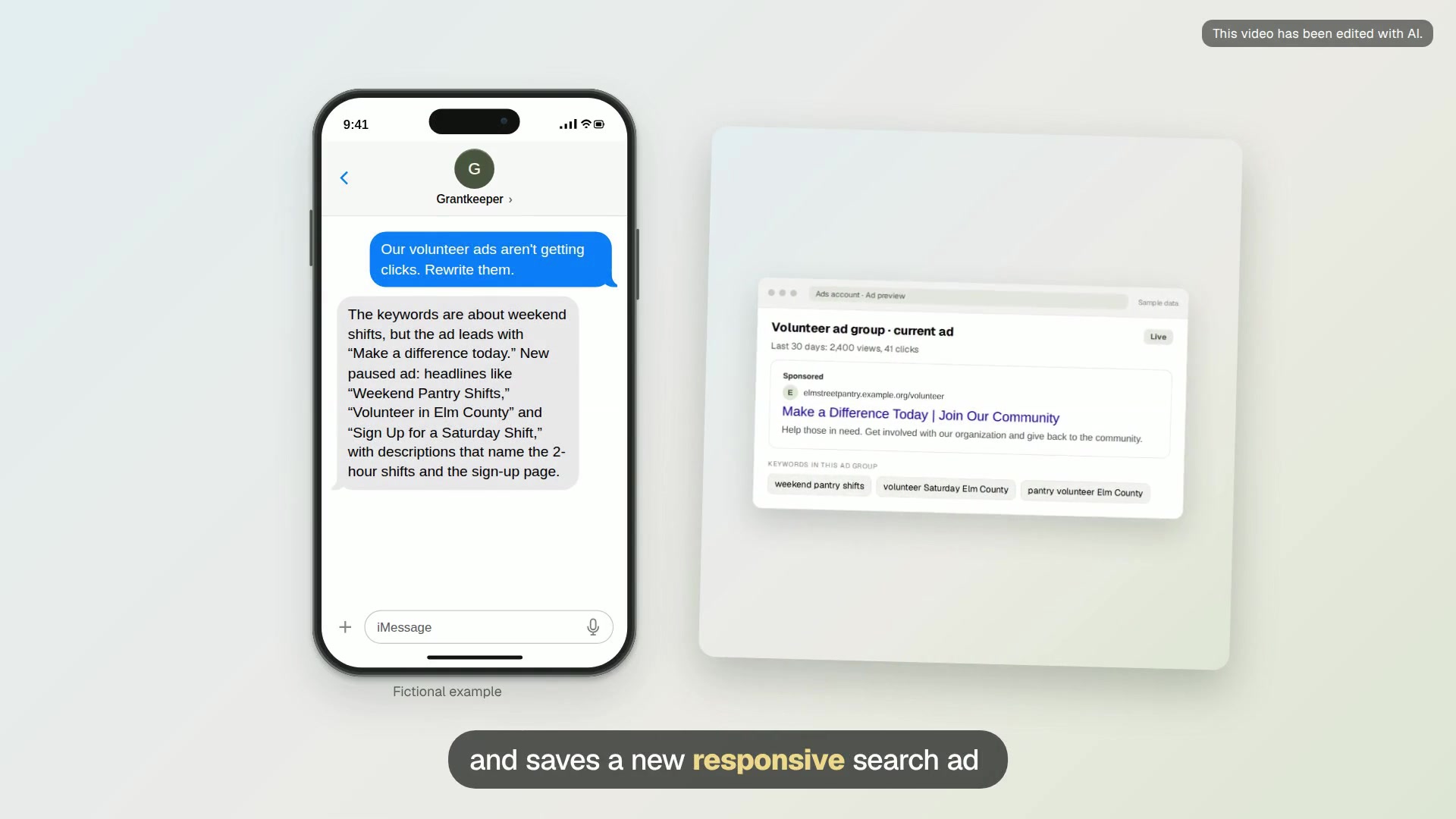
Fresh ad copy for a tired ad group
New headlines and descriptions for an ad group with a low click rate, added as a paused ad next to the old one.
Donors and volunteers
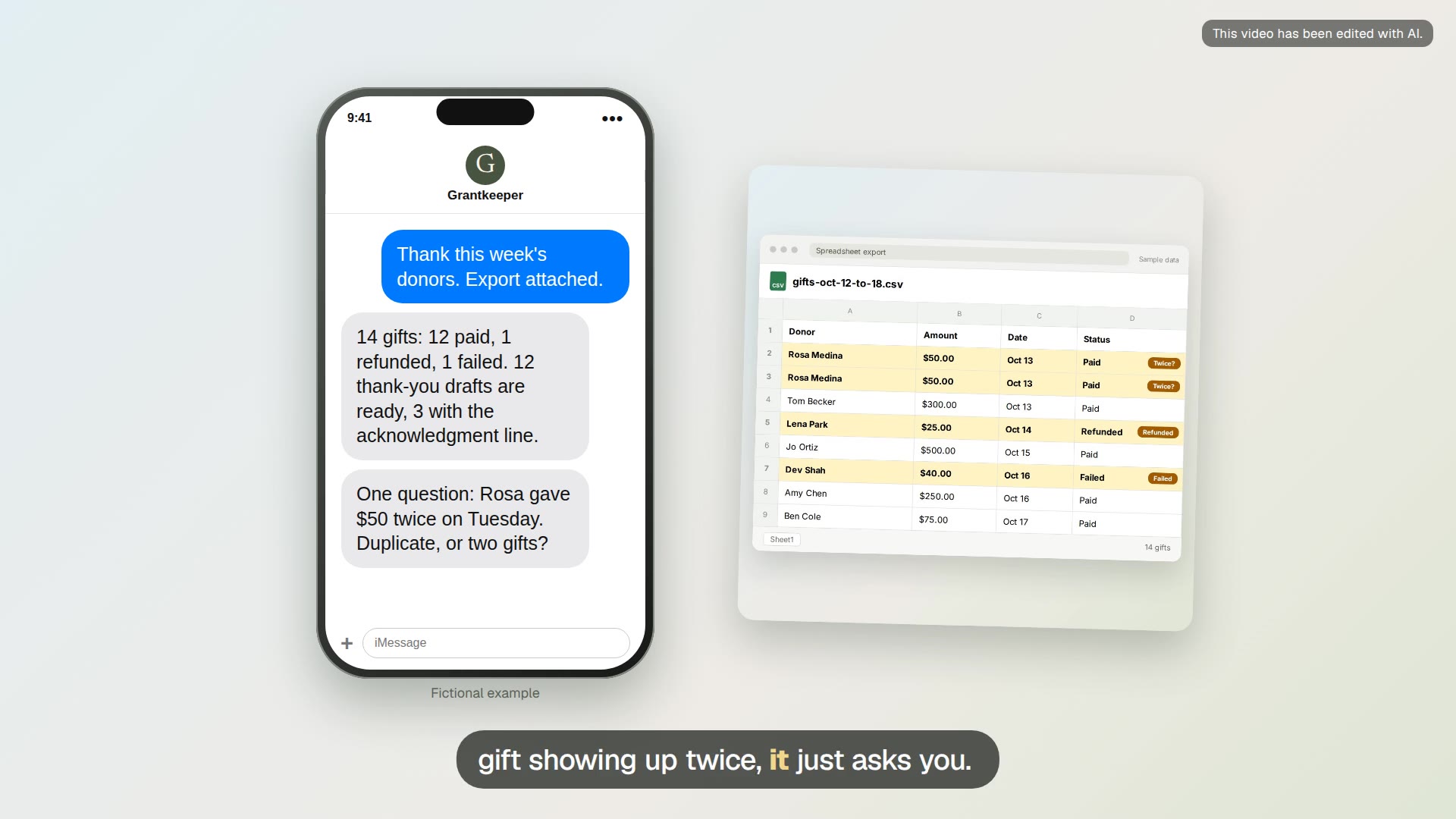
Weekly donor thank-yous
Turn the week’s giving export into a checked gift list and a personal thank-you draft for each donor.
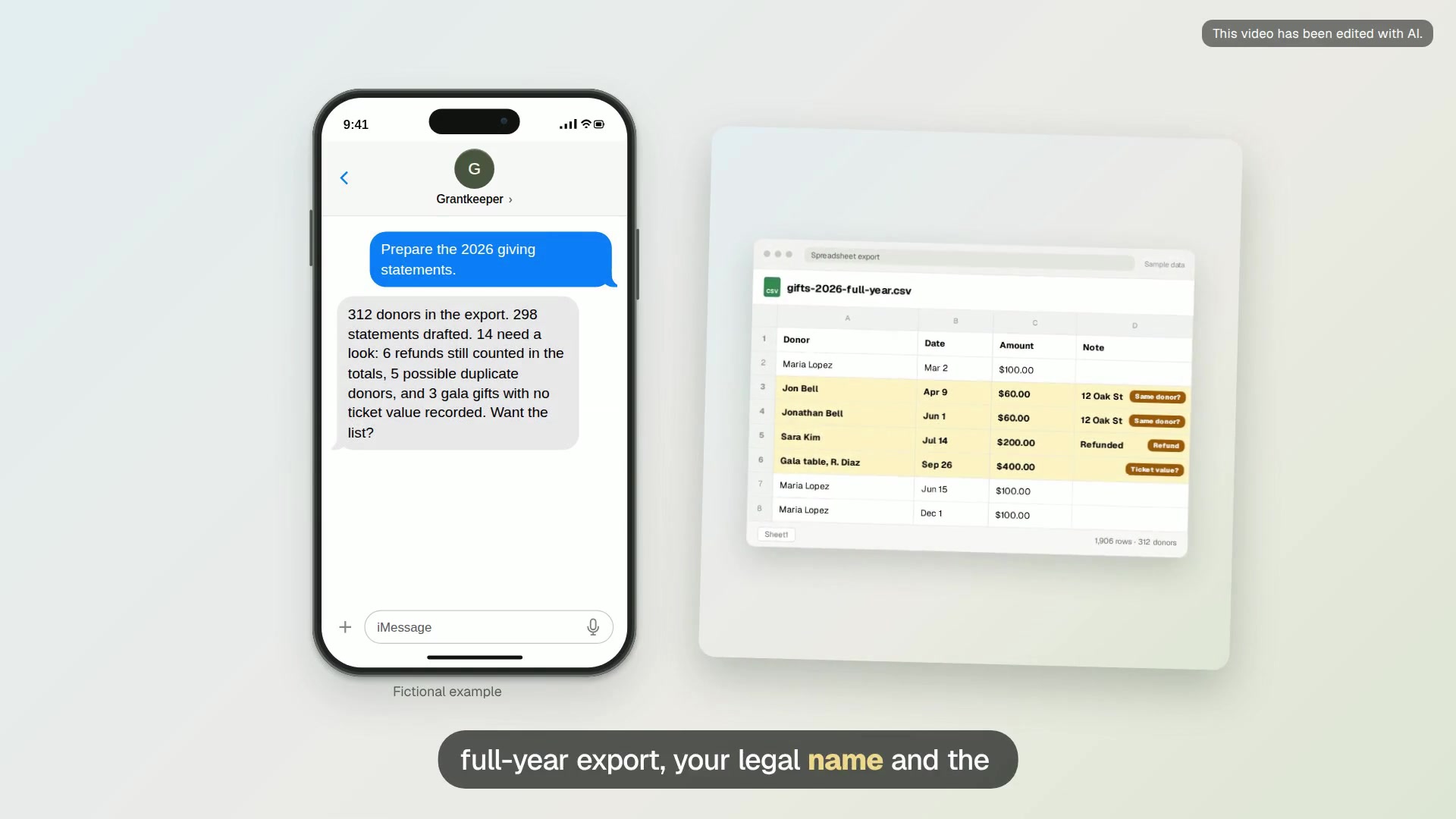
Year-end giving statements
Prepare one year-end giving statement per donor from your gift records, with every mismatch flagged.
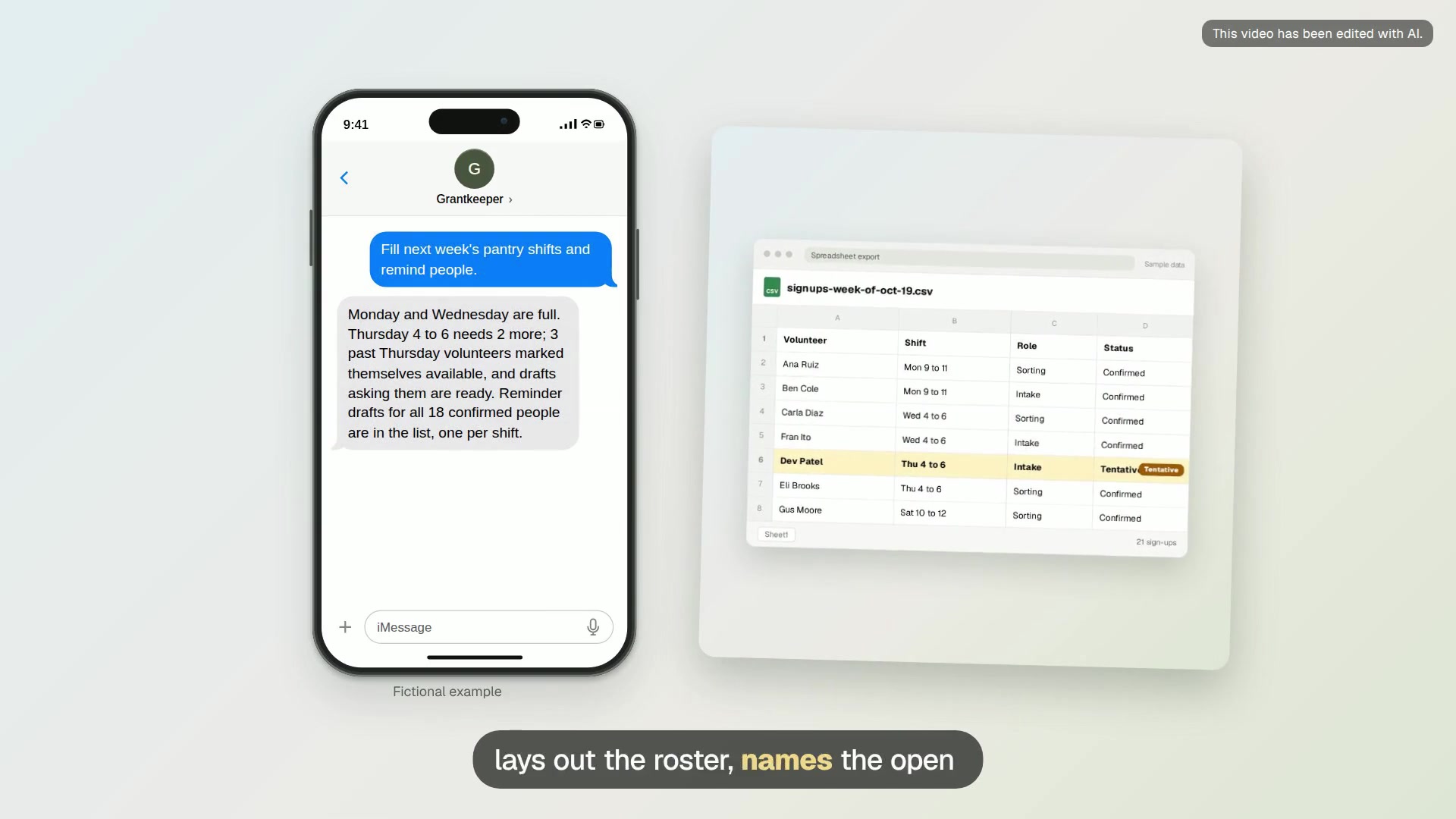
Volunteer shift roster
Lay out next week’s shifts from your sign-up list, find the gaps, and draft reminders for the people on each shift.
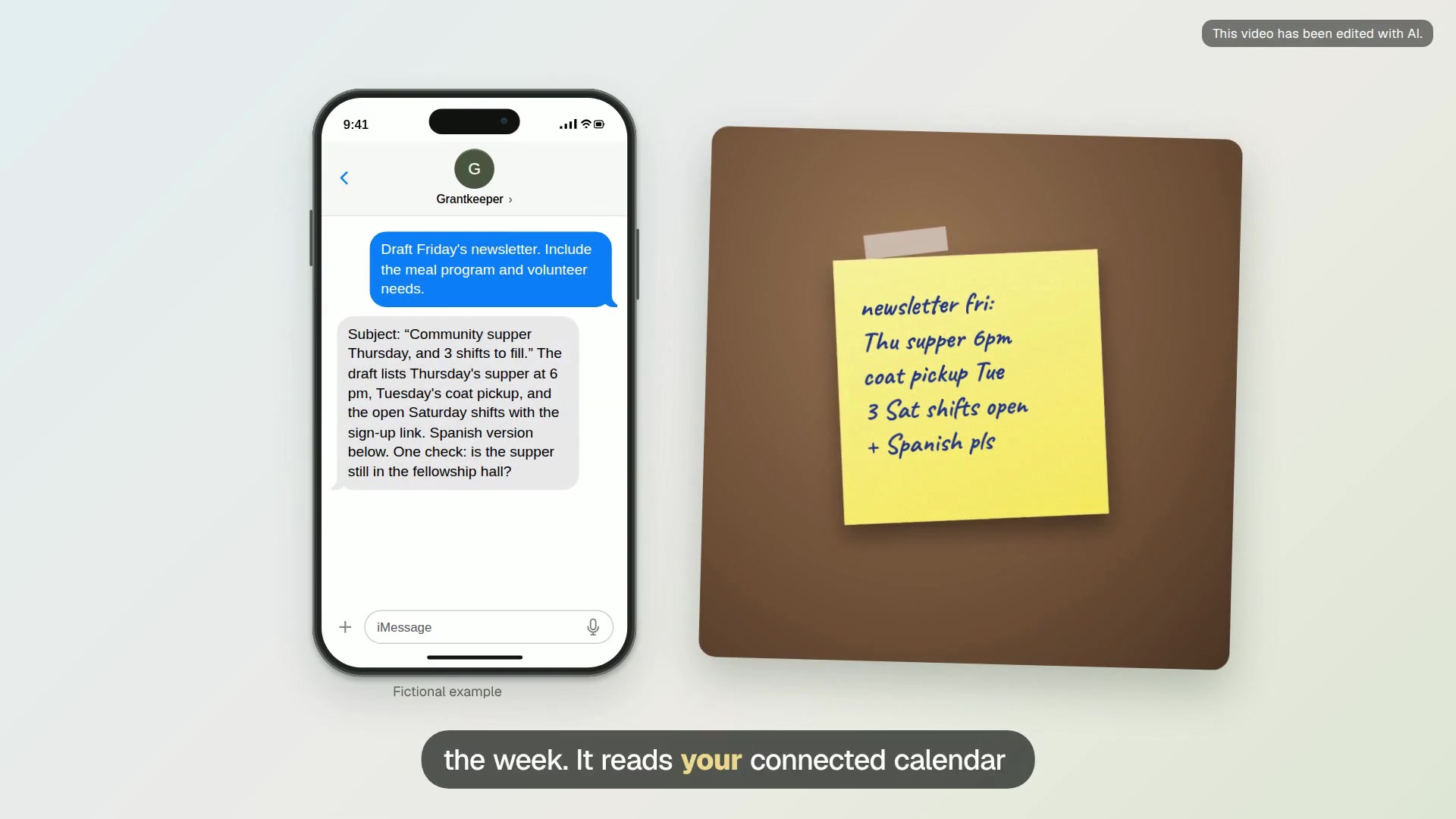
Friday newsletter draft
Draft the weekly newsletter from your calendar and notes, in English and Spanish if you need both.
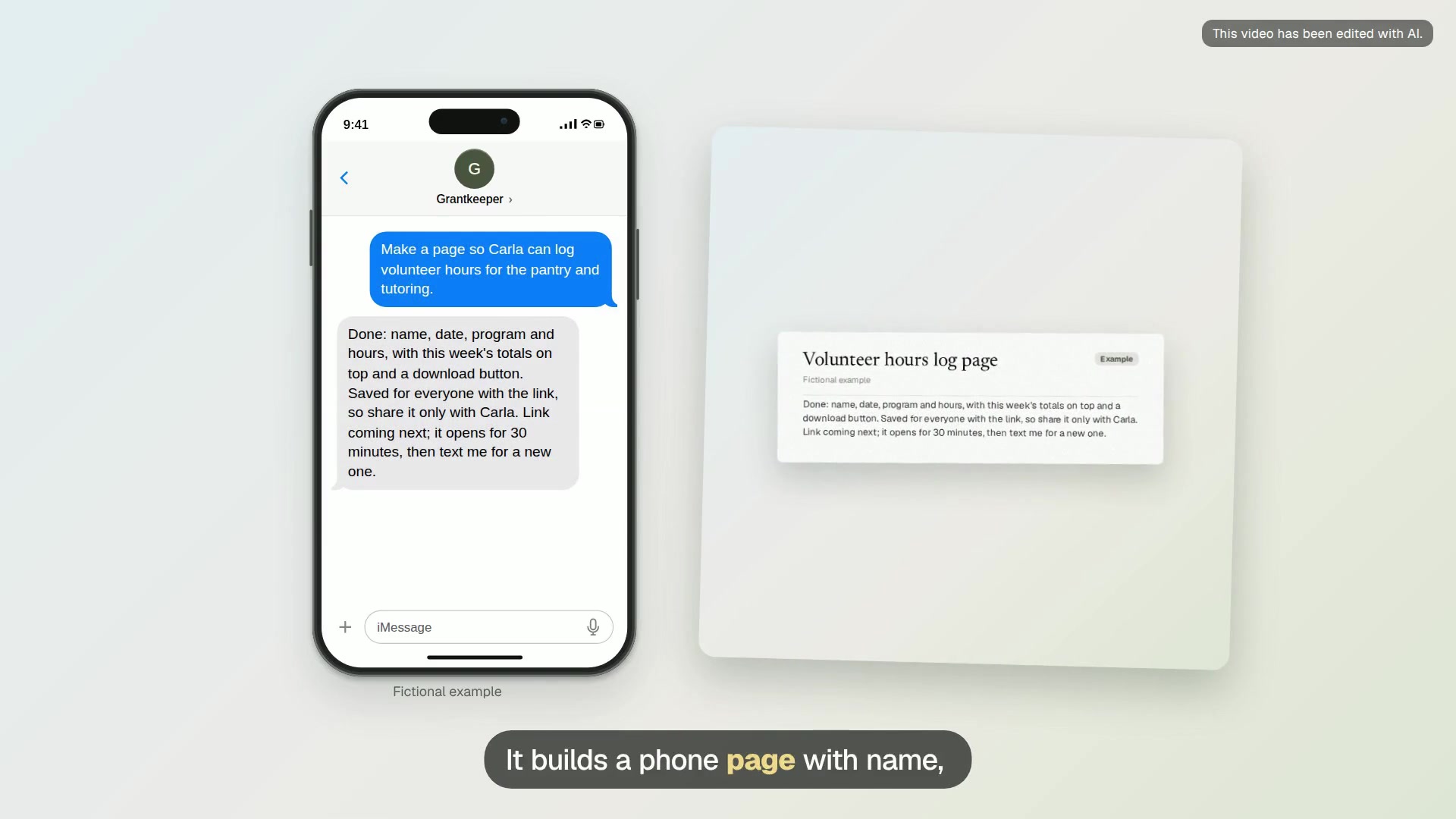
Volunteer hours log page
A simple phone page where your coordinator logs volunteer hours, and Grantkeeper totals them for grant reports and thank-yous.
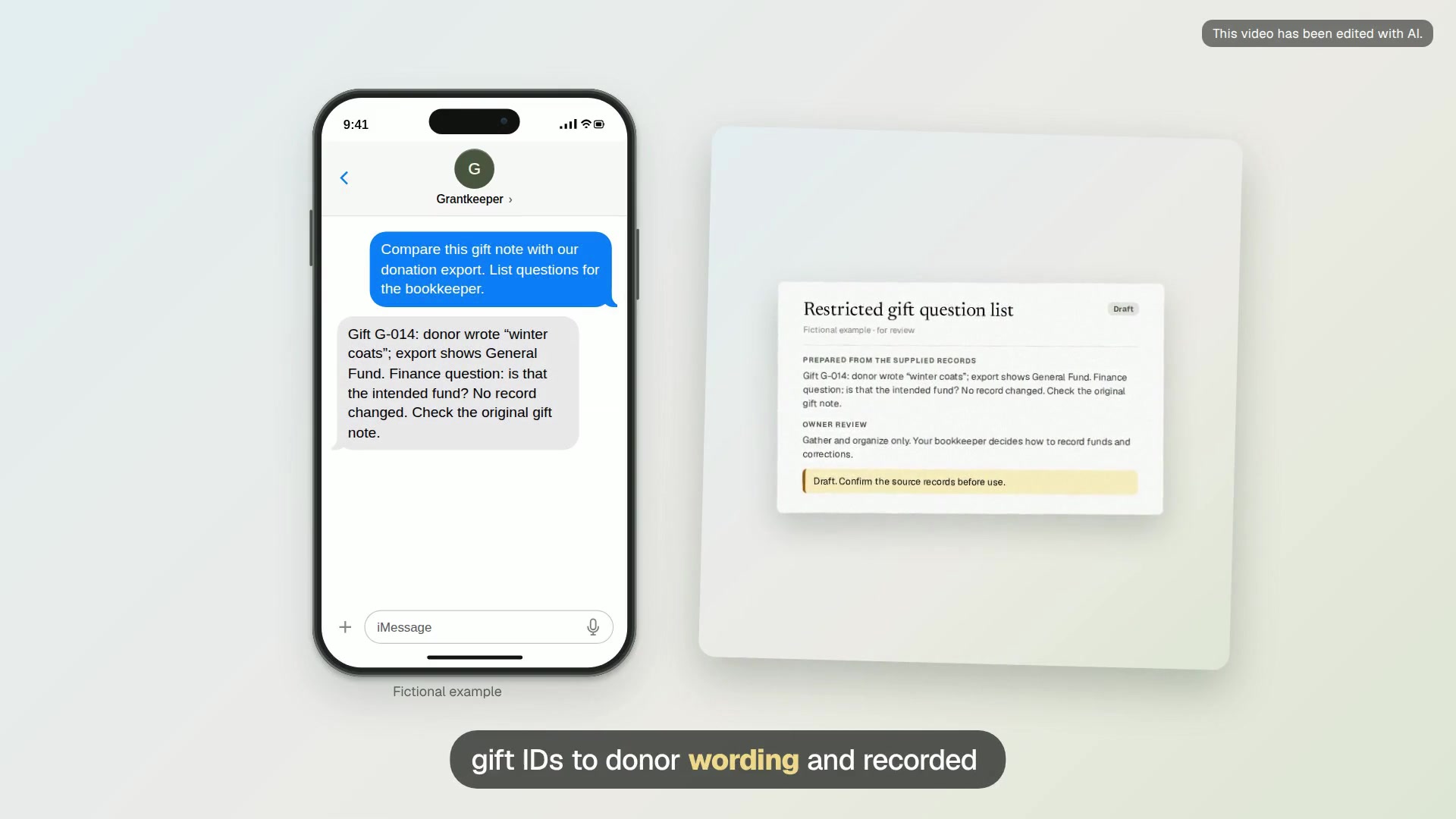
Restricted gift question list
A review sheet linking gift IDs to donor wording, recorded fund names and questions about mismatches.
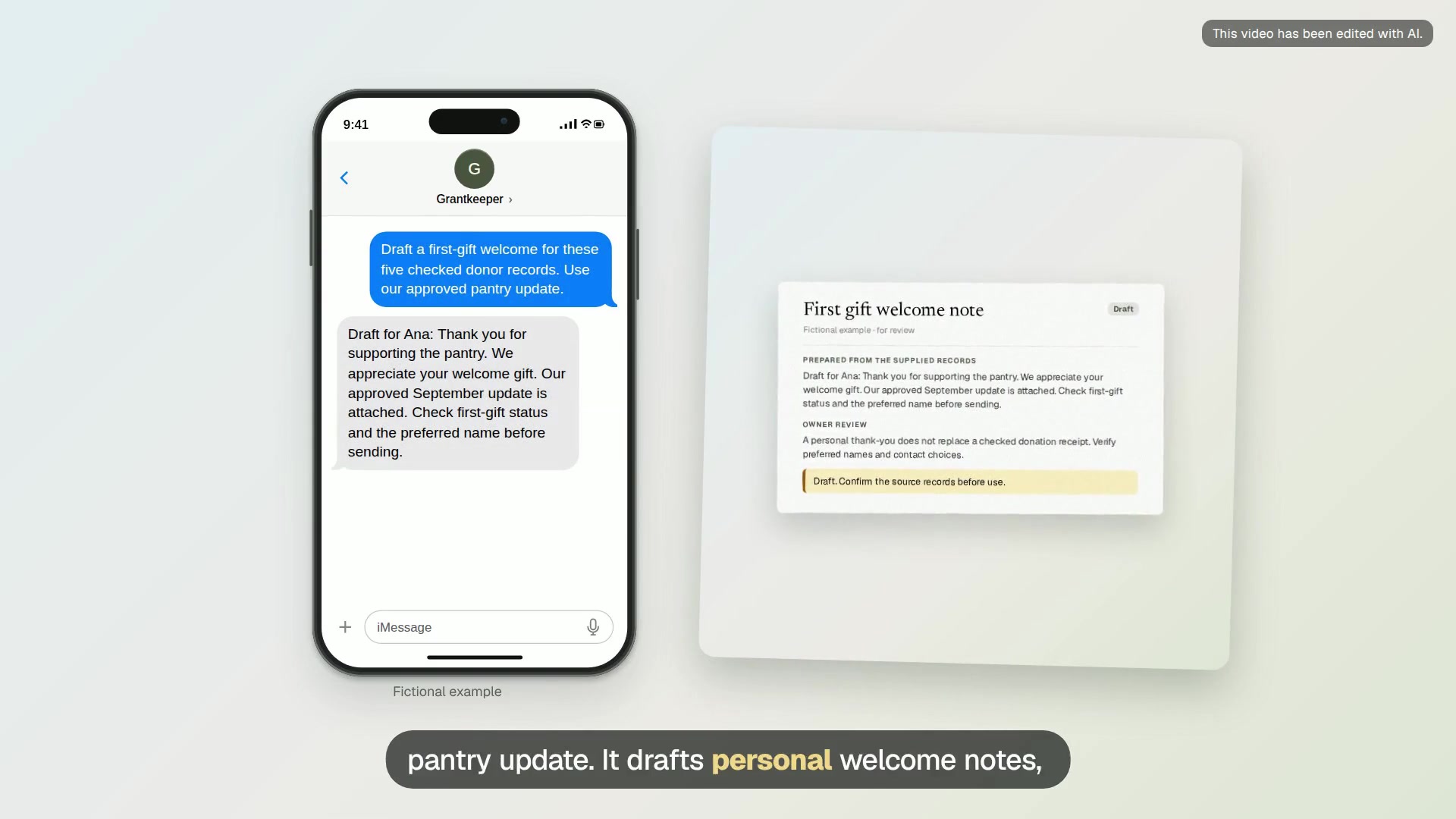
First gift welcome note
Five personal note drafts, a missing-name list and a follow-up log ready for your donor system.
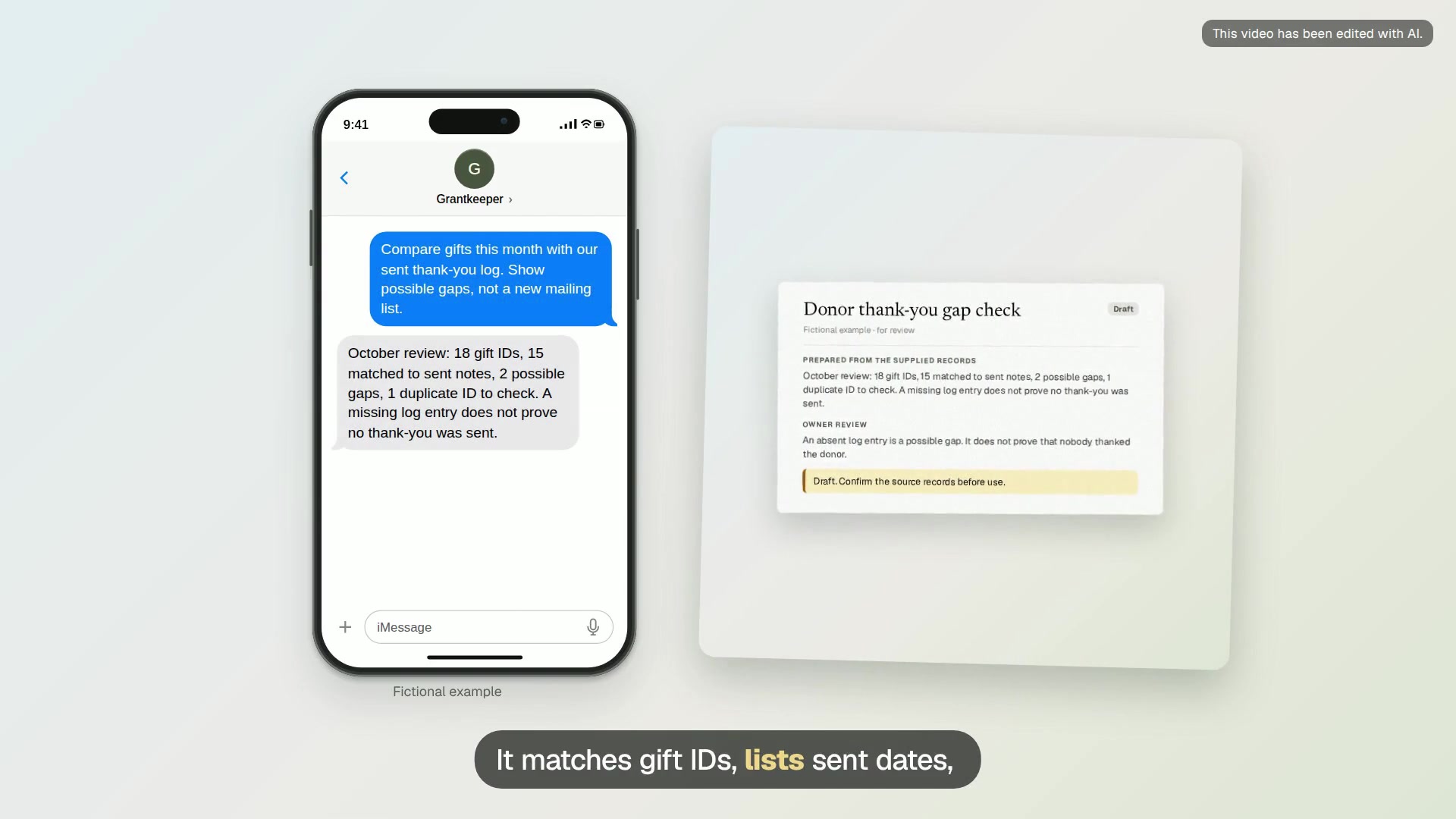
Donor thank-you gap check
A matched gift list with sent dates, possible gaps, duplicate IDs and records needing a person to check.
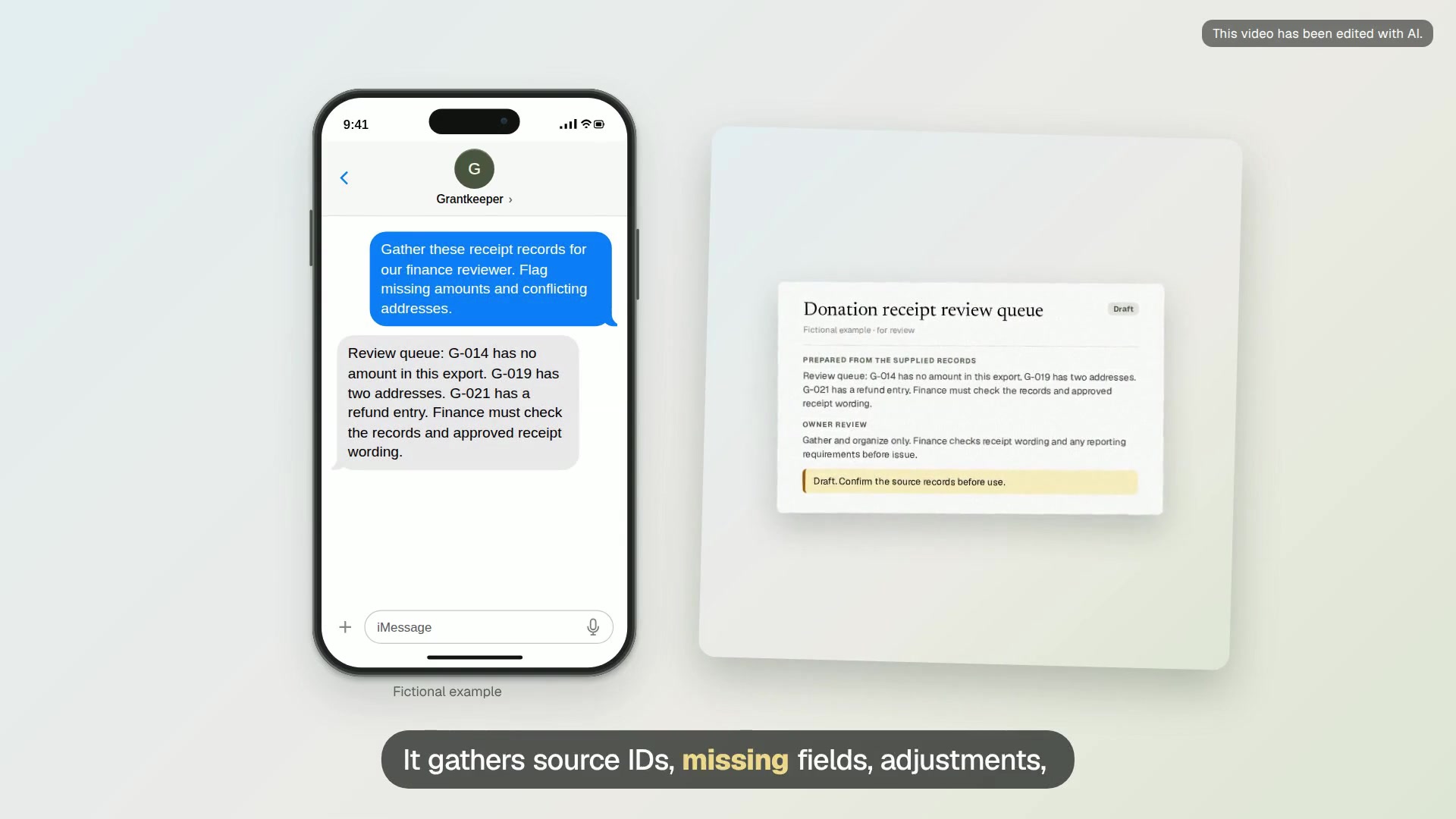
Donation receipt review queue
A receipt review queue with source IDs, missing fields, adjustments and draft questions for finance.
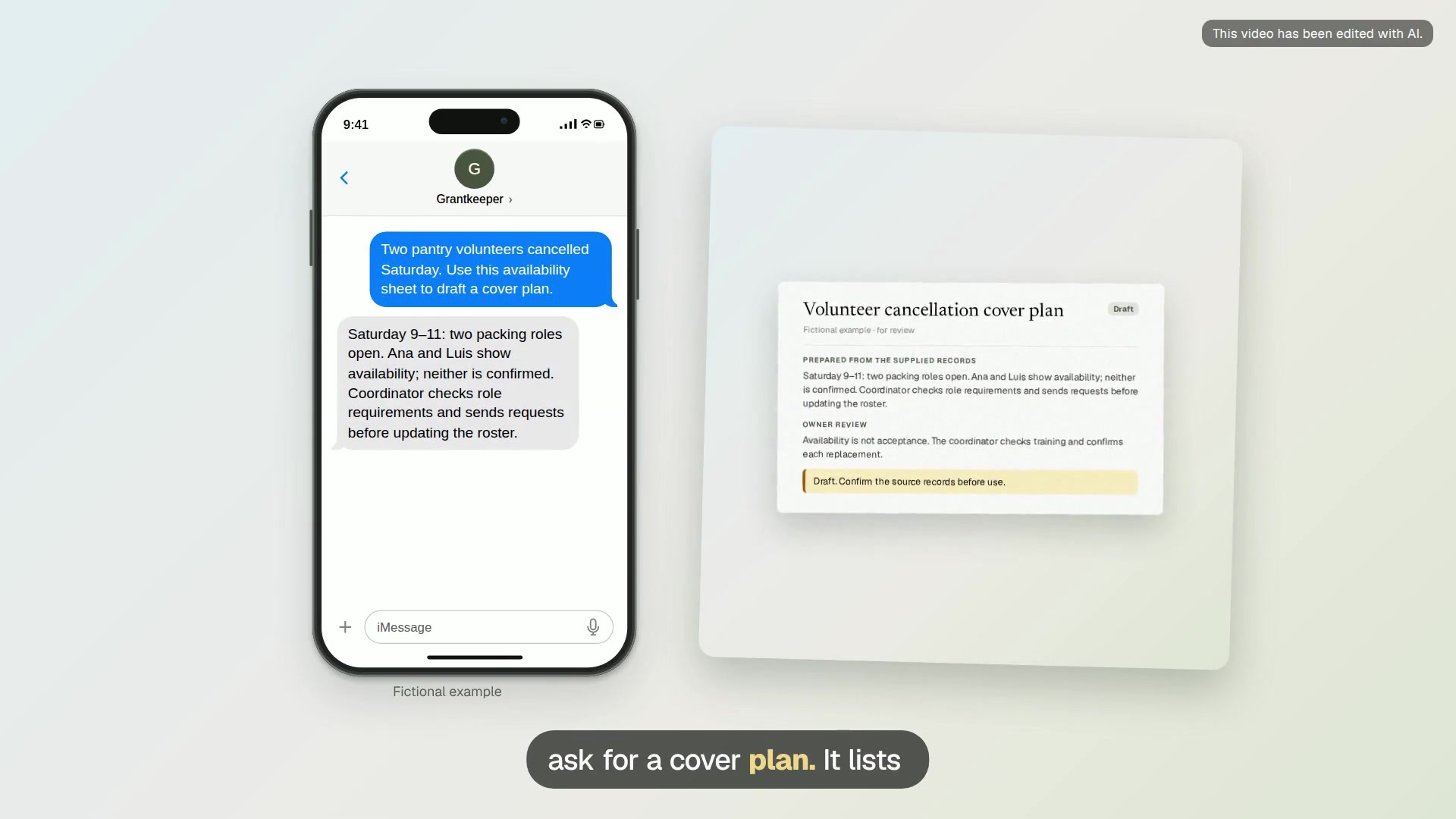
Volunteer cancellation cover plan
A cover plan with uncovered roles, possible replacements and individual request drafts to review.
Events
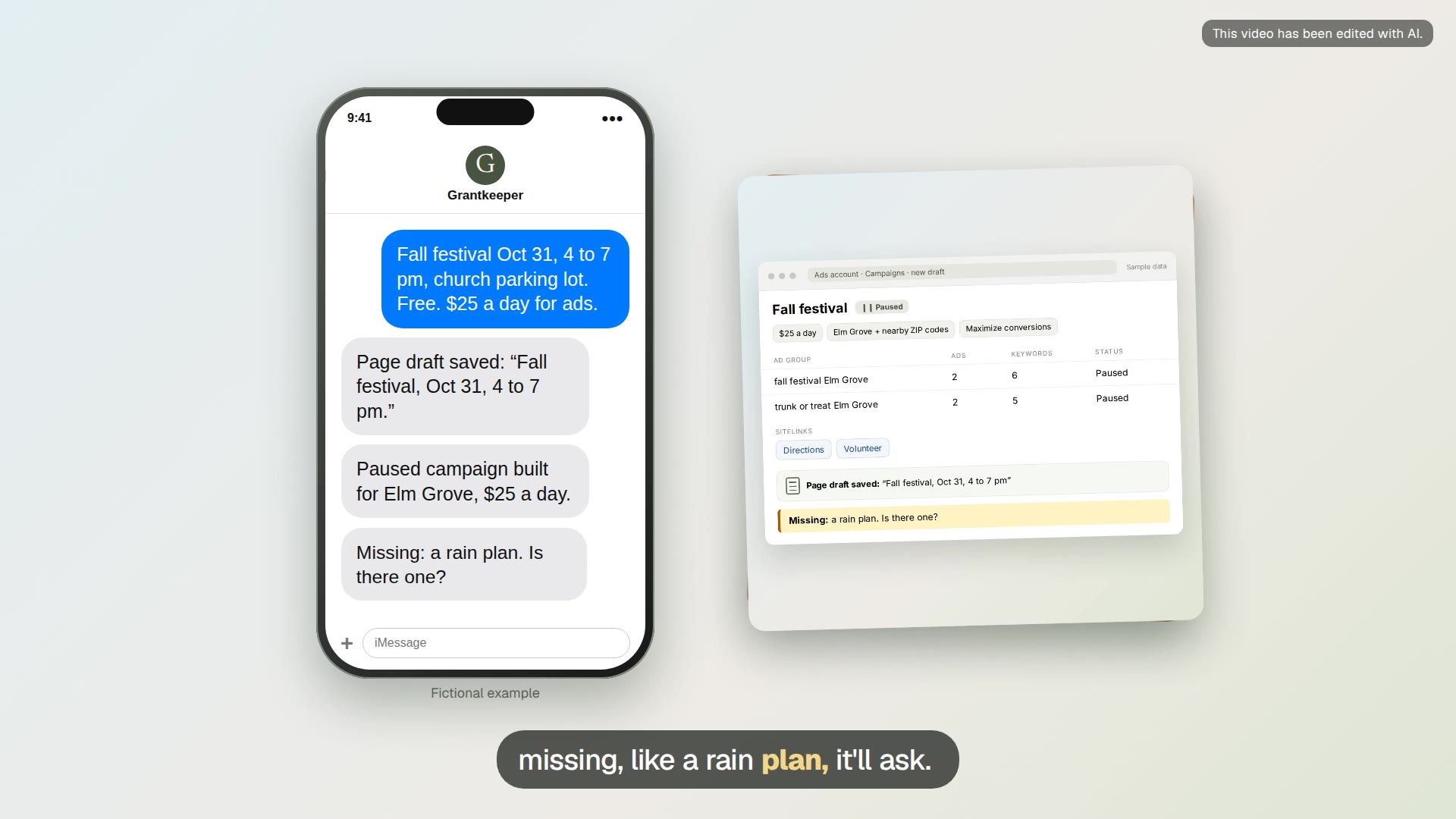
Event page and paused campaign
Turn the event details into a page draft and a paused Ad Grants campaign that links to it.
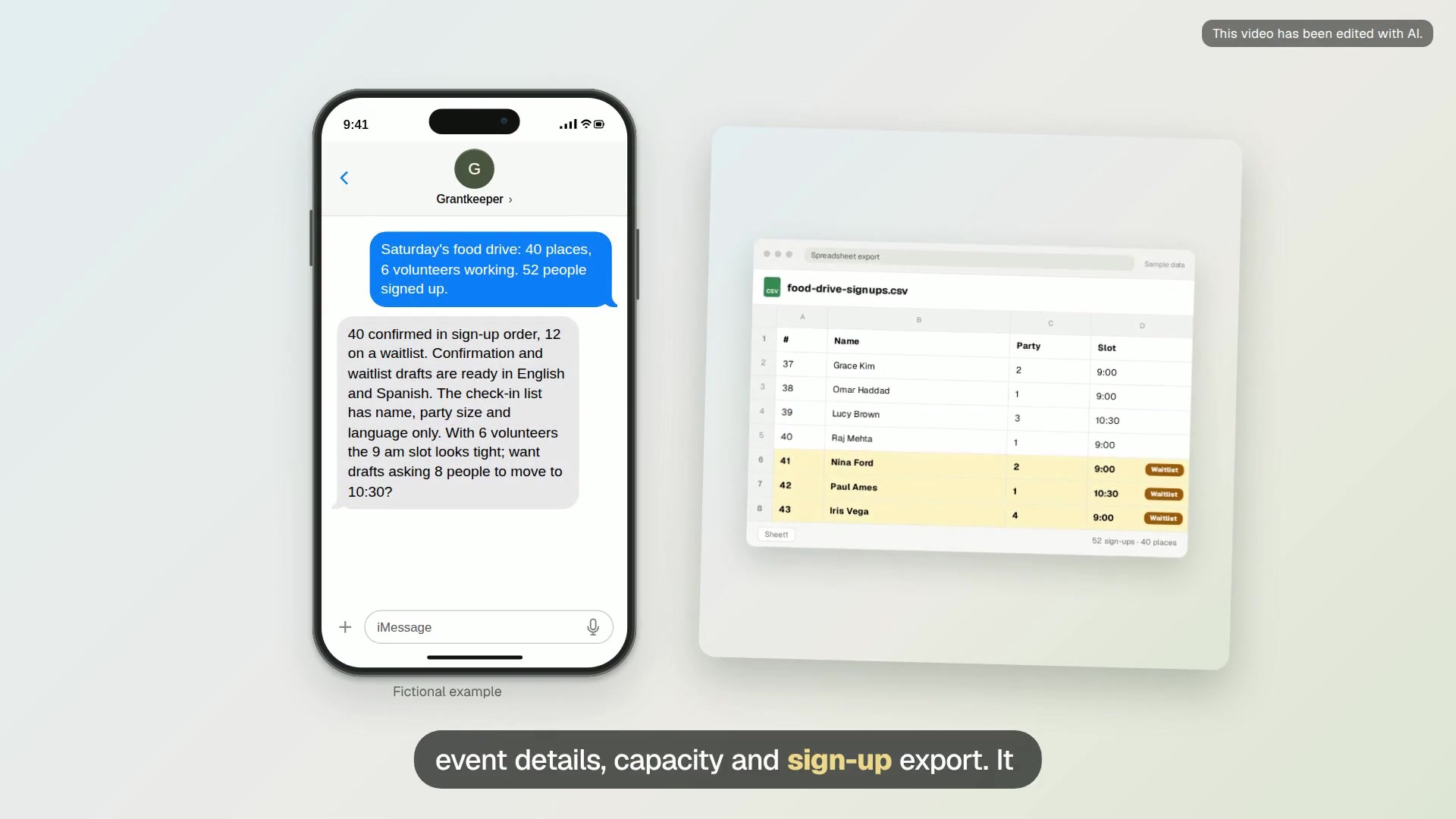
Event sign-up and check-in list
Capacity, waitlist, confirmation drafts and a simple check-in list for your next event.
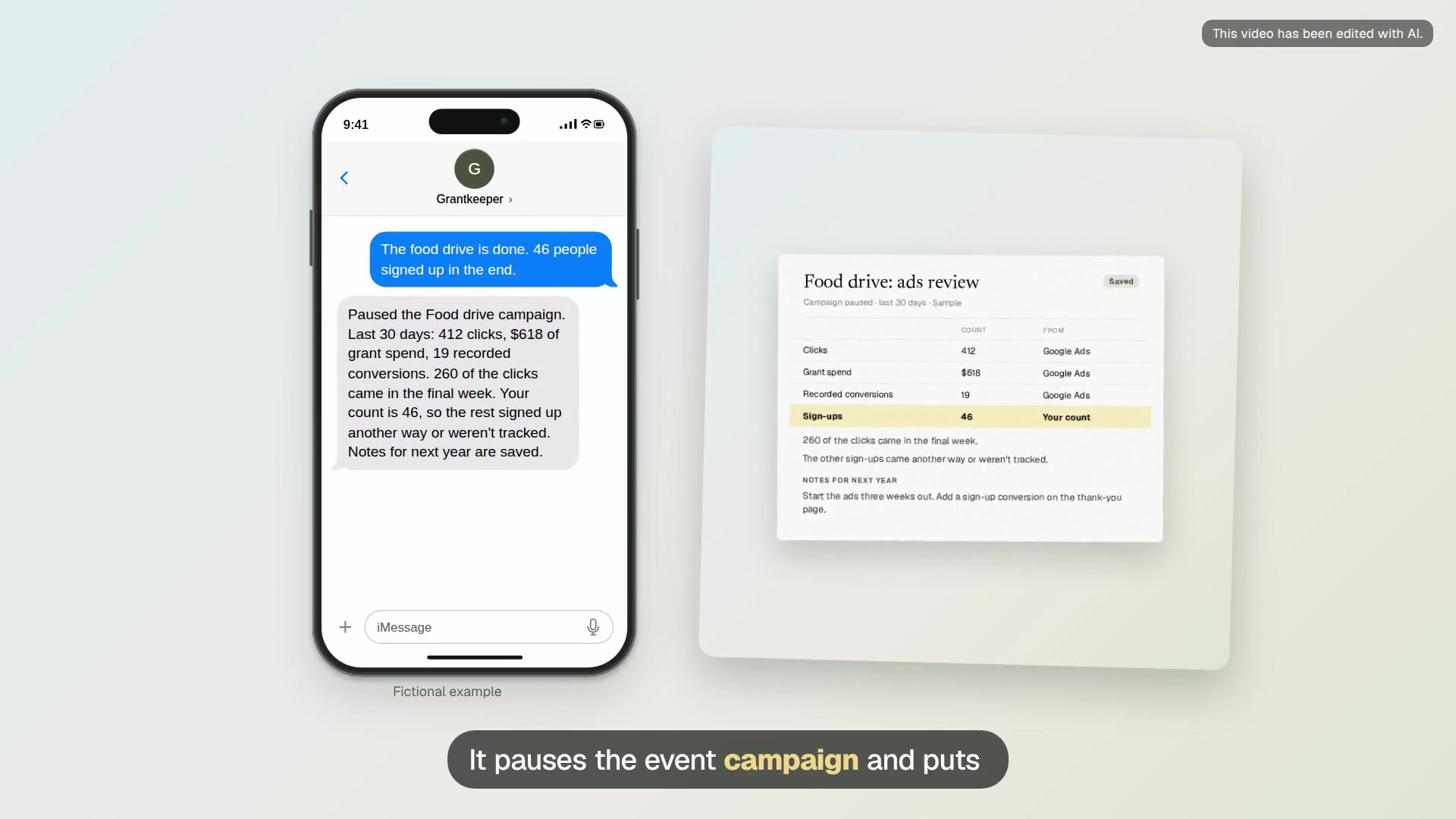
After-event ads review
After the event, pause its campaign and compare the ad results with your real sign-up count.
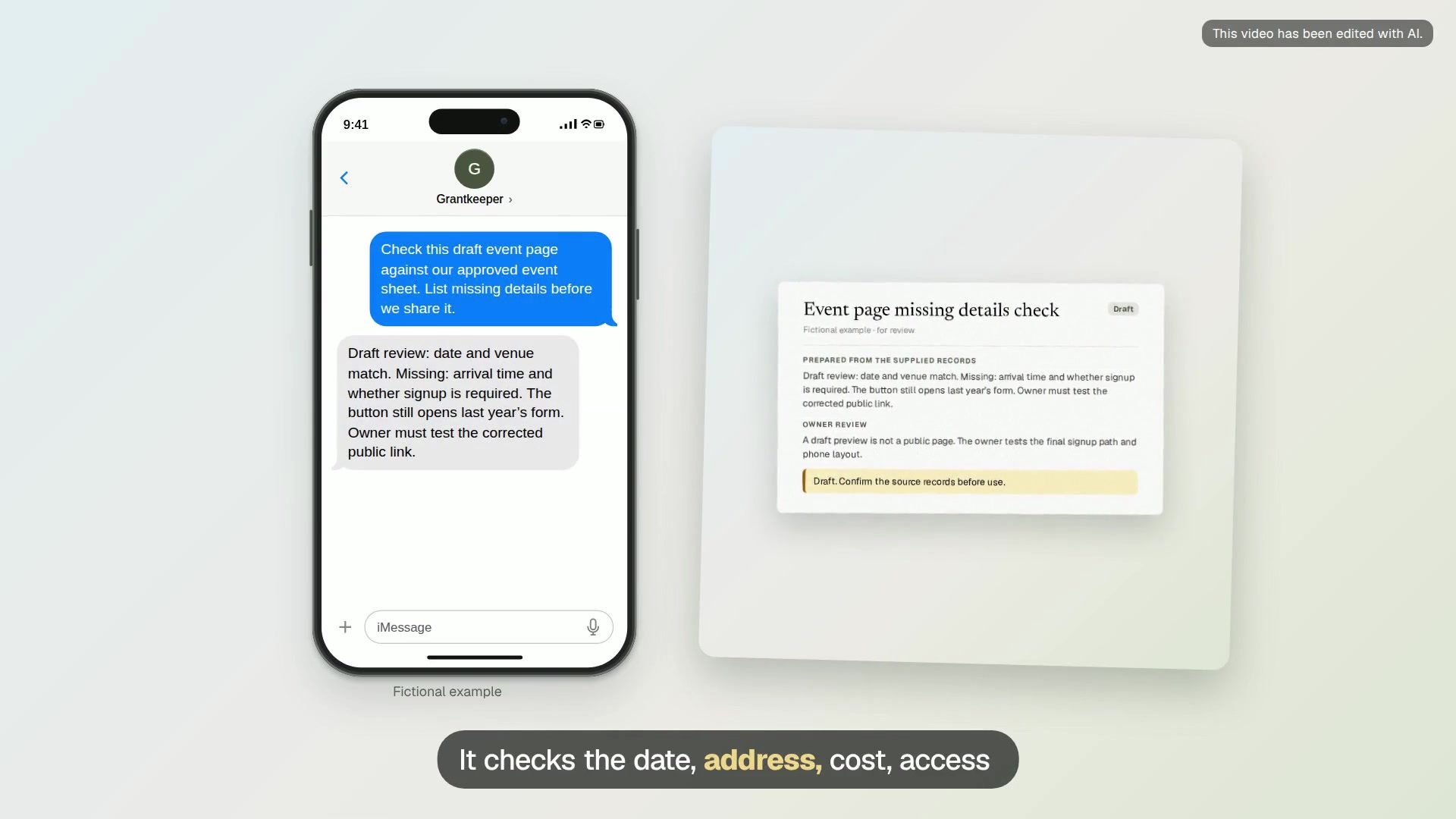
Event page missing details check
A page review covering dates, address, cost, access information, signup link and unresolved questions.
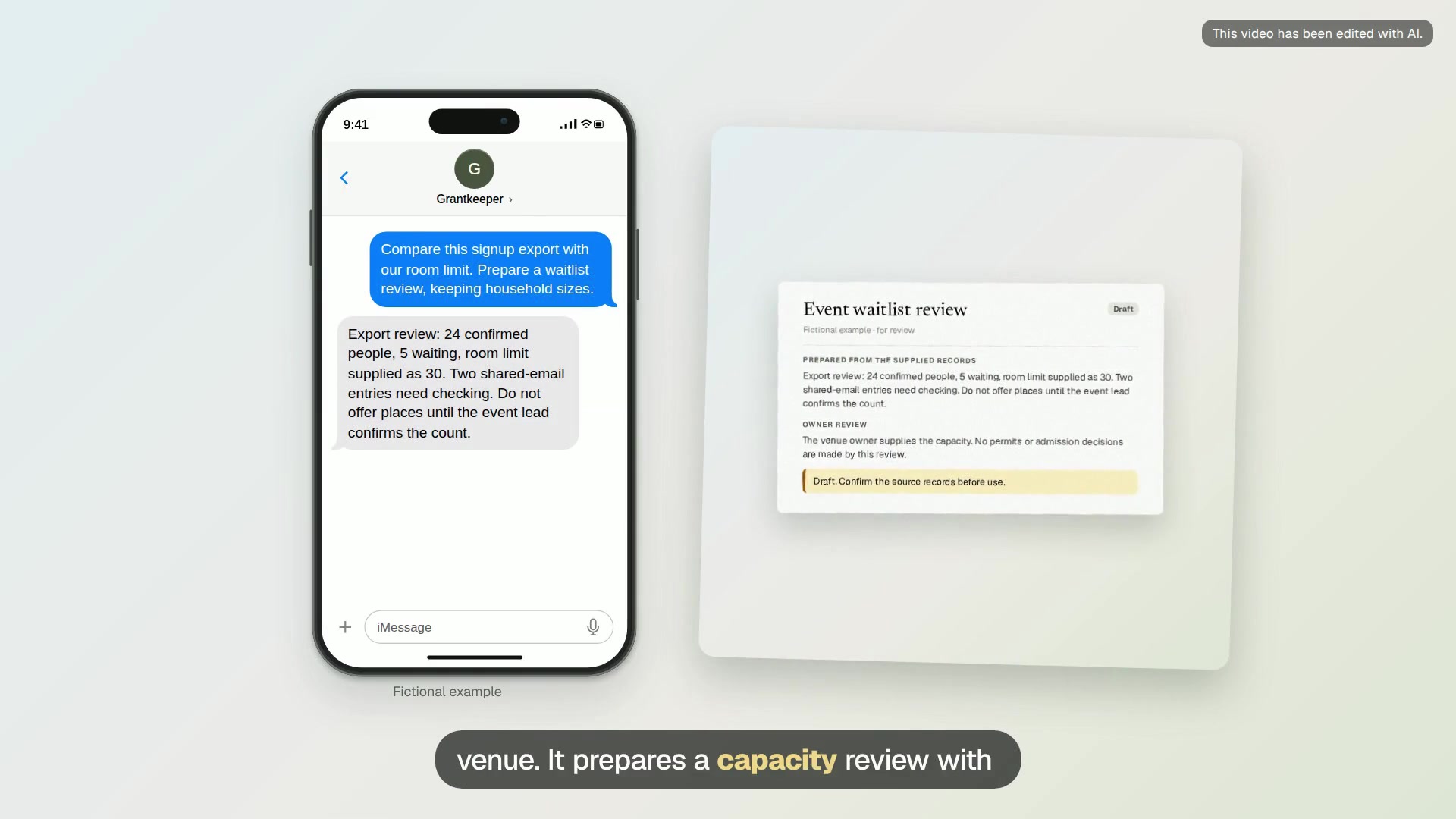
Event waitlist review
A capacity review with confirmed registrations, party sizes, possible duplicates and proposed waitlist replies.
Board and reporting
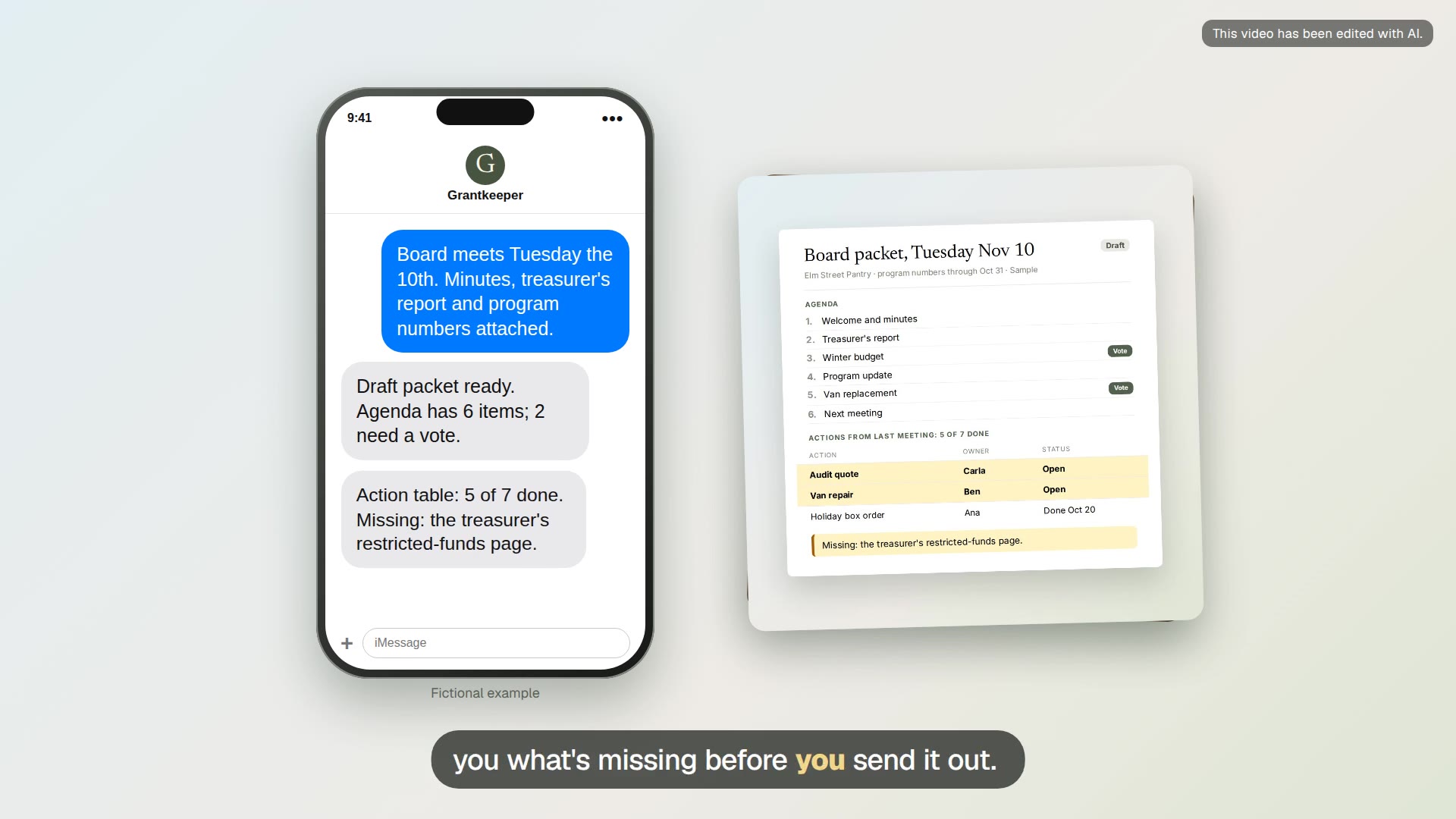
Board packet prep
Turn last month’s minutes and this month’s reports into a draft board packet with sources beside every number.
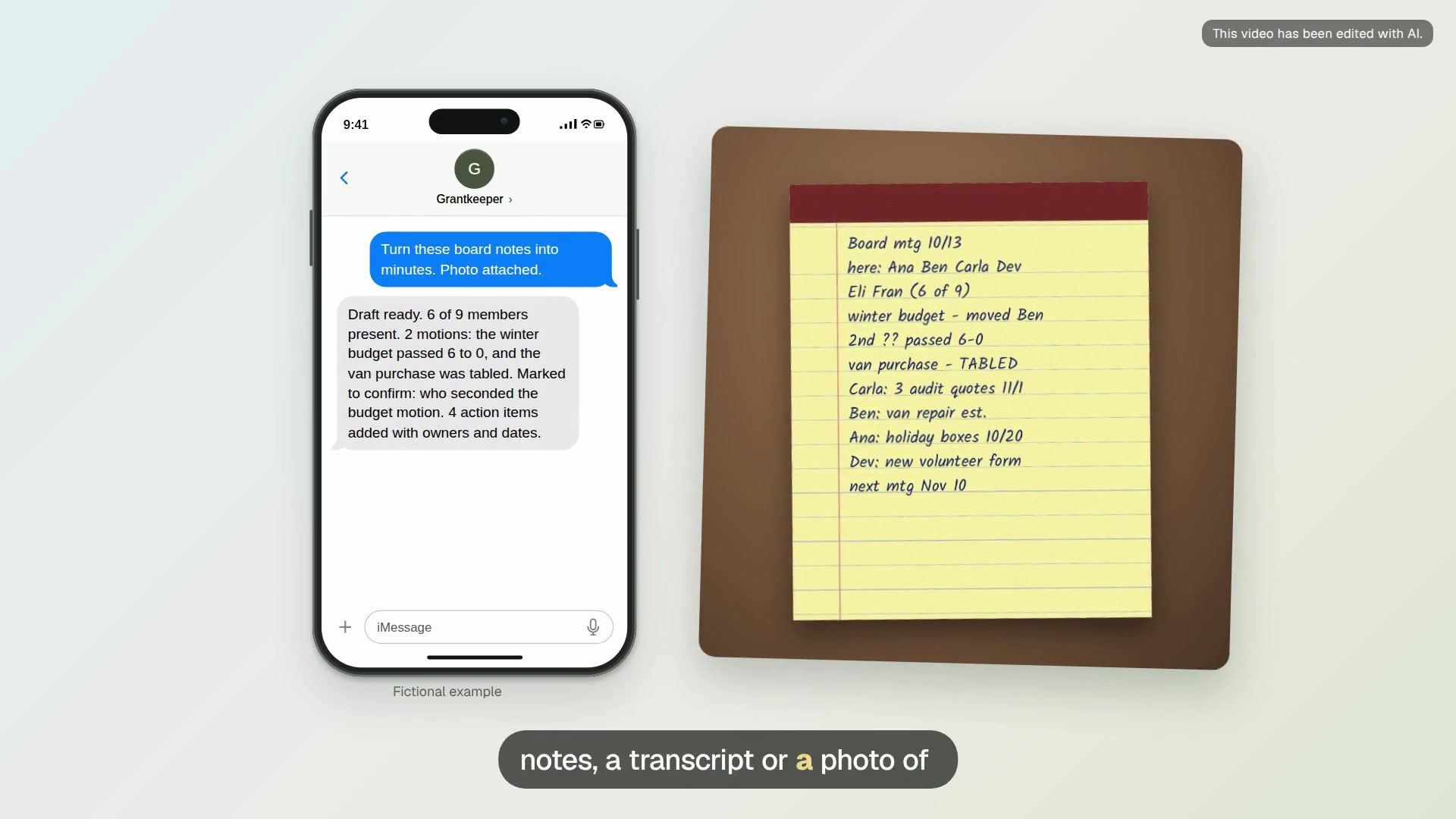
Board minutes draft
Turn meeting notes into draft minutes with motions, votes, decisions and action items, marked for you to confirm.
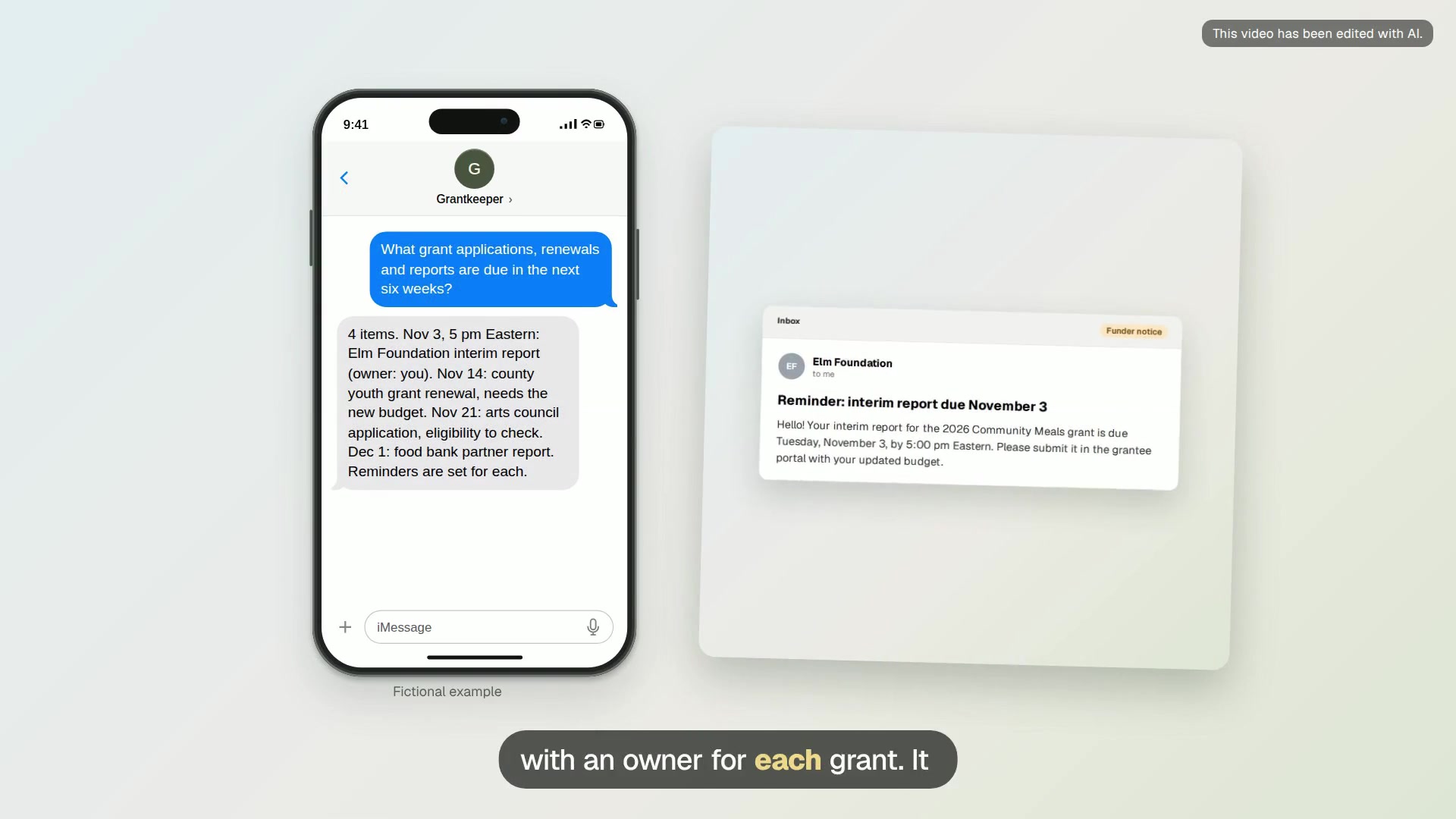
Grant deadline register
One list of grant applications, renewals and reports due in the coming weeks, with reminders that say what to do.
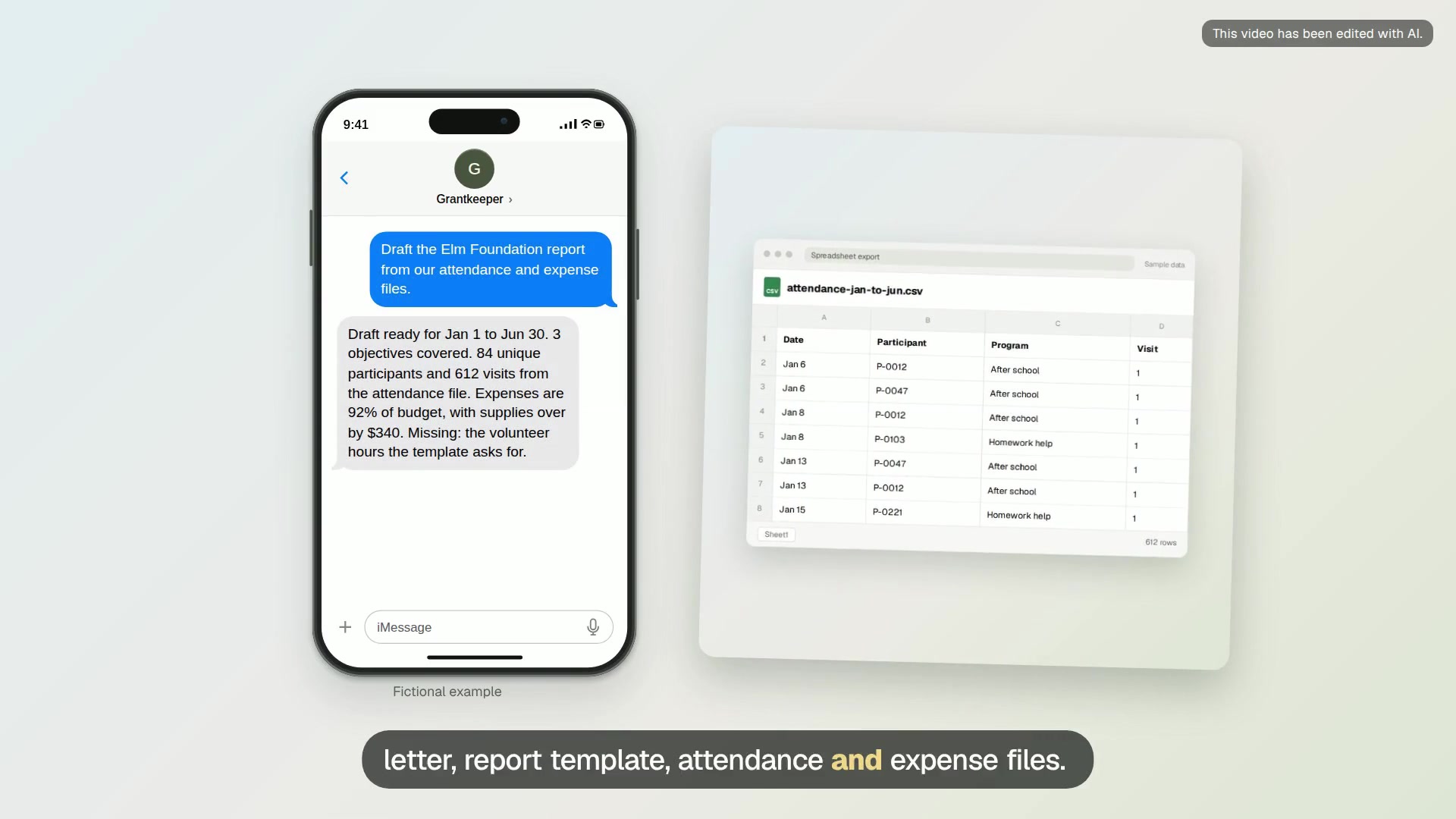
Foundation grant report draft
Draft a funder report from the award terms and your attendance and expense records, with every gap marked.
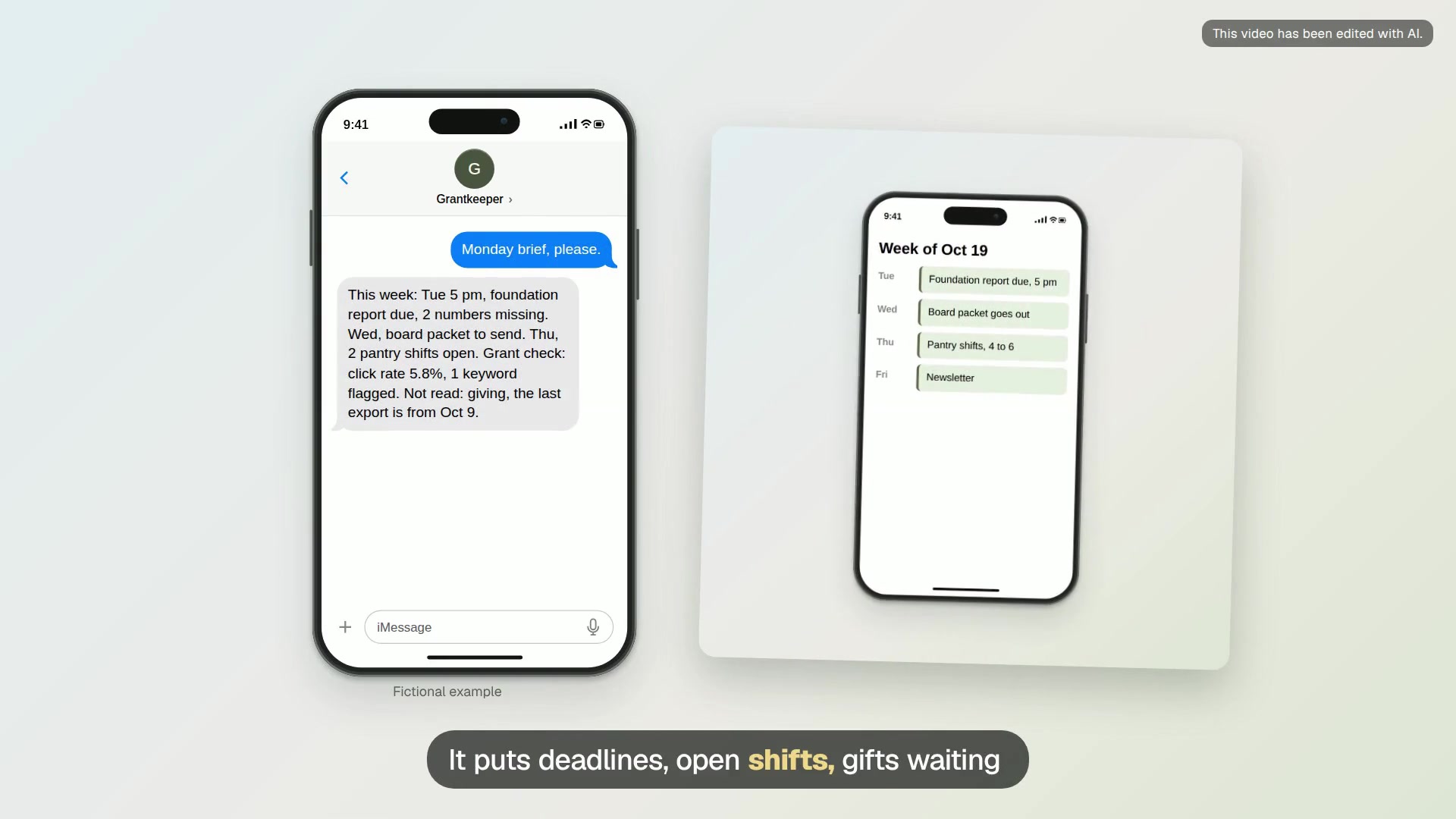
Monday director brief
One short Monday text with the week’s deadlines, open shifts, gifts to thank, grant status and anything stuck.
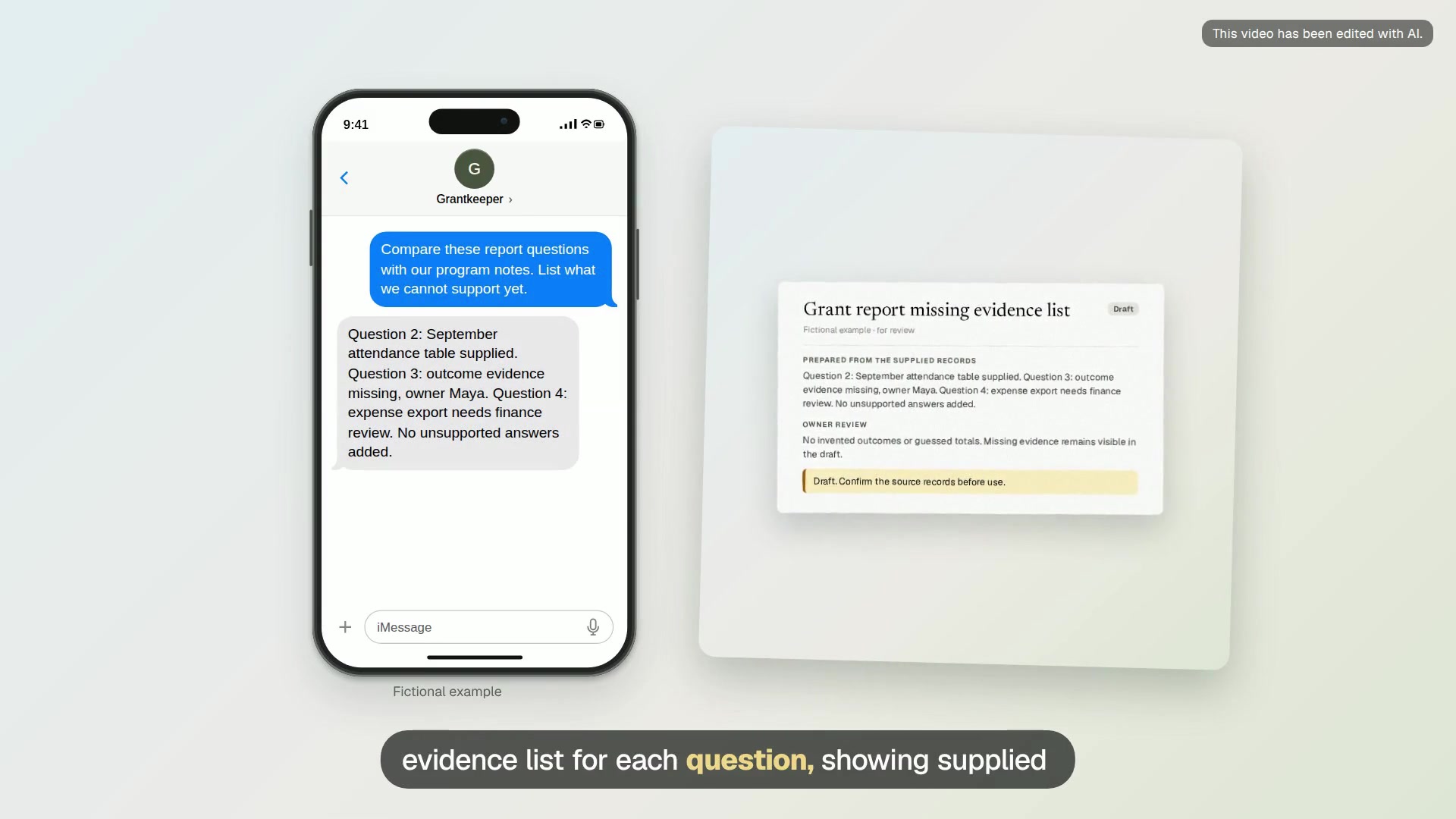
Grant report missing evidence list
A question-by-question evidence list with file references, missing numbers and a request draft for each staff owner.
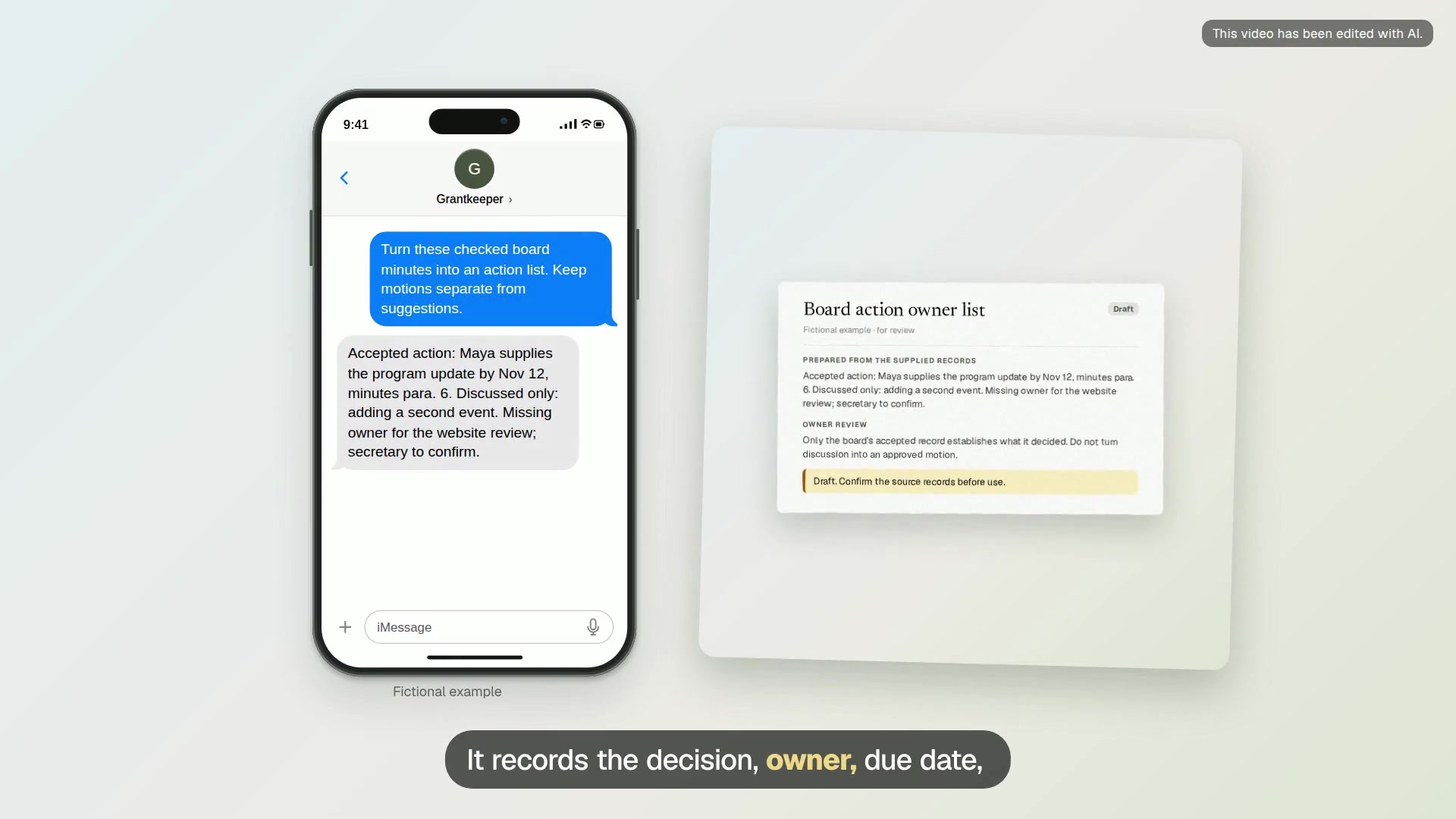
Board action owner list
An action list with the recorded decision, owner, due date and source paragraph, plus blanks needing confirmation.
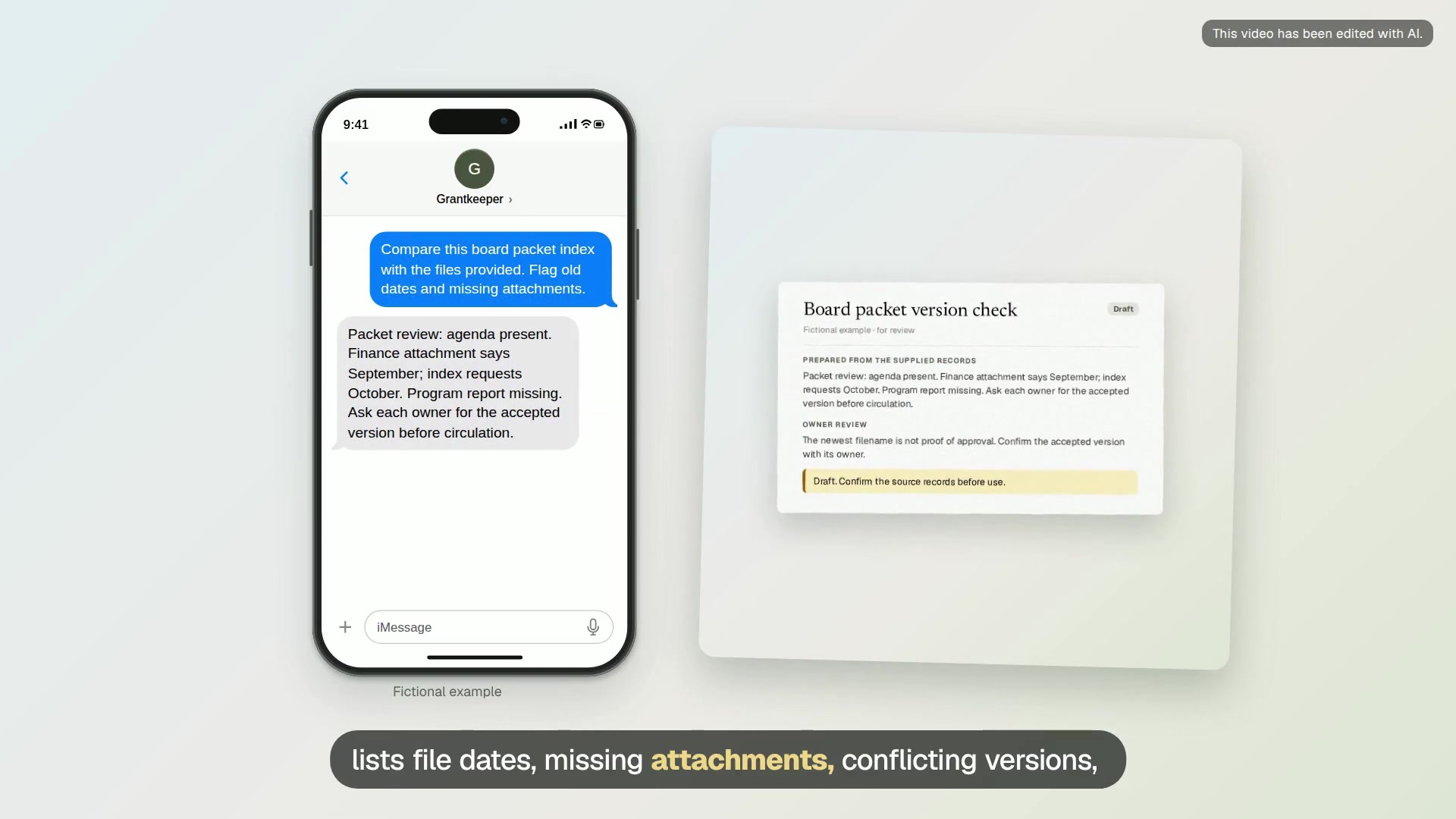
Board packet version check
A packet index with file dates, missing attachments, conflicting versions and a draft request to each document owner.
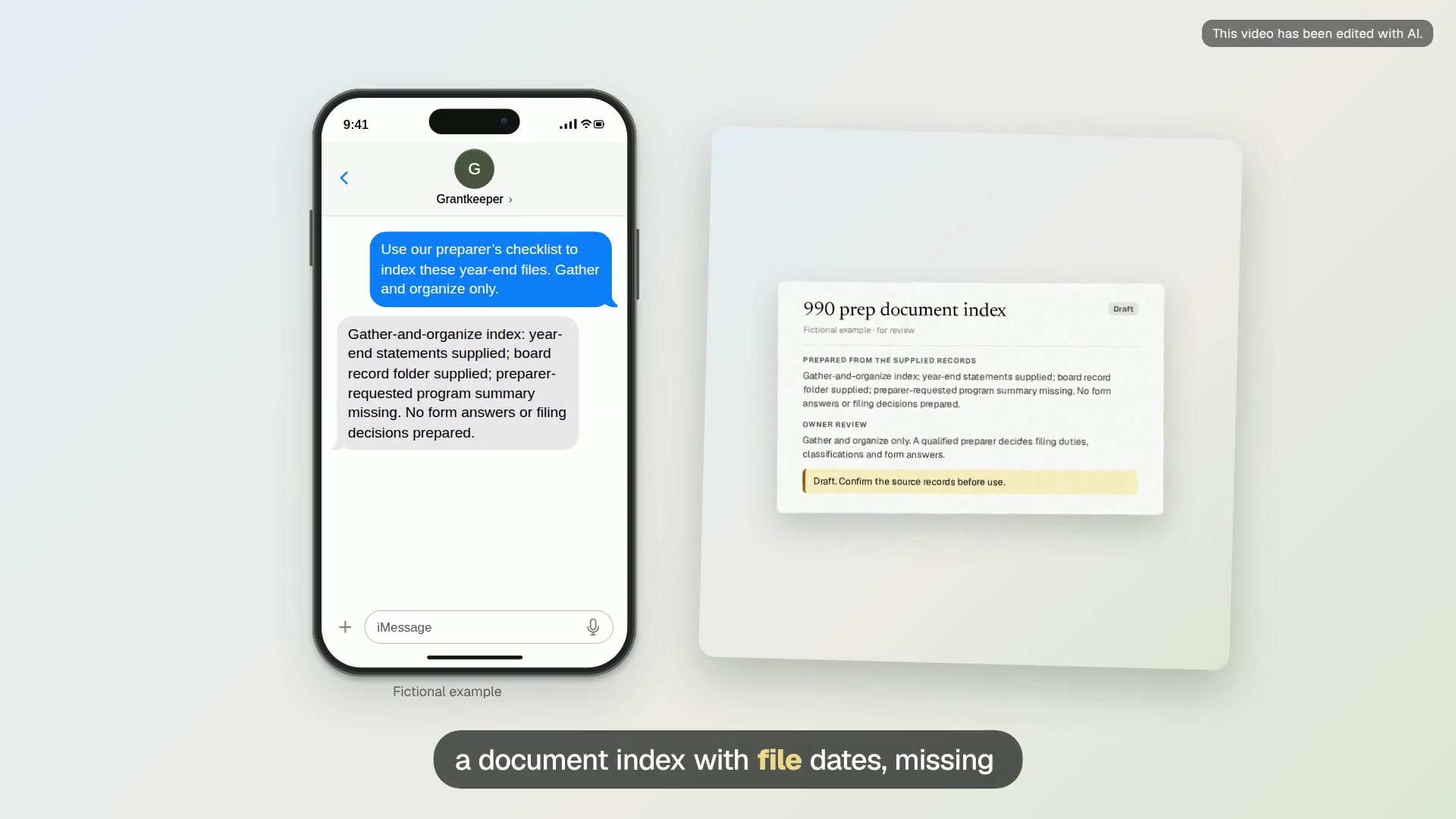
990 prep document index
A document index tied to the preparer’s checklist, with file dates, missing records and questions for the finance lead.
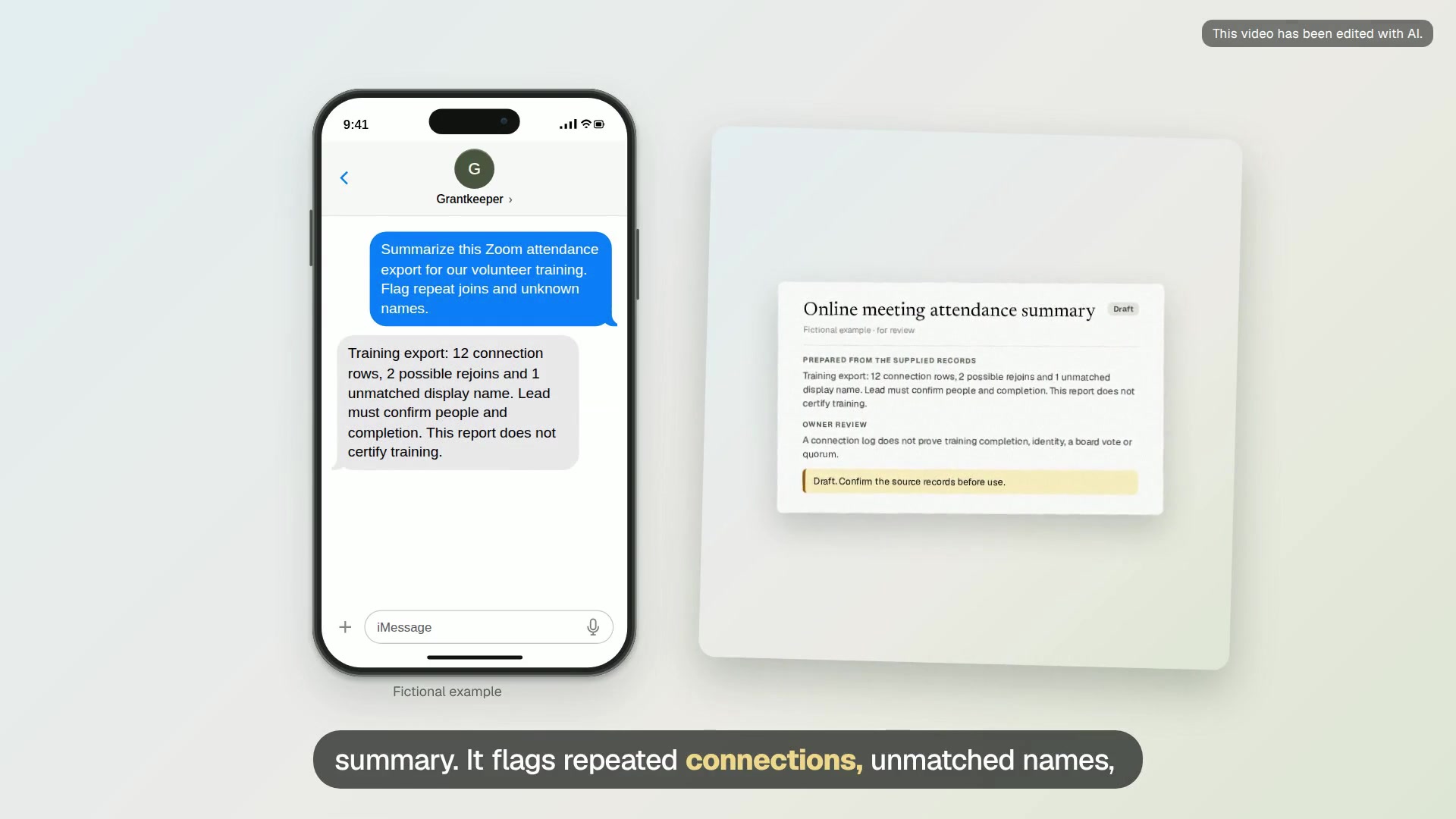
Online meeting attendance summary
A draft attendance summary with repeat connections, unmatched names and questions for the training lead.
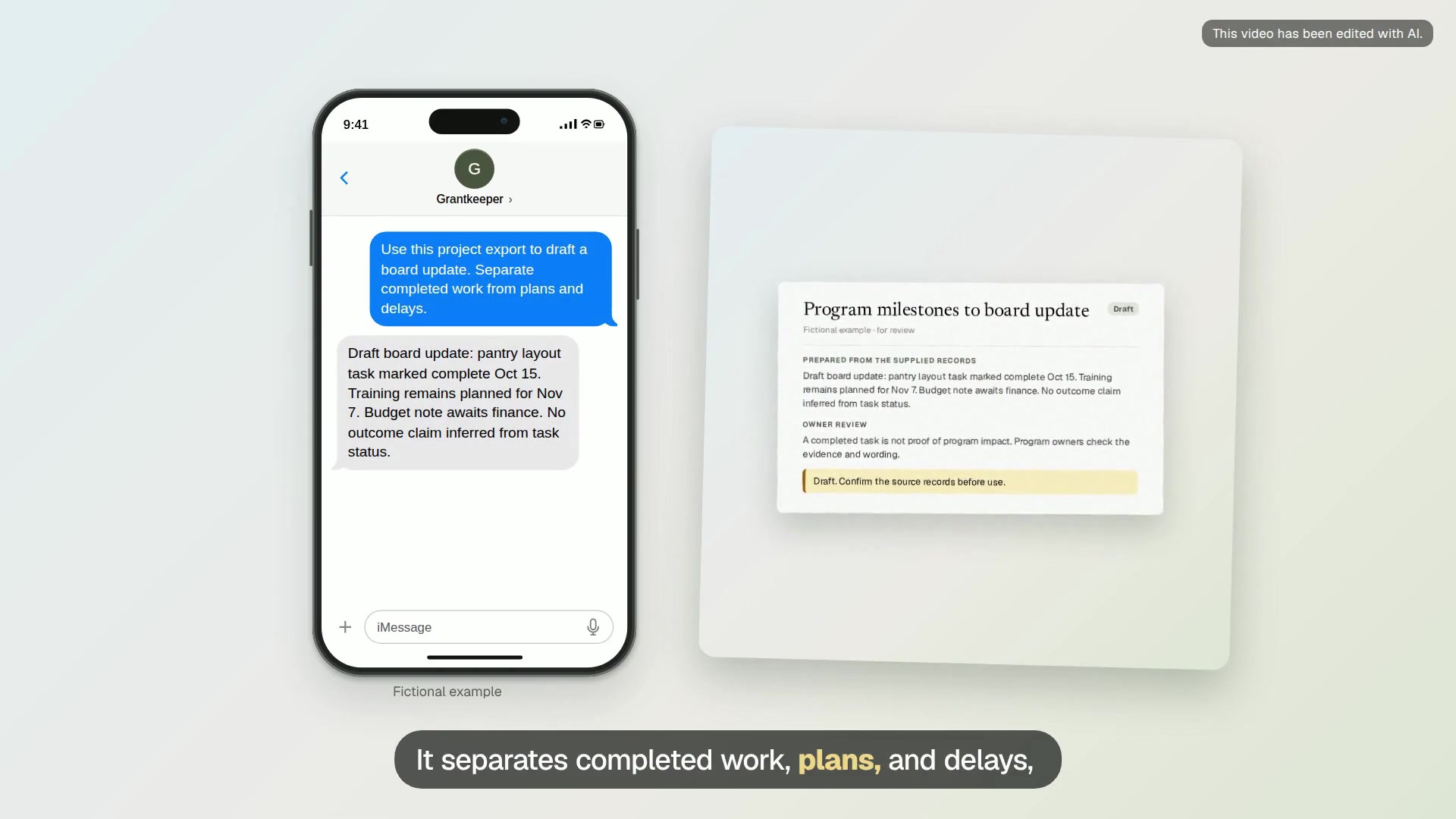
Program milestones to board update
A one-page draft with dated milestones, reported delays, source tasks and questions for program leads.
Church life
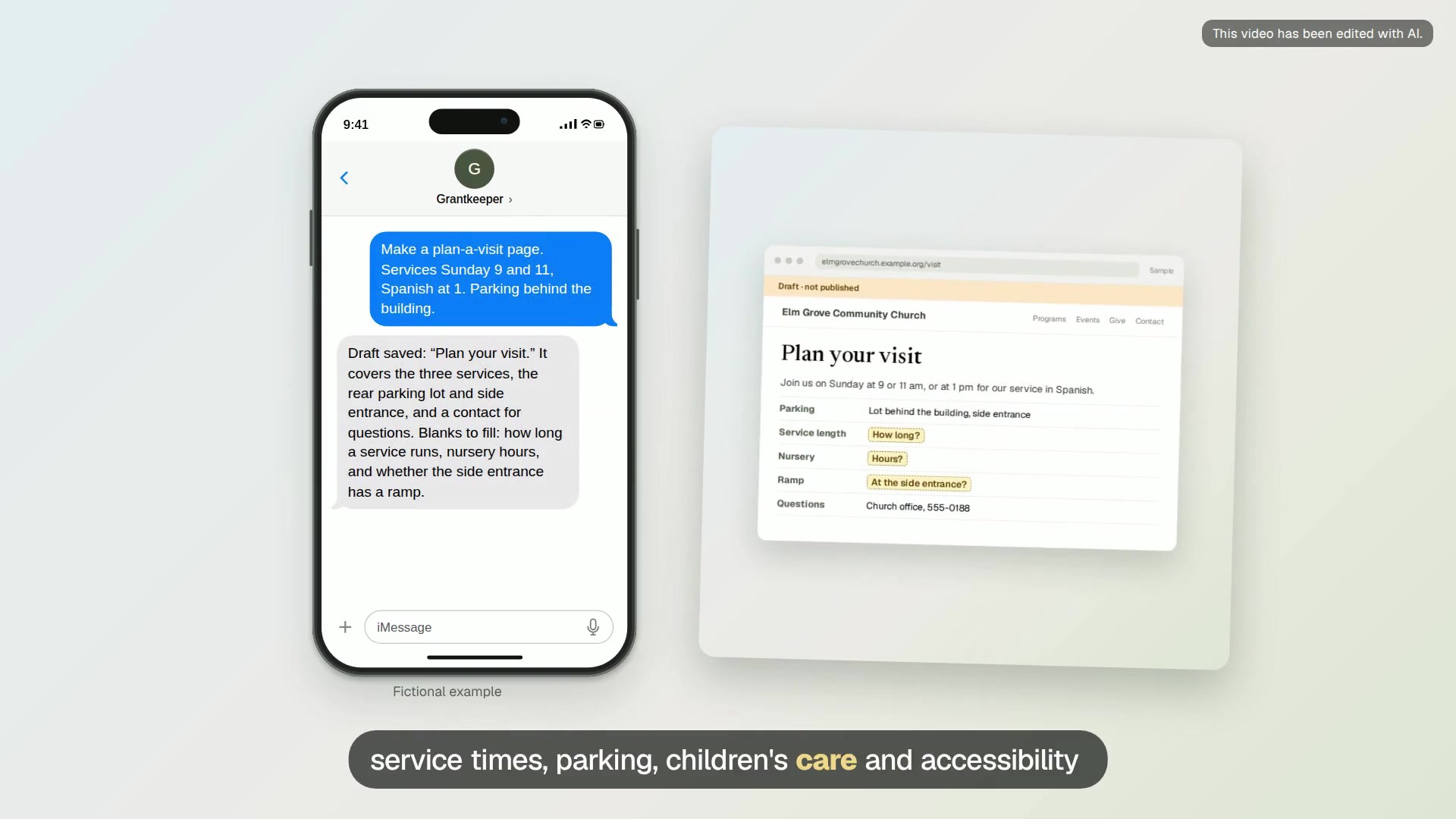
Plan a visit page
A page that answers a first-time visitor’s questions about services, parking, children and accessibility.
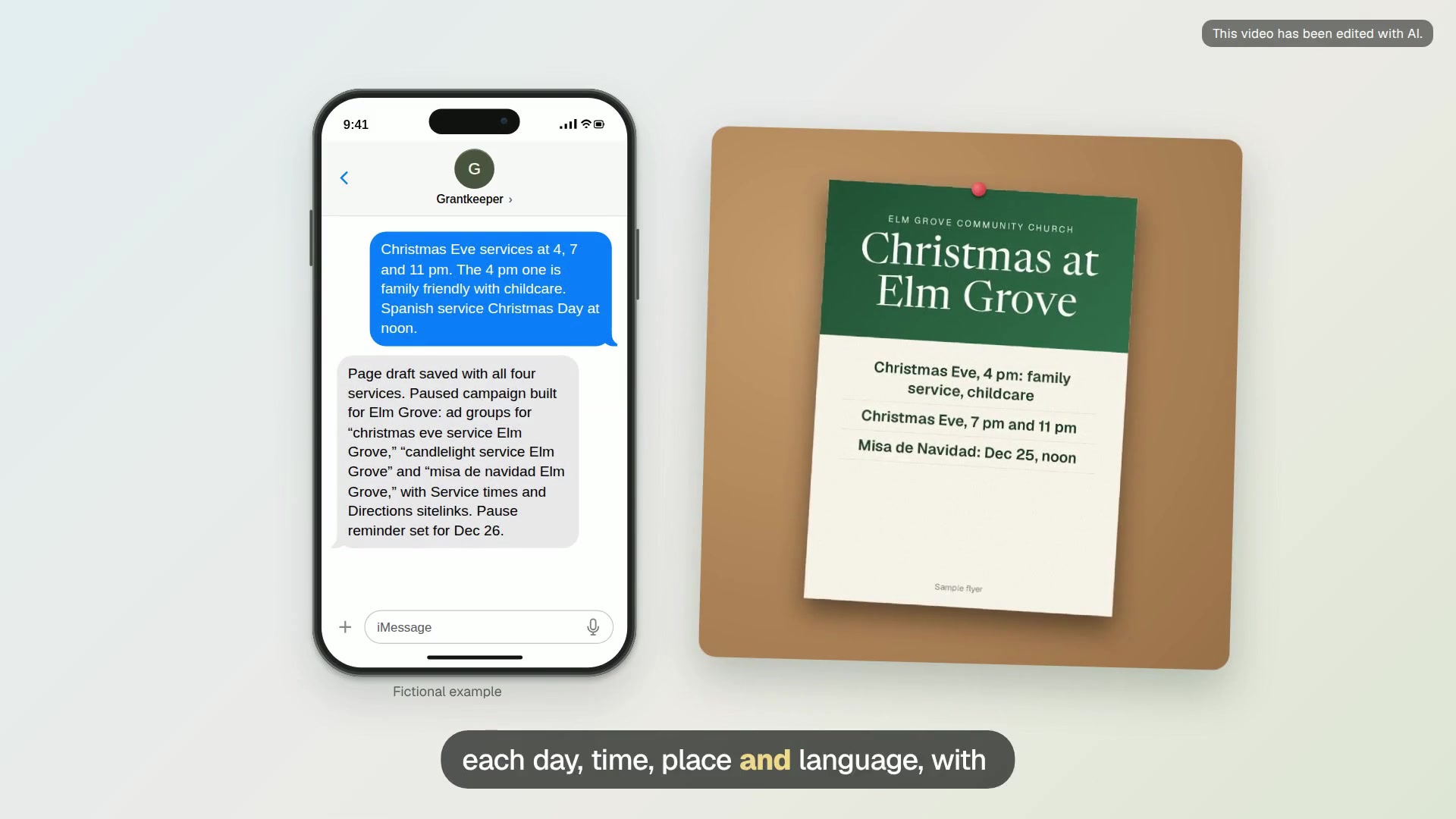
Holiday services campaign
A holiday services page and a paused Ad Grants campaign for Christmas, Easter or another season, built weeks ahead.
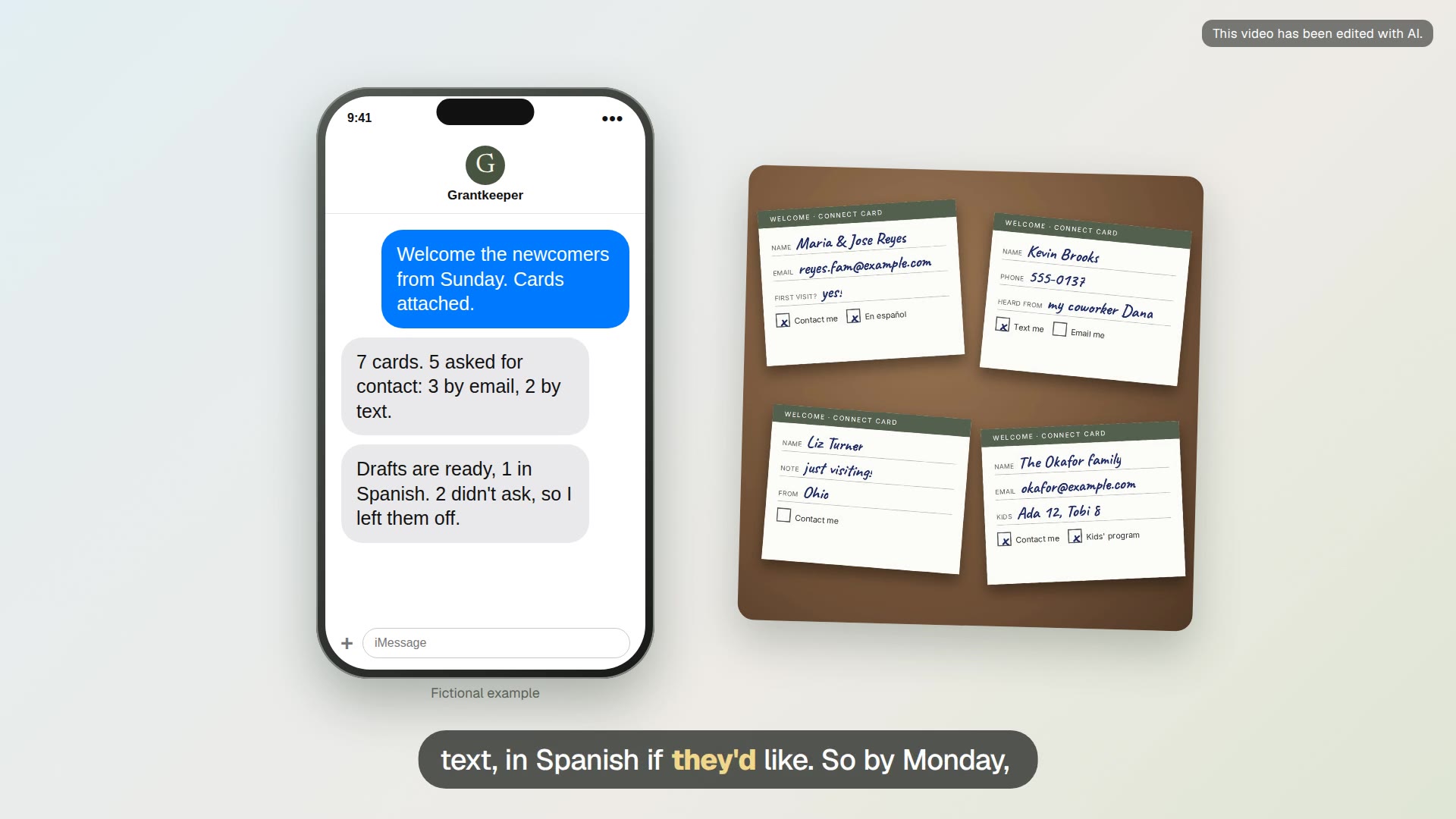
Newcomer welcome drafts
Personal welcome notes for newcomers who asked to be contacted, sent the way each one chose.
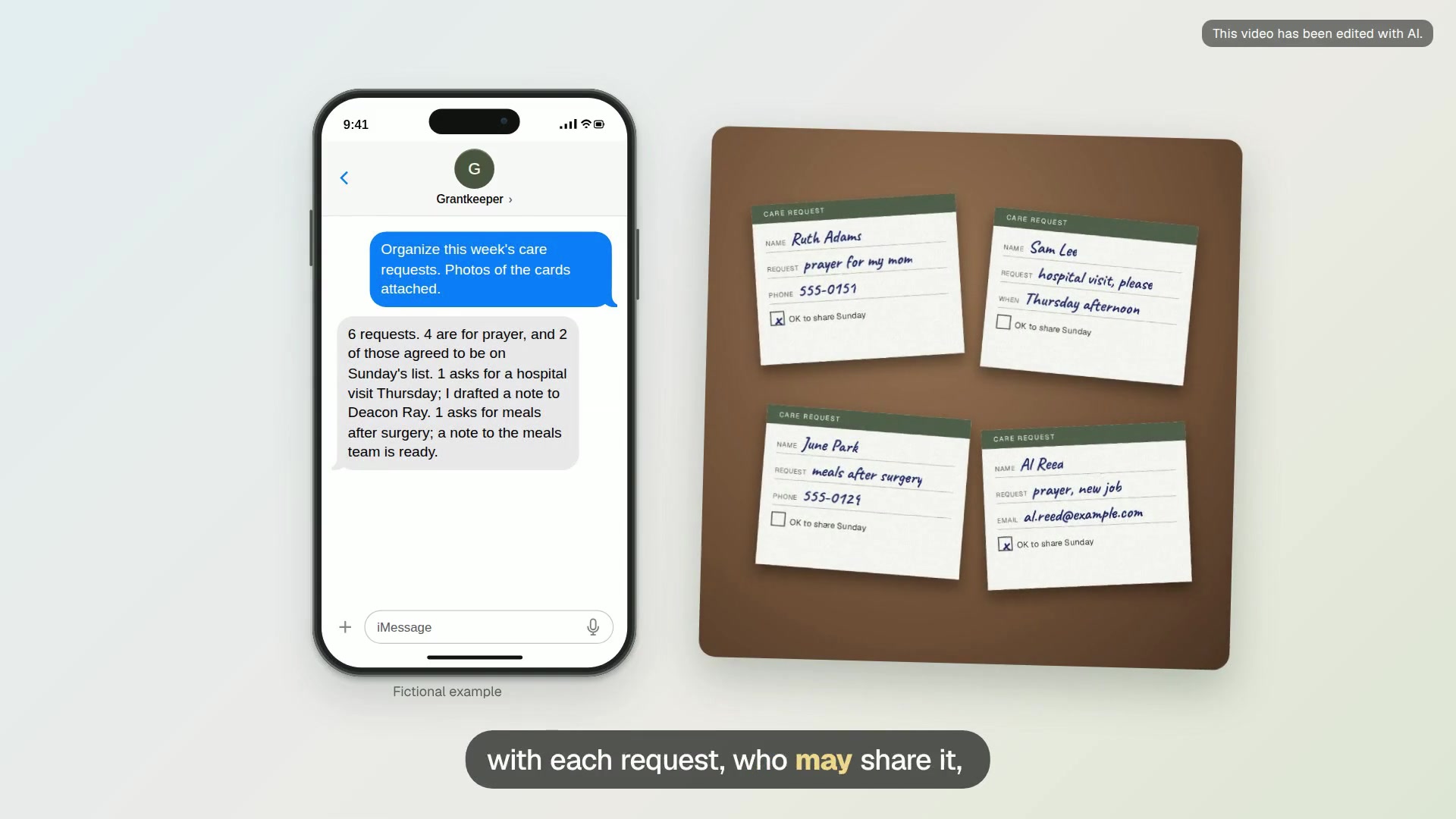
Care request queue
Organize the week’s care and prayer requests into a private list with an owner and a next step for each.
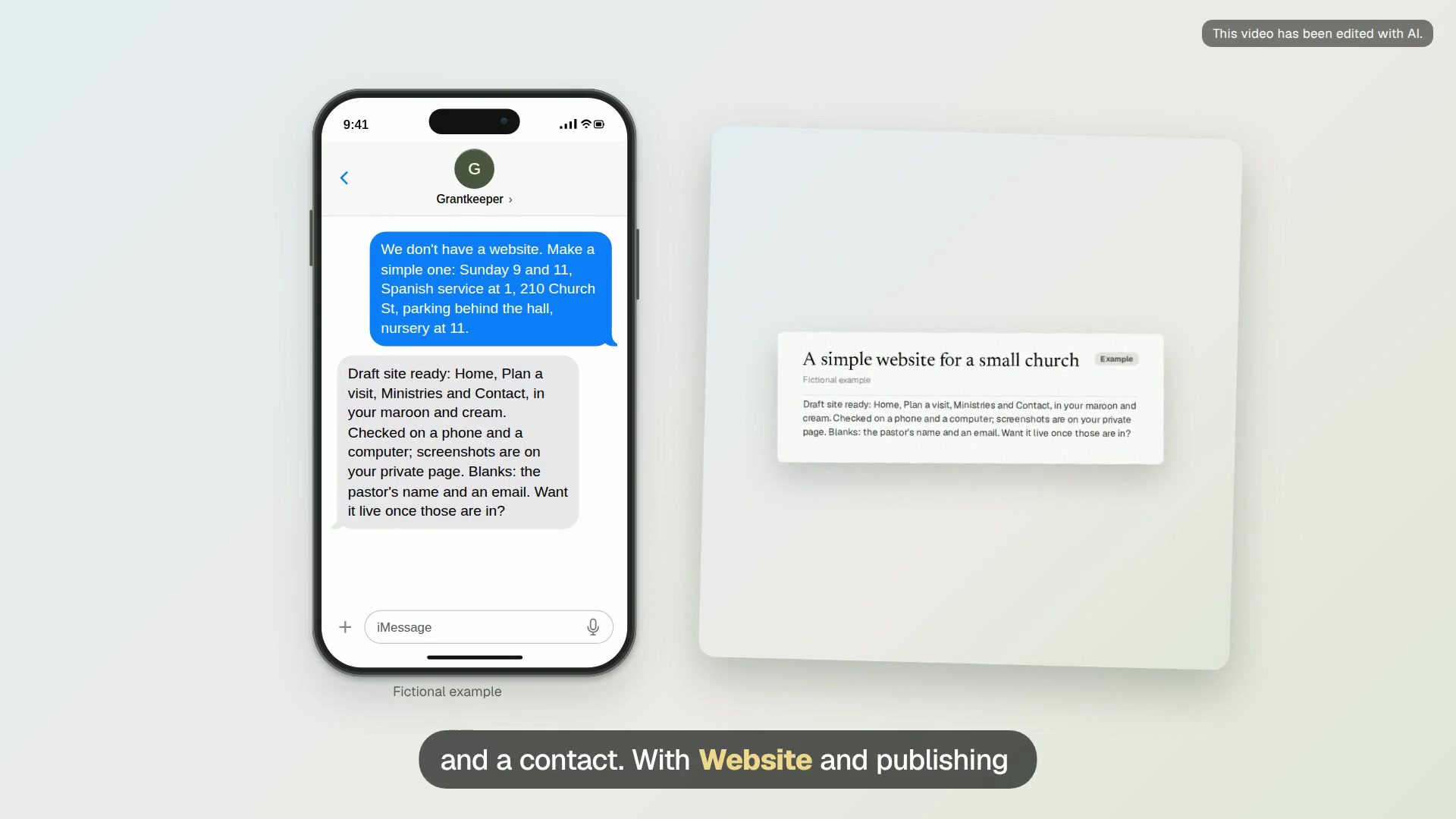
A simple website for a small church
No website yet? Grantkeeper builds a small site with service times, visit details and contact, checks it on a phone, and puts it online when you send the code.
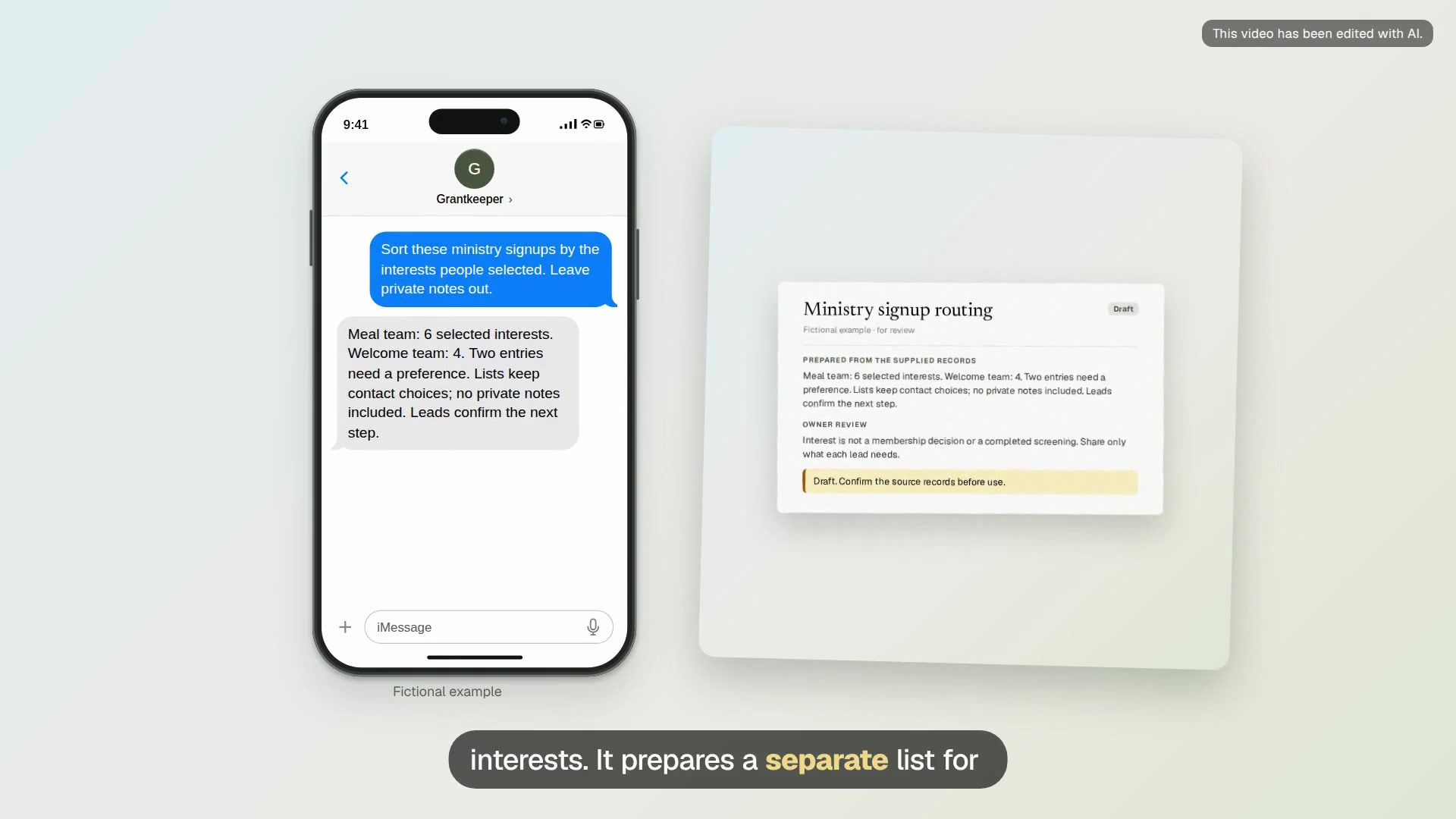
Ministry signup routing
A separate interest list for each ministry lead, with contact choices and unassigned responses to review.
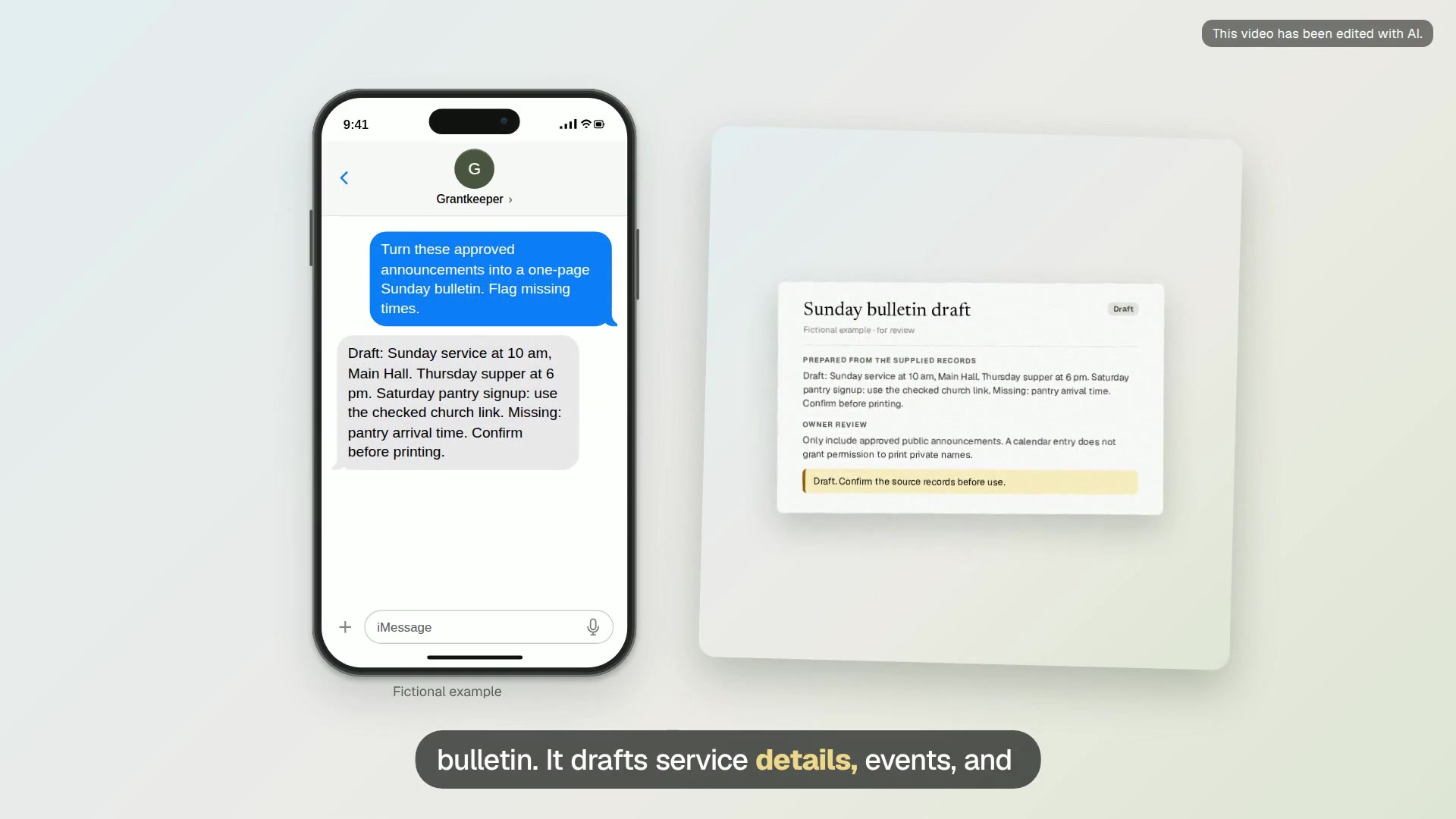
Sunday bulletin draft
A bulletin draft with service details, a short events list, signup links and a visible list of blanks.
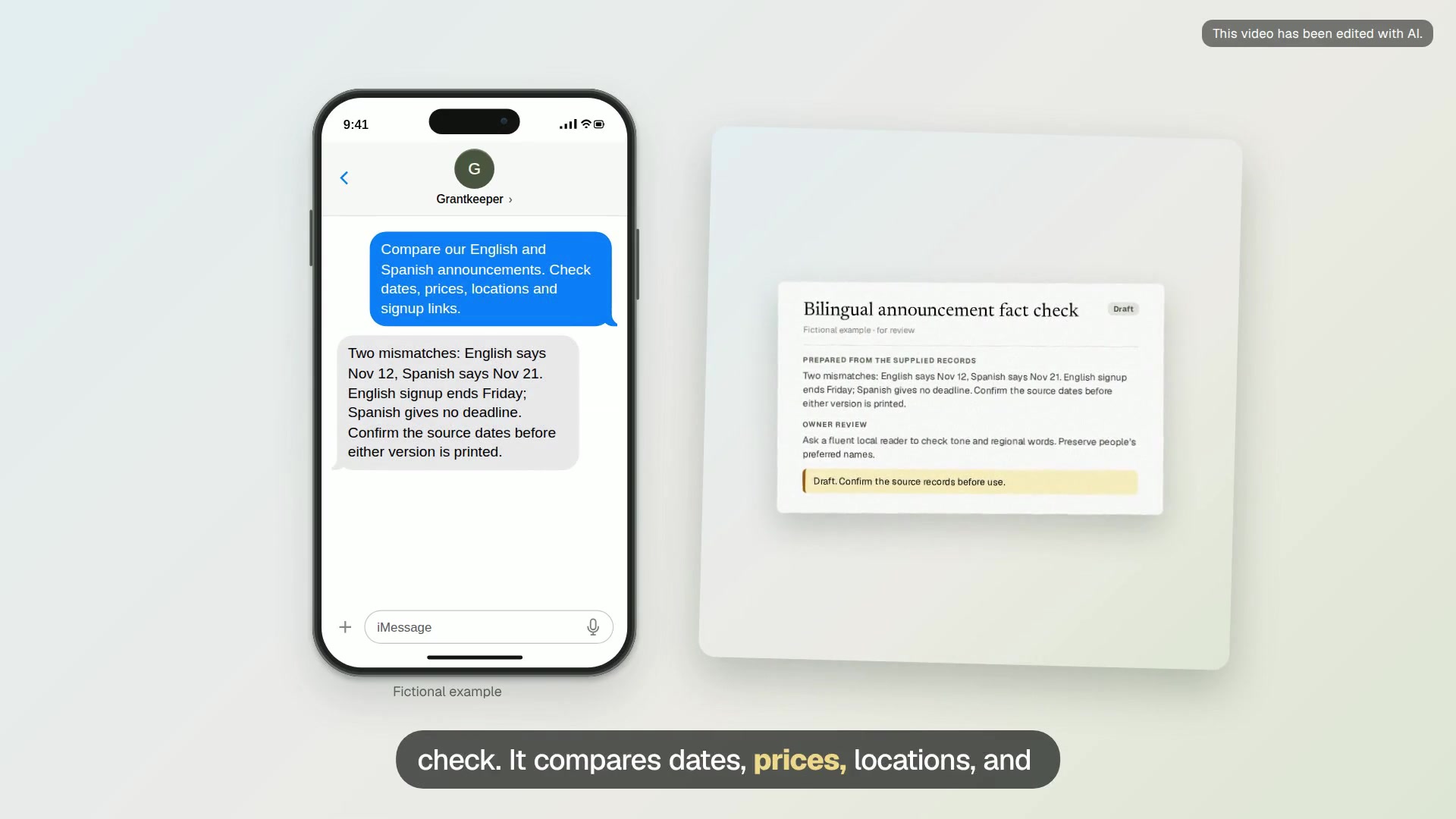
Bilingual announcement fact check
A side-by-side check listing mismatched facts, unclear dates and wording for a local Spanish reviewer.
Find and keep funding
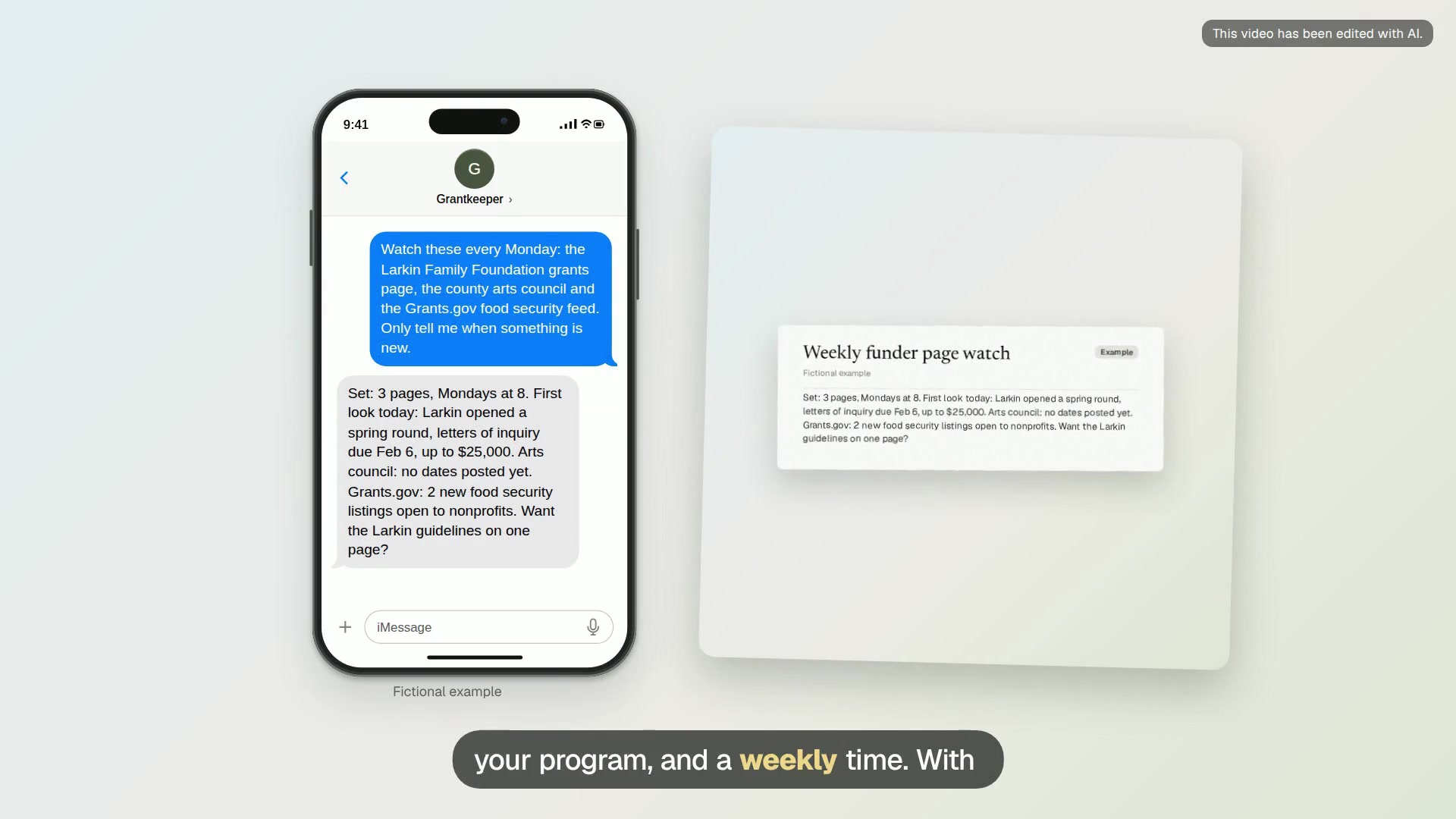
Weekly funder page watch
Grantkeeper checks the funder and grant pages you pick every week and texts you only when a new round or deadline shows up.
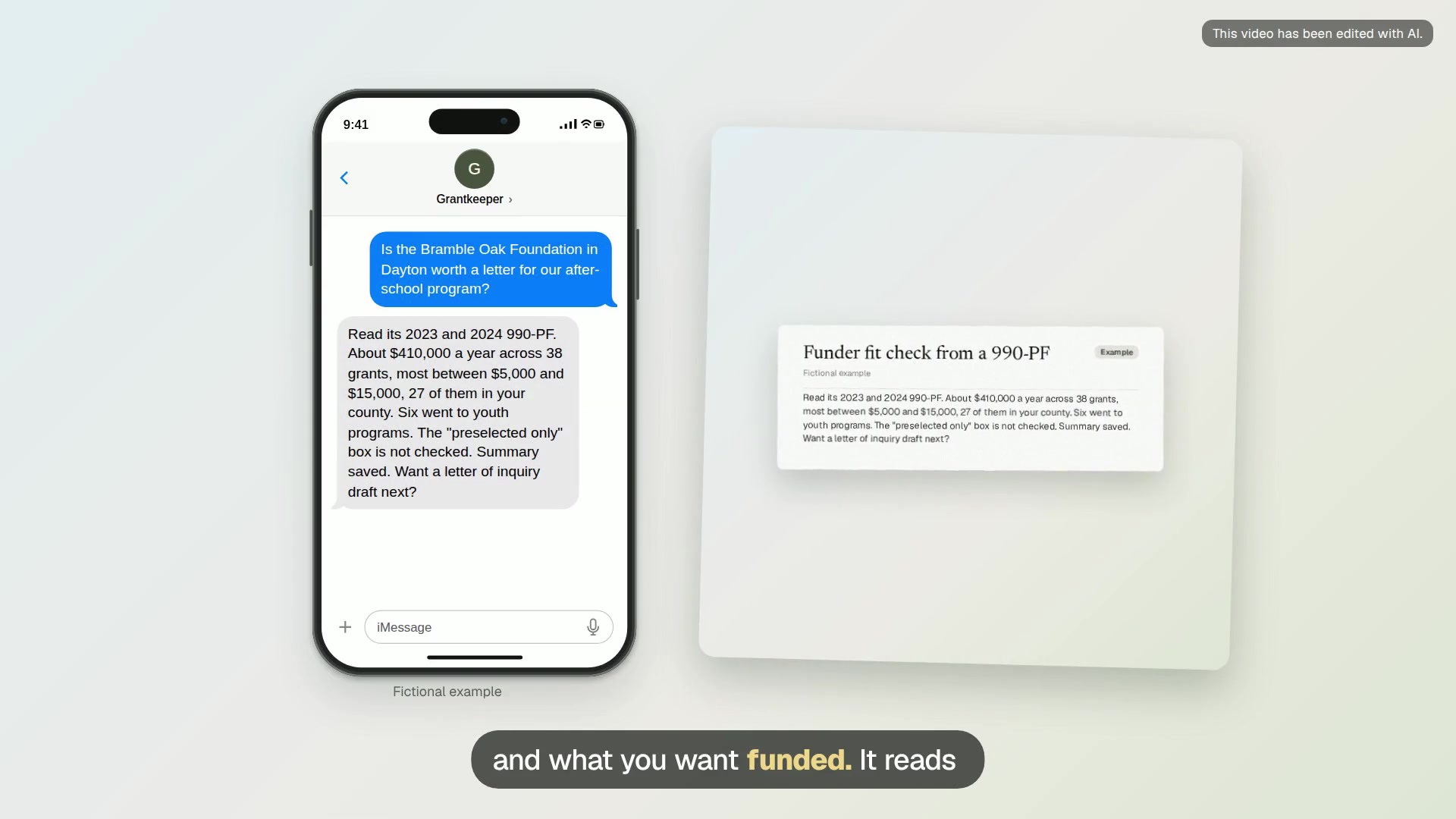
Funder fit check from a 990-PF
Name a private foundation and Grantkeeper reads its recent tax returns to show who it funds, how much, and whether it takes applications.
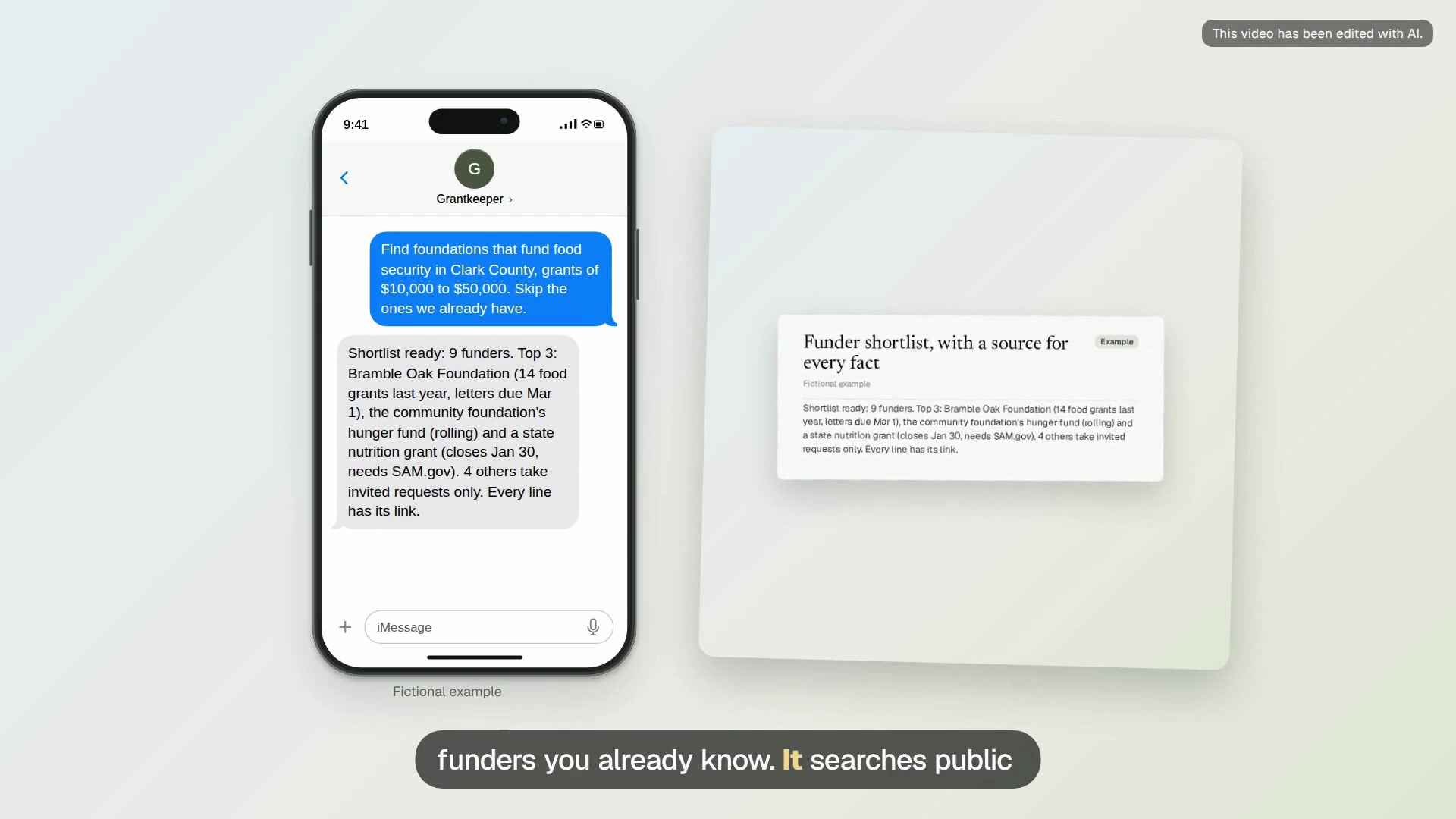
Funder shortlist, with a source for every fact
Describe the program and the area, and Grantkeeper comes back with a ranked shortlist of funders, every fact linked to where it came from.
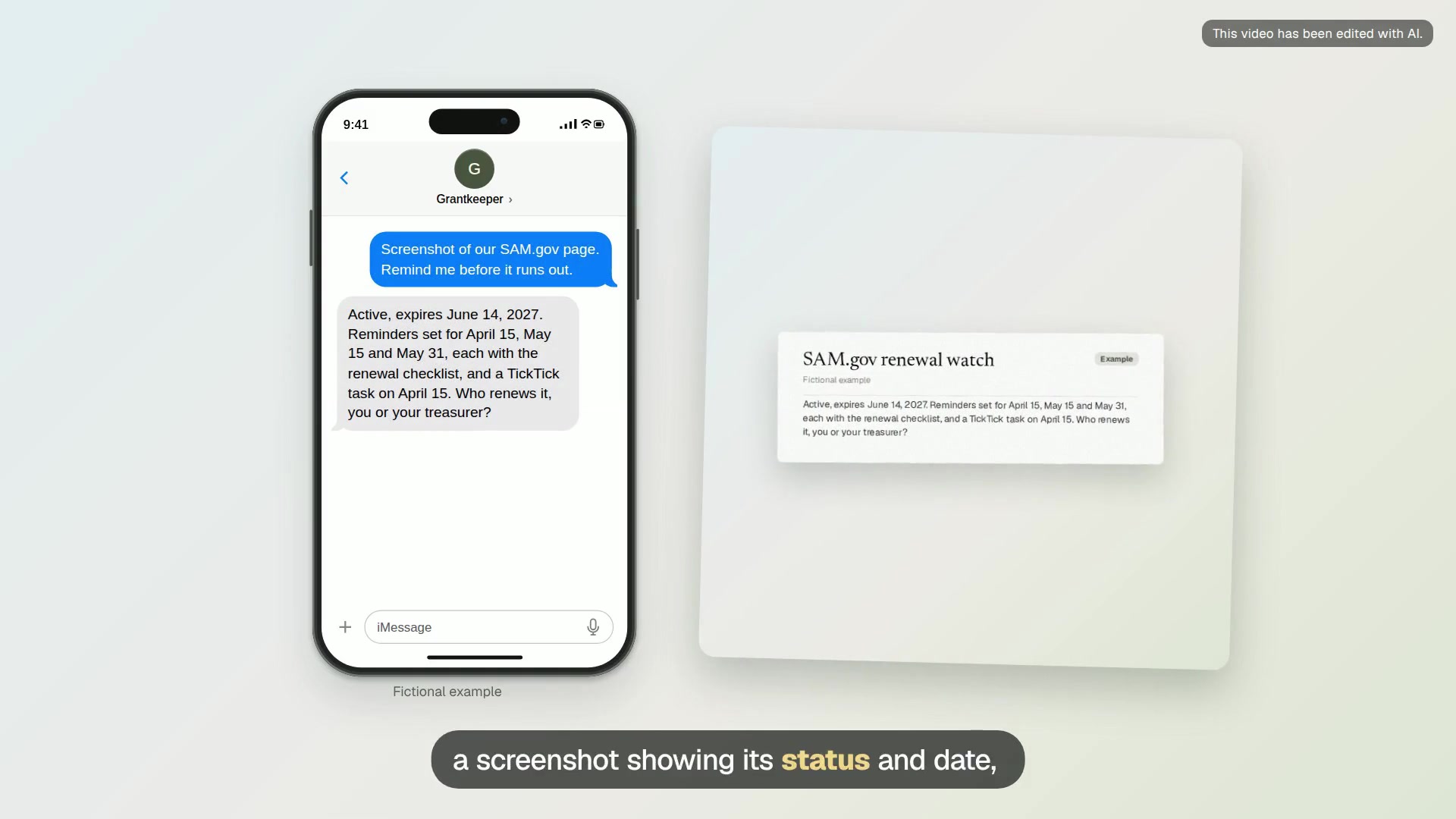
SAM.gov renewal watch
Send a screenshot of your SAM.gov registration and Grantkeeper sets reminders well before it expires, each with a short renewal checklist.
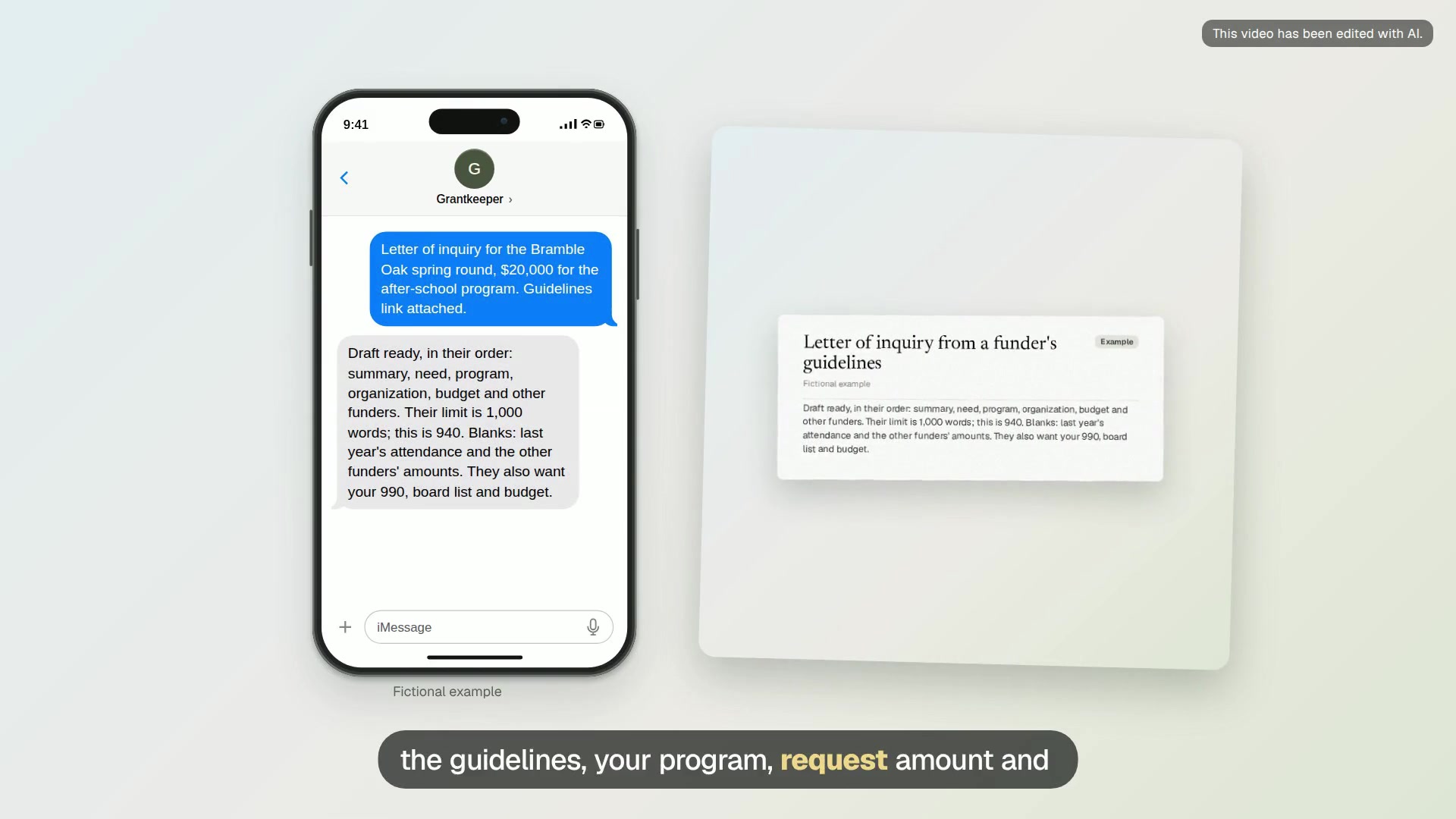
Letter of inquiry from a funder’s guidelines
Grantkeeper reads the funder’s guidelines page or PDF and drafts a letter of inquiry in the order and length it asks for, from your own facts.
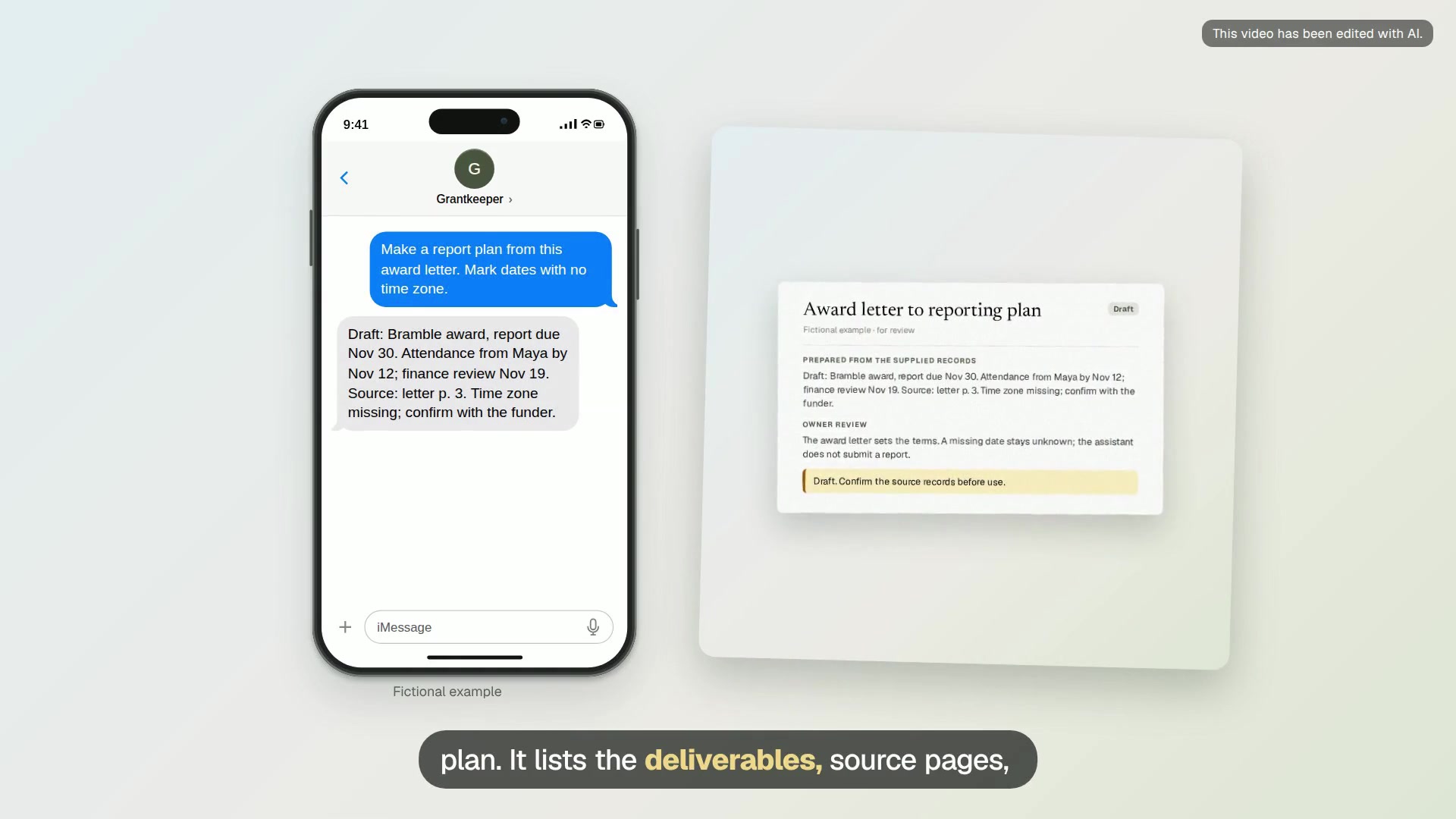
Award letter to reporting plan
A draft plan with each deliverable, source page, due date, owner blank and internal review date.
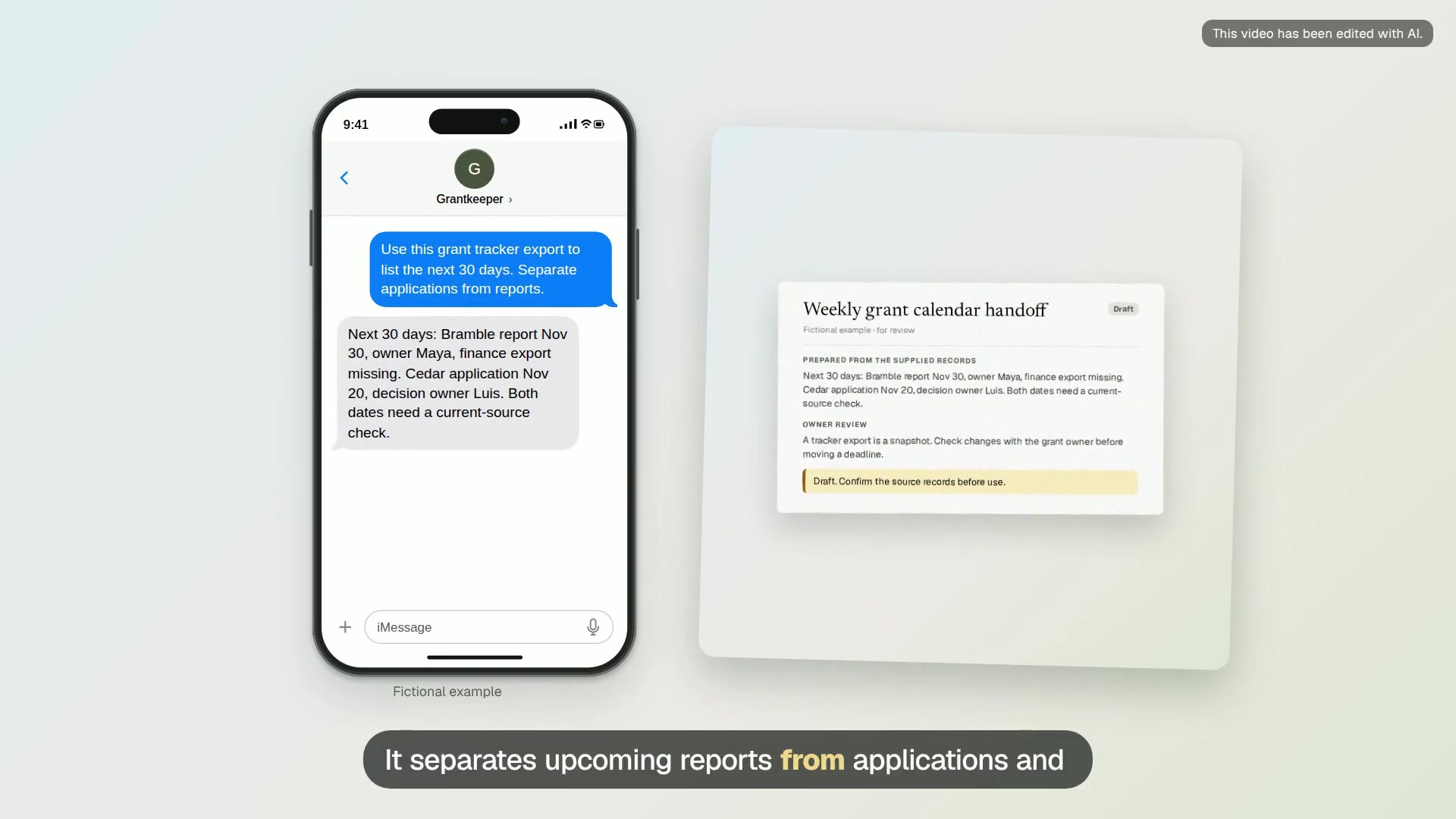
Weekly grant calendar handoff
A dated handoff with upcoming reports, application decisions, missing inputs and one named next step per award.
Photos, receipts and forms
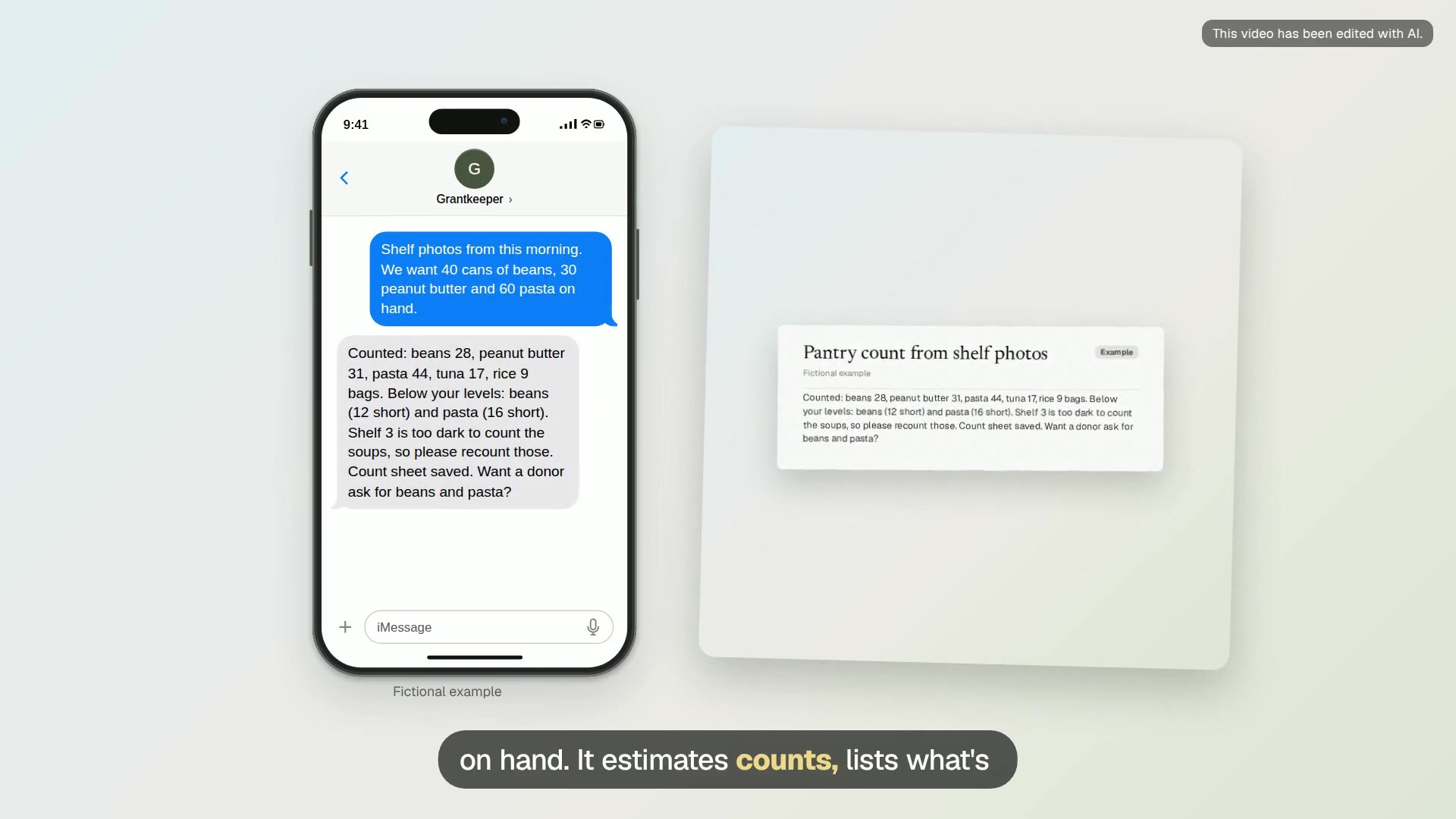
Pantry count from shelf photos
Photograph the pantry shelves and get a count by item, the items running low and a spreadsheet you can compare week to week.
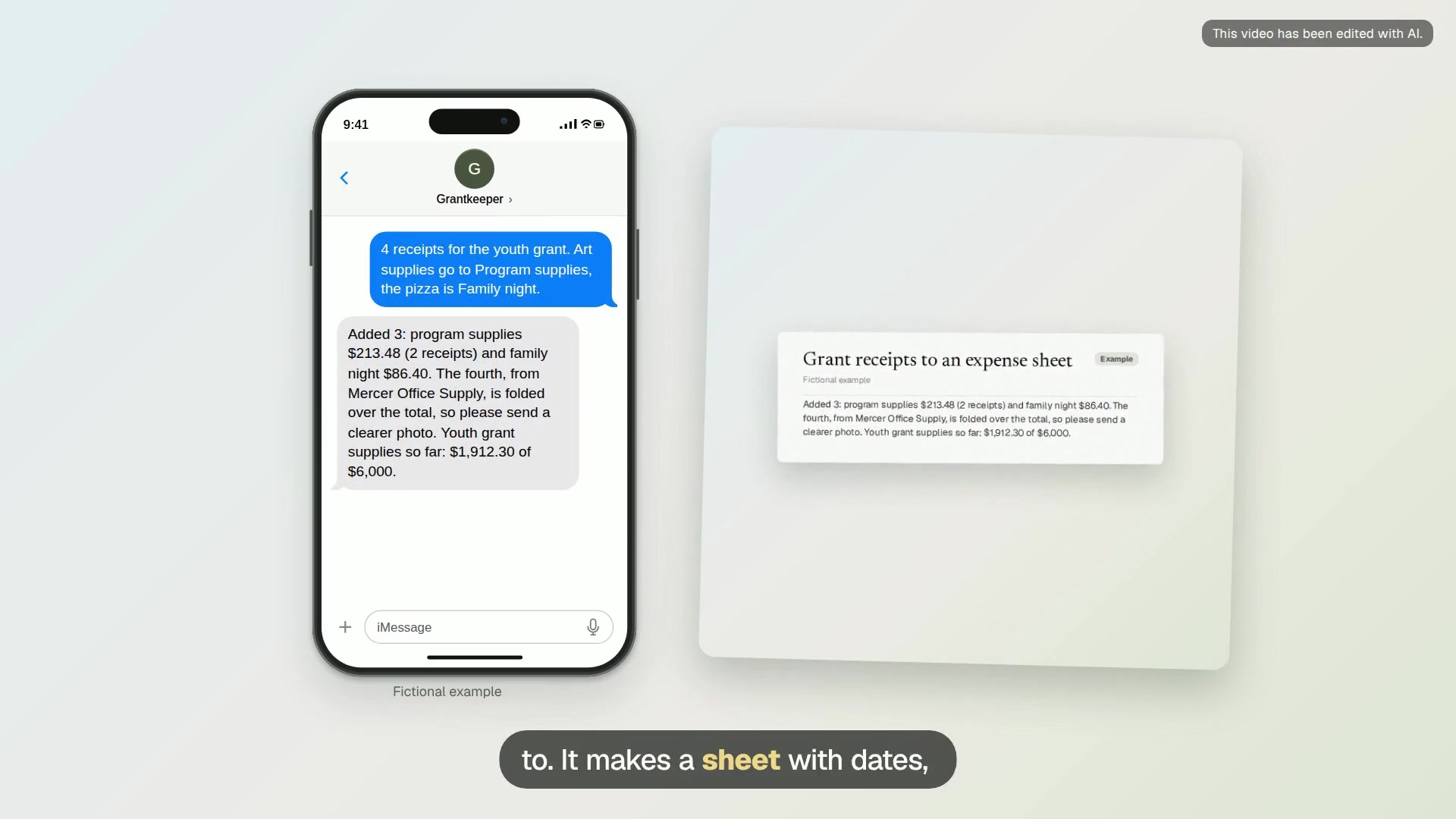
Grant receipts to an expense sheet
Send receipt photos as you spend and Grantkeeper keeps a spreadsheet by grant and budget line, with unreadable receipts flagged.
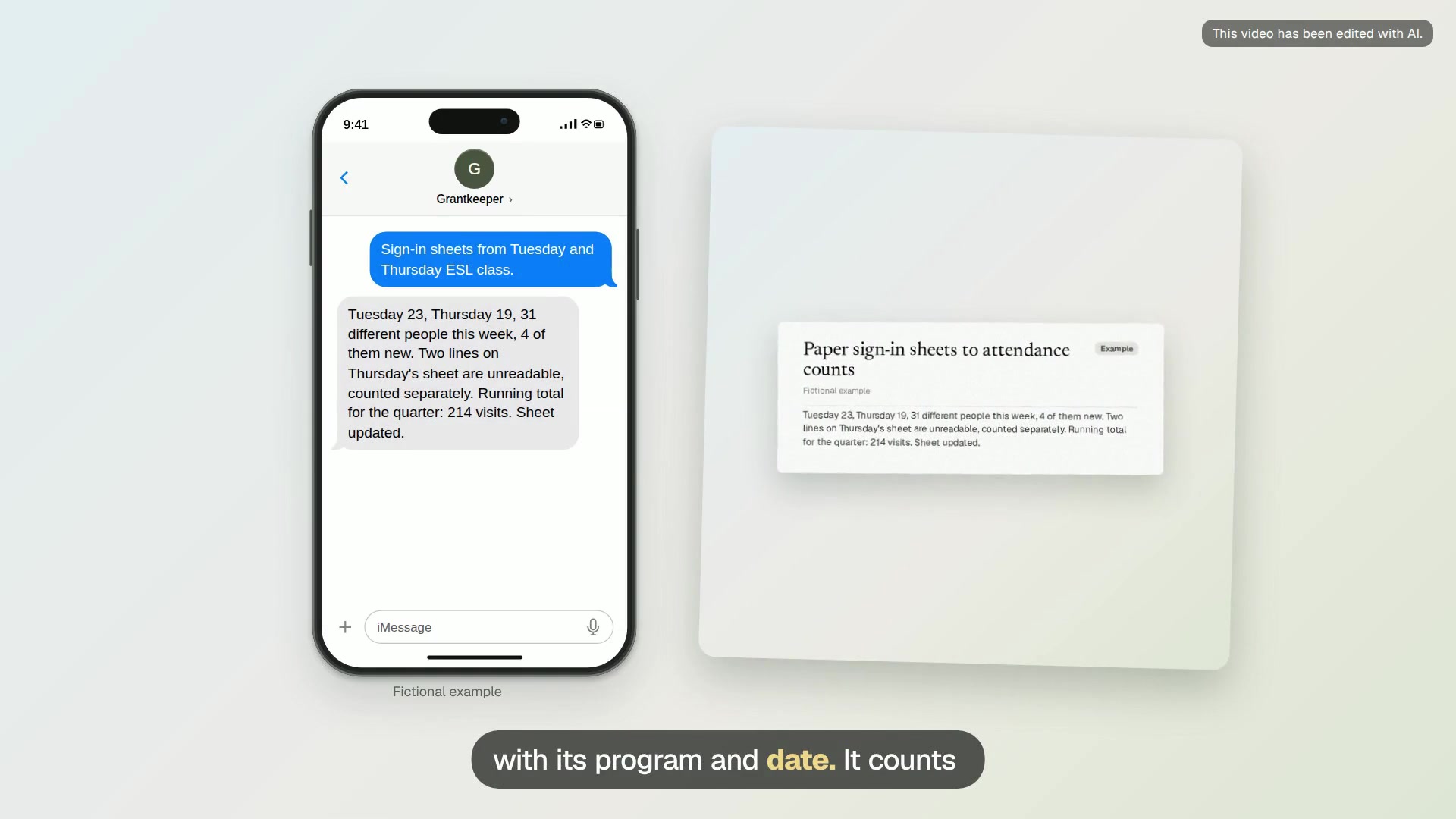
Paper sign-in sheets to attendance counts
Photograph the paper sign-in sheets from a class, clinic or meal and get attendance counts by date and program for your reports.
Flyers, pages and video
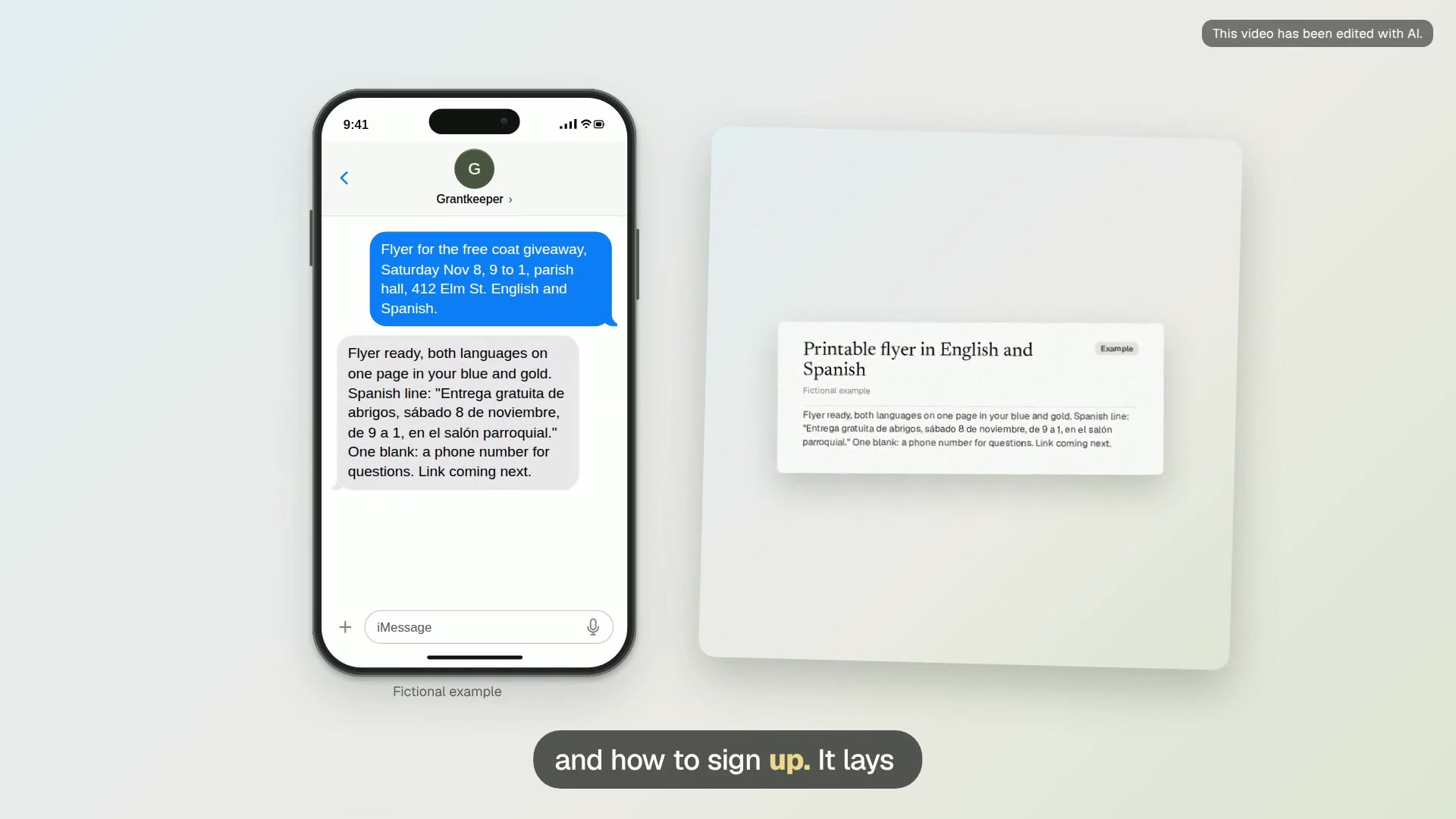
Printable flyer in English and Spanish
Get a one-page flyer for an event or program in both languages, as a page you open on your phone to print or share.
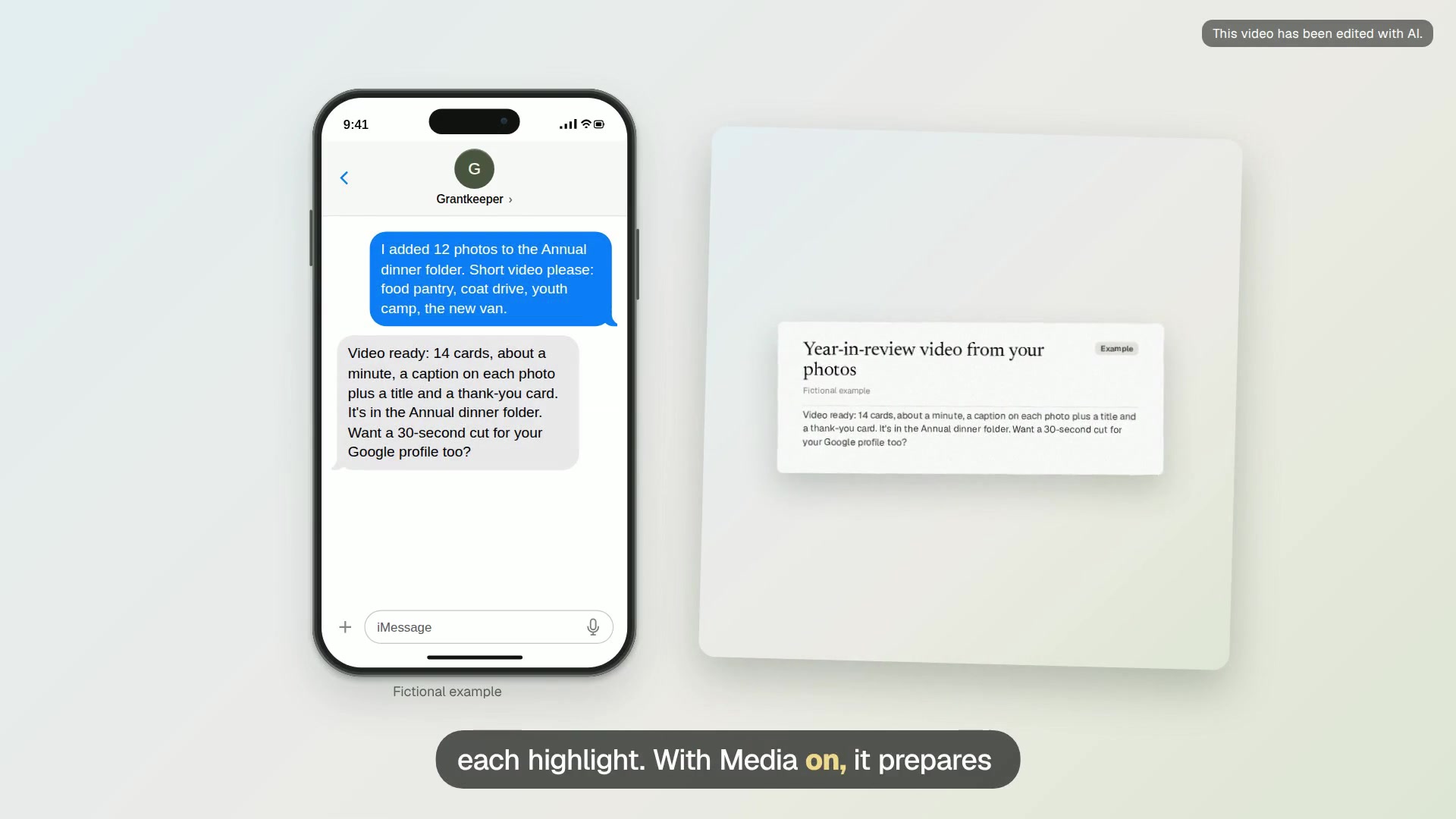
Year-in-review video from your photos
Add photos to your files, send a line for each part of the year, and get a short captioned video for the annual dinner or website.
Guides
- How to keep a Google Ad Grants account active: The rules Google checks on every Ad Grants account, and how Grantkeeper reviews them with you each week.
- The Ad Grants 5% CTR rule: What the 5% click-through rate rule measures, when a month counts, and the usual ways to raise a low rate.
- Conversion tracking for Ad Grants: Which actions count as conversions for Ad Grants, the two ways to set them up, and how Grantkeeper checks they are recorded.
- Google Ad Grants for churches: How churches qualify for Google Ad Grants, what to advertise, and the audience rules for places of worship.
- Fixing disapproved Ad Grants ads: Find out why Google disapproved an ad, fix the ad or the page it links to, and know when an appeal makes sense.
- Nonprofit volunteer follow-up: A simple follow-up rhythm for volunteers: a welcome, a reminder before the shift, and a thank-you with hours, drafted by Grantkeeper.
- Donor thank-you workflow: A weekly routine for thanking donors: check which gifts came in, write personal notes, and prepare the acknowledgment wording the IRS describes.
- Event promotion with Ad Grants: Plan an event page and a paused Ad Grants campaign a few weeks ahead, then pause it and review the results after the event.
- Board report prep for small nonprofits: Build a board packet from last month’s actions and this month’s reports, with the source beside every number.
- Nonprofit website pages that convert: What a donation, volunteer, event or program page needs so visitors can act, and what Google’s Ad Grants website policy asks for.
- AI assistant for small nonprofits: What a texting assistant can take off a small nonprofit’s week: Ad Grants checks, page drafts, donor thanks, volunteer notes and board prep.
- Ad Grants keyword rules: Single-word keywords, generic phrases and Quality Scores of 1 or 2: what Google’s Ad Grants keyword policy asks and how to clean up.
- How to find grants that fit your nonprofit: Where small nonprofits and churches find grant funders, how to read a foundation’s tax return for fit, and how Grantkeeper keeps watch.
- SAM.gov and Grants.gov registration for small nonprofits: What a small nonprofit or church needs before a first federal grant application, how long registration takes, and how to keep it from lapsing.
- Turning photos, receipts and PDFs into records: How Grantkeeper reads photos, receipts, sign-in sheets and documents and turns them into spreadsheets and records, and where its limits are.
- Flyers, pages and a simple website without a web person: How Grantkeeper makes printable flyers, phone pages your team uses, and a small public website, and which of those need extra setup.
- Grant calendar: A grant is more than an application deadline. Keep report dates, staff inputs and review time in one small register that your team can maintain.
- Donor follow-up: Keep the gift record, the receipt review and the personal thank-you connected without treating them as the same job. A small, checked log is enough to start.
- Volunteer scheduling and ministry signups: Build a clear roster from people’s actual choices and availability. Keep proposed cover, accepted shifts and completed training as separate facts.
- Church bulletins in English and Spanish: Use one checked set of event facts for both languages. Prepare a readable bulletin, review it locally and update the printed and online versions together.
- Board packets and 990 records: Prepare a board packet people can check, then gather and organize the year-end records your qualified preparer requests. Keep decisions, evidence and open questions clear.
- Event pages and signup review: Give people the facts they need, then test the full signup path. Keep page drafts, public pages, registrations and actual attendance as separate records.
- Monthly Ad Grants review: Use the weekly account check as one input to a fuller monthly review. Keep measured results, policy questions and items the assistant cannot check visible.
- Grant reporting evidence: Build a report from the funder’s actual questions and your checked records. Keep activity, outcomes, expenses and missing evidence distinct so another person can review the draft.